





Question
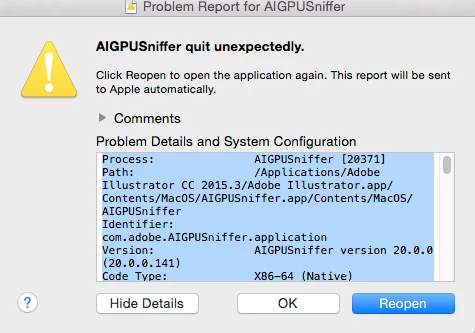
AIGPUSniffer quit unexpectedly
I need to select a vector object in a PDF and then edit it in Illustrator. So I select the object, right click and choose Edit Using Adobe Illustrator
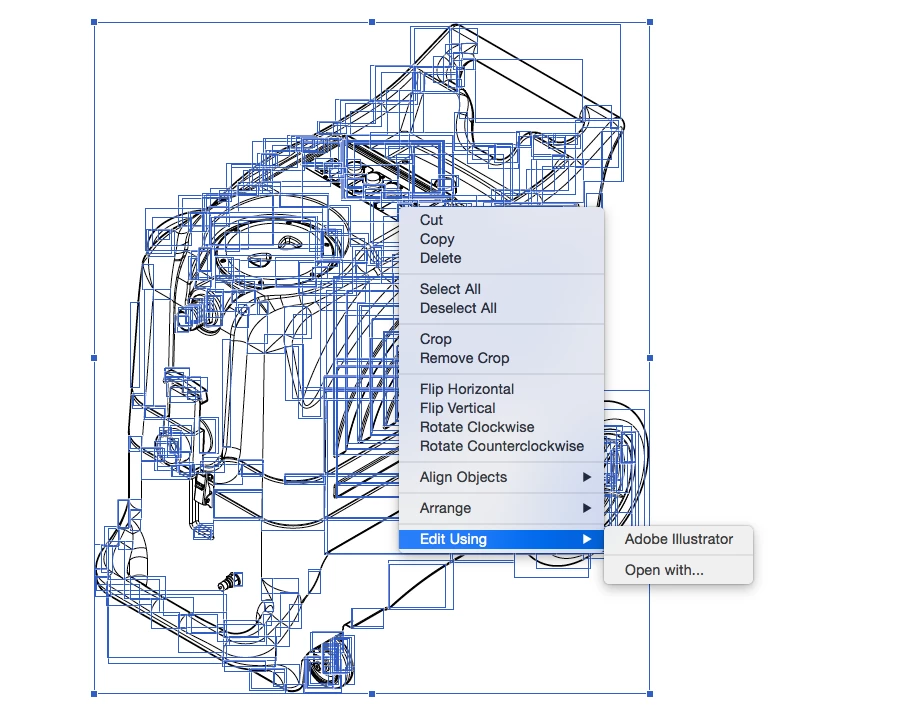
Then I get the following error message:
Process: AIGPUSniffer [20371]
Path: /Applications/Adobe Illustrator CC 2015.3/Adobe Illustrator.app/Contents/MacOS/AIGPUSniffer.app/Contents/MacOS/AIGPUSniffer
Identifier: com.adobe.AIGPUSniffer.application
Version: AIGPUSniffer version 20.0.0 (20.0.0.141)
Code Type: X86-64 (Native)
Parent Process: ??? [1]
Responsible: AIGPUSniffer [20371]
User ID: 501
How can I fix this?
 AdChoices