


Question
Blank pages after adding security in Adobe Acrobat XI Pro
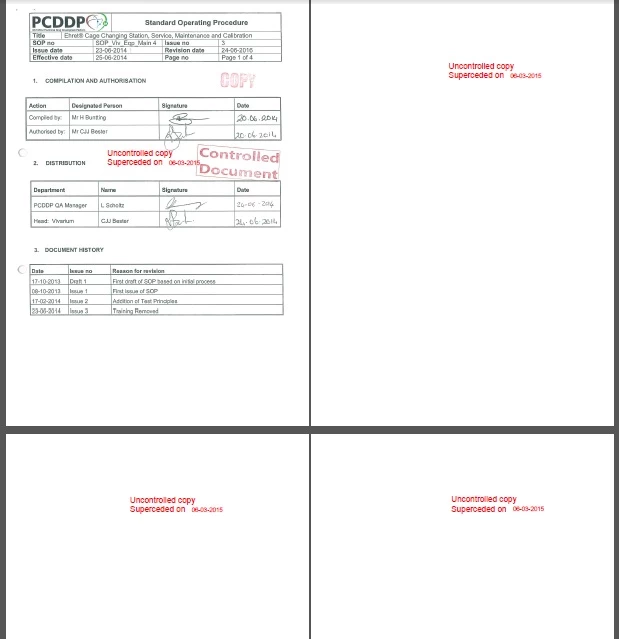
Our company makes use of Standard Operating Procedure documents (SOPs). For quality assurance standards we had to add an 'Uncontrolled copy' stamp to all the SOPs to indicate that they are not originals. An electronic stamp was added to the documents and subsequent security was implemented to only allow users to view and print the documents but not to edit it etc. If the documents are viewed the first page is shown with the other pages being blank and only showing the electronic stamp added.
I have tried to remove the security but to no avail. I have also selected the "remove hidden information' option, but with no improvement.
I basically need the pages to show and not be blank.
I shall appreciate any help in this regard.
 AdChoices