


Participant
June 6, 2016
Question

blurred

  • June 6, 2016
  • 1 reply
  • 1218 views

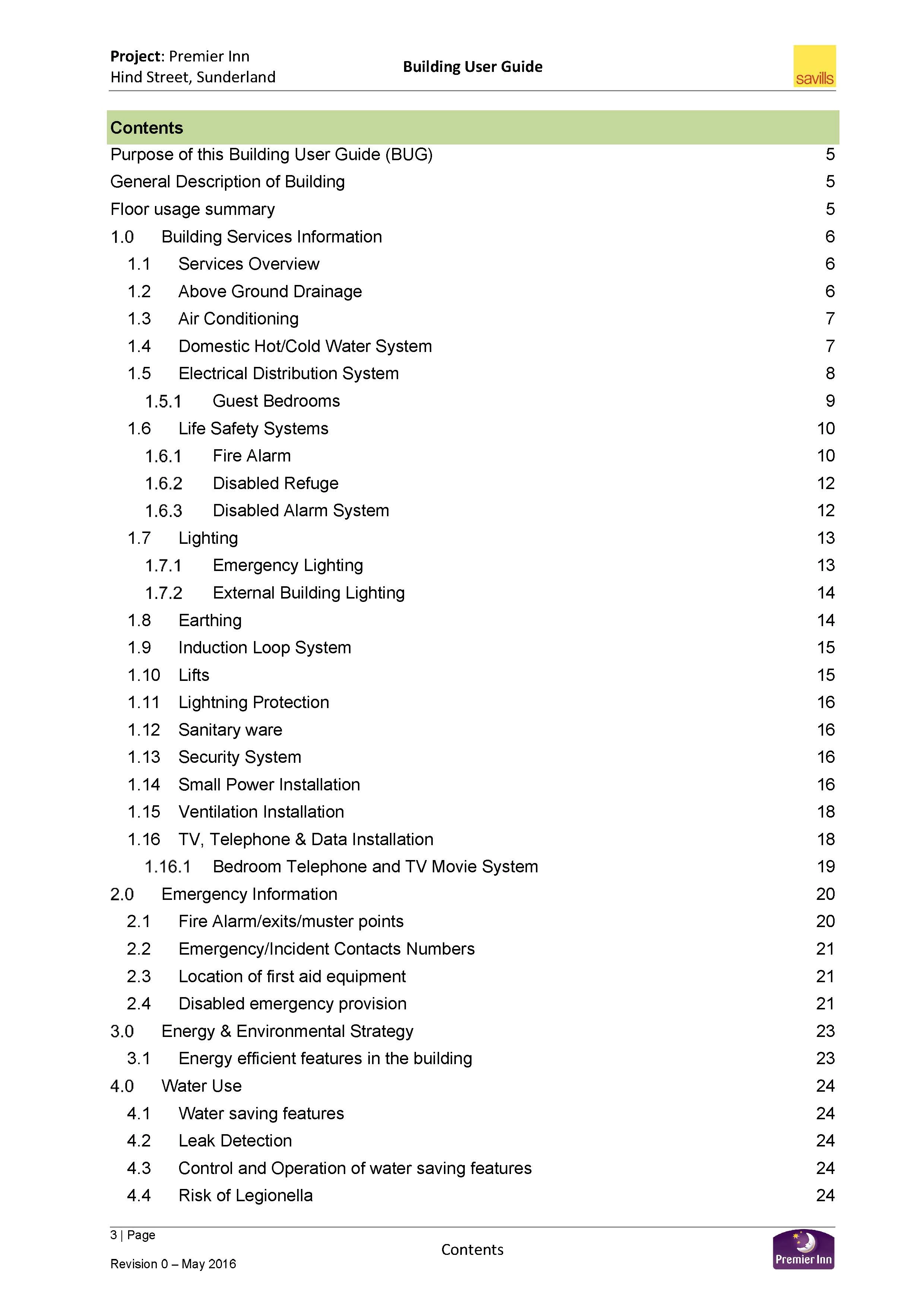
I have a word document with a series of heading types, which when printed or created using either the word export or the acrobat create tool blurs the bulleted Number, both in the contents page and on the related page in the pdf.

Any idea?
This topic has been closed for replies.

1 reply

Meenakshi_Negi
Legend
June 6, 2016

Hi,

Please check the rendering option under "Page Display".

Make sure that in smooth text option "For Laptop and LCD Screens" is selected.

Let us know if this resolves the issue.

Regards,

Meenakshi

Participant
June 6, 2016

Thank you, but that is not the issue he actual numbers on the heading "1.0/2.0/3.0 etc" are actually images and not text. when converting it does not bring it as a font,

Meenakshi_Negi
Legend
June 7, 2016

Hi,

Please try to use the Enhance Scans tool. Refer this KB doc for help: Scan documents to PDF, Adobe Acrobat

Let us know if this helps.

Regards,

Meenakshi