Participant
September 7, 2016
Answered

Can you hide fields while editing?

  • September 7, 2016
  • 1 reply
  • 836 views

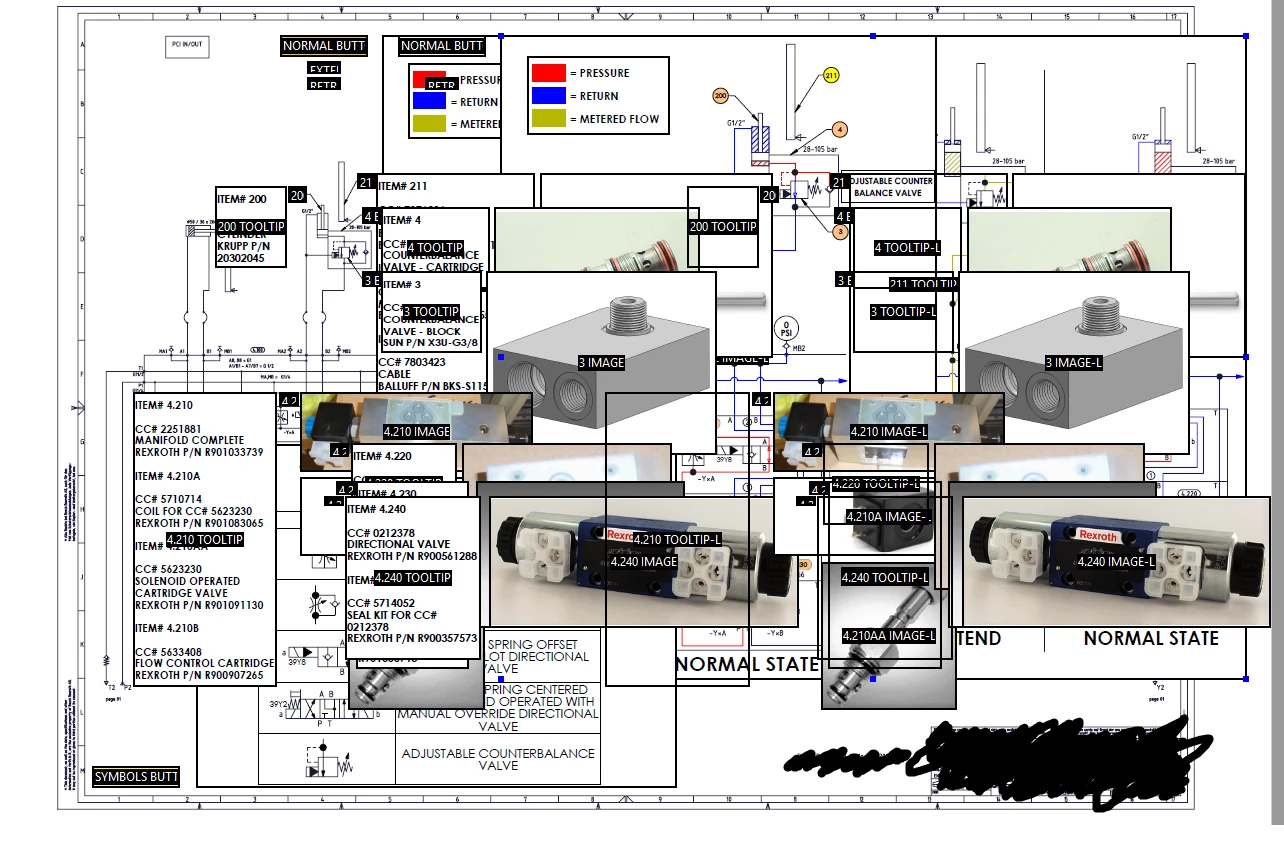
I'm trying to create an interactive piping schematic for a client. Using Acrobat's rollover buttons to display info has been incredibly helpful. I have been using form fields simply as text or image displays. I am sure this is not their intended use, but it serves my purposes.

However, due to the the size of the schematic, I have had to overlap many of my fields and it has simply become unworkable. 
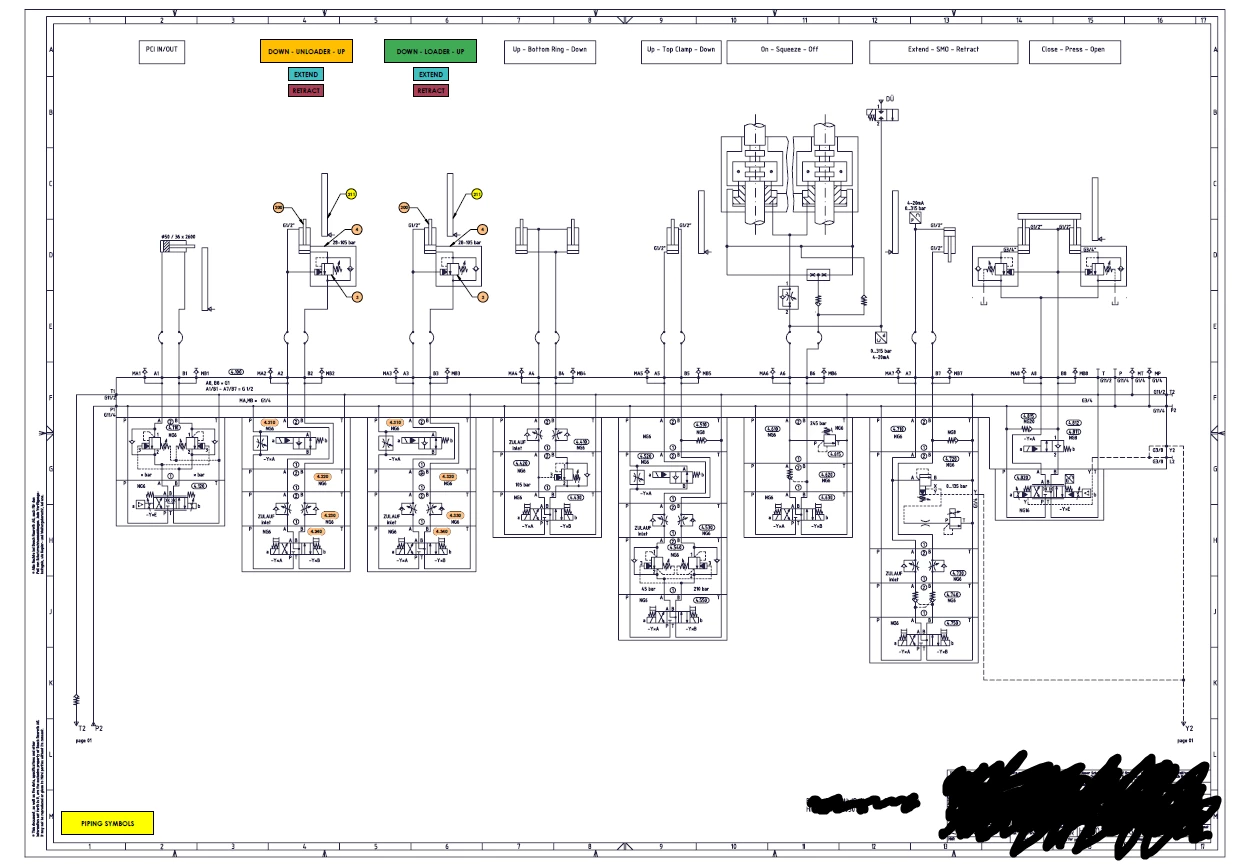
Is there a way to hide a section of fields while editing so it will make it easier to place others? If not, is there some sort of layering option or script I can use?

I will eventually need to add even more images than these. Maybe Acrobat isn't the way to go. If not, any other suggestions?

Thanks in advance.

This topic has been closed for replies.
Correct answer try67

No, you can't hide some of the fields while working on others, and no, you can't set the z-order of fields.

It's fine to use fields to display text and images, but you're pushing it a bit. I would suggest you look into using layers instead. You can then show/hide those layers using buttons and it will be much easier to work with. Hopefully the application used to generate this file can do that. If not, then you'll be better off importing the file into Illustrator or even Photoshop (depends on the kind of image you have), add the layers there, and then export it back to PDF and then set up the buttons.

1 reply

try67
Community Expert
try67Community ExpertCorrect answer
Community Expert
September 7, 2016

No, you can't hide some of the fields while working on others, and no, you can't set the z-order of fields.

It's fine to use fields to display text and images, but you're pushing it a bit. I would suggest you look into using layers instead. You can then show/hide those layers using buttons and it will be much easier to work with. Hopefully the application used to generate this file can do that. If not, then you'll be better off importing the file into Illustrator or even Photoshop (depends on the kind of image you have), add the layers there, and then export it back to PDF and then set up the buttons.

Participant
September 7, 2016

I have only edited this file inside Acrobat. It was not generated by another program. Is it possible to set up and manipulate layers within Acrobat? I would like to have a one page pdf with several (likely dozens) of interactive, rollover images. Would using layers allow me to achieve this purpose?

try67
Community Expert
Community Expert
September 7, 2016

You created this file from scratch in Acrobat? That's a very bad idea... You should be creating it in a proper layout or CAD application and then export it to PDF, and do final tweaks in Acrobat (like adding fields, etc.). You're going to get a lot of headaches if you do it all in Acrobat, trust me.

It is possible to create layers in Acrobat, but you can only import other files, not create them from scratch. To do that open the Layers panel on the left and then click the Options button and select Import As Layer...