
Participant
February 8, 2022
Question

Cannot change defaults in text field properties

  • February 8, 2022
  • 2 replies
  • 669 views

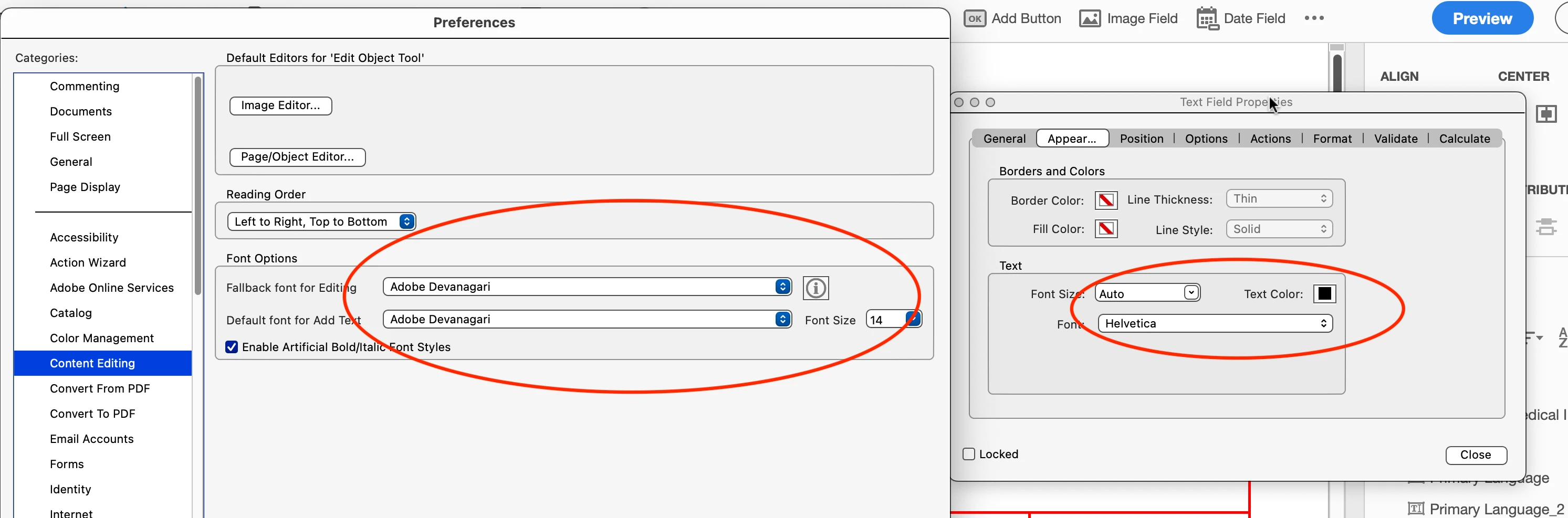
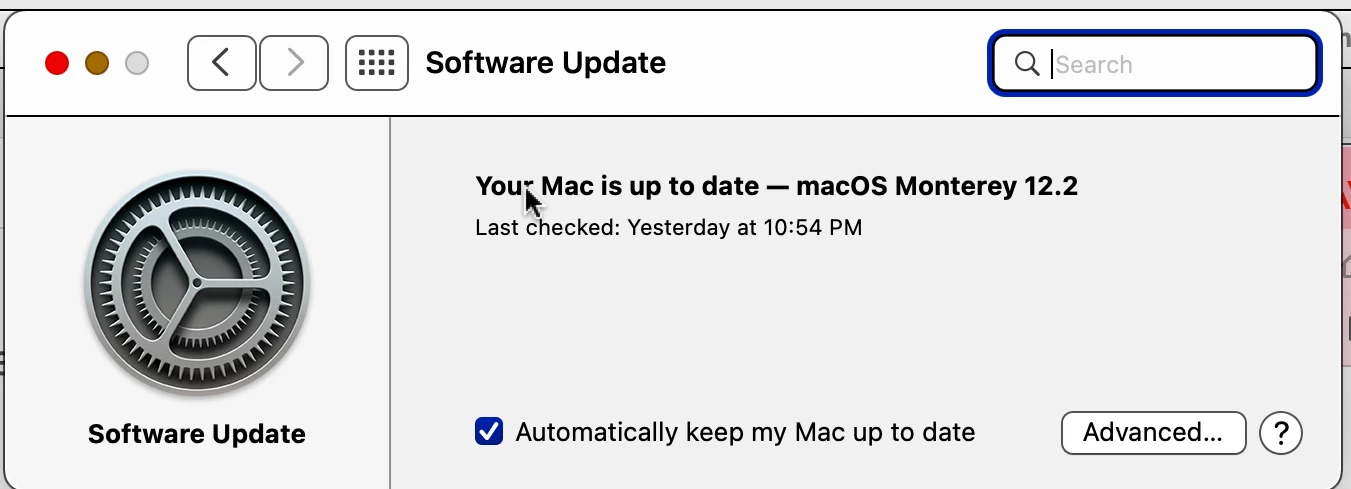
I am running Acrobat Pro DC on a MAC. I have the most recent updates for both. The problem I am having is changing the default text box settings. While Adobe shows that I have changed it, the properties are not transferring to the text boxes. As a result, after I “create” the form and go into “prepare” mode, I have to manually change all the properties in each box. Which is not only tedious but time consuming as well. I have tried uninstalling and reinstalling. Shutting down and restarting, I have watched the videos and read the posts, but the problem remains.How can I fix this?

This topic has been closed for replies.

2 replies

Bernd Alheit
Community Expert
Community Expert
February 8, 2022

This settings in the preferences have nothing to do with form fields. 

try67
Community Expert
Community Expert
February 8, 2022

These settings have nothing to do with form fields. They're about editing the static contents of the file.

You can change (some of) the properties for fields that you create manually, but not for those that are created using the fields detection wizard, if that's what you're trying to do. To do the former set a field to have the desired settings and then right-click it (in Prepare Form mode) and select Use Current Properties as New Defaults.

Participant
February 8, 2022

So, I tried that... it didn't work. I read in another comment tto "Select all"... change the preferences and then apply.. it seems to have done the trick. which has saved me aTON of time. Thanks so much for your help!