
Answered
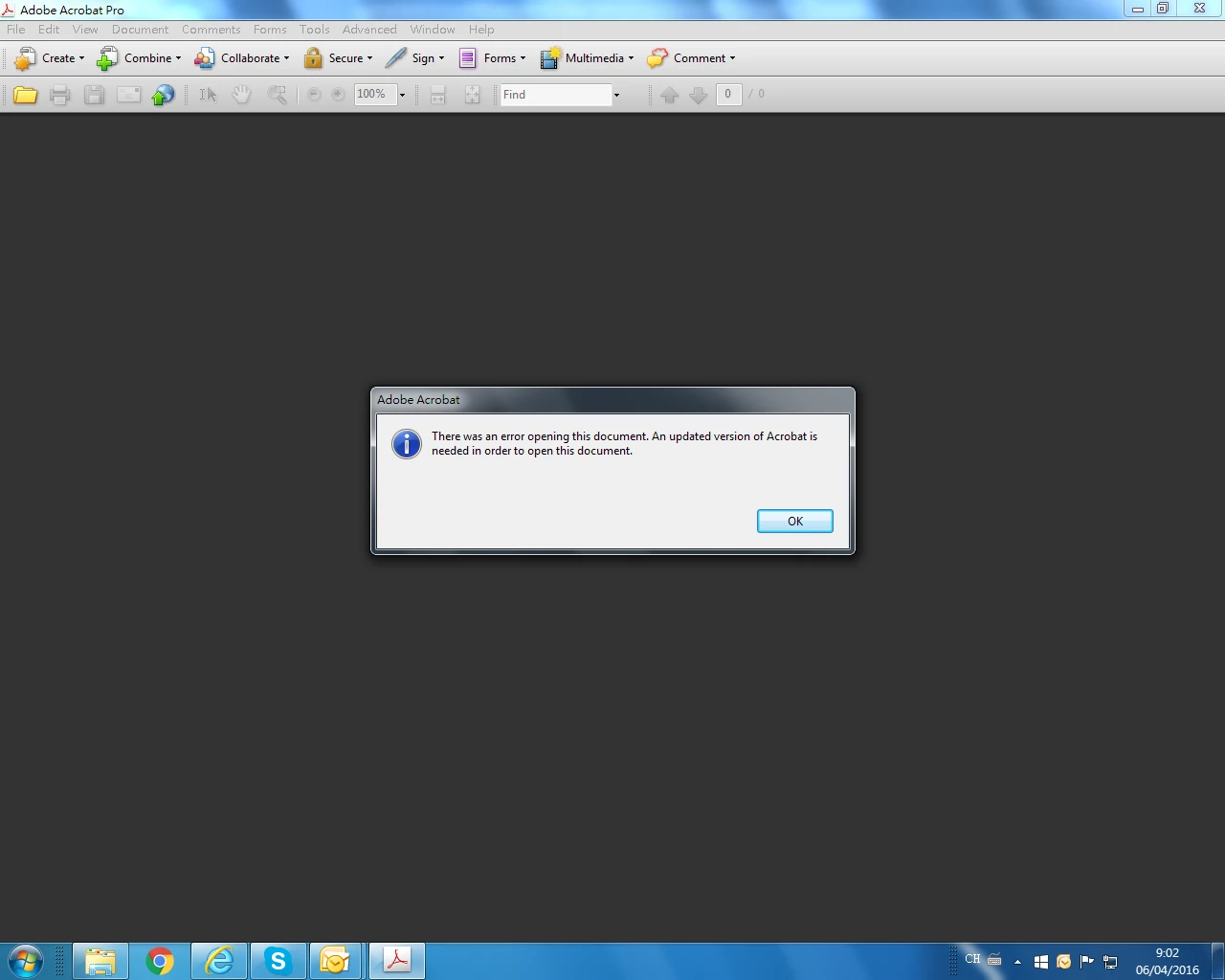
cannot open and ask for latest version.
try to open a pdf file but it ask for upgrading to the latest version.
I check for update and it shows the latest version

try to open a pdf file but it ask for upgrading to the latest version.
I check for update and it shows the latest version
You said "NOT DOING THIS", what am I not doing?
This is actually the first time I have seen this message. I have seen similar symptoms many times from people who said they were opening in Acrobat or Reader - even when asked to check - and only a screen shot finally confirmed they were not. Sorry to doubt, but this has been universal.
So, in this case I think we can simply believe the message. Your version of Acrobat is very old. I don't know what features in a PDF might give this message.
Already have an account? Login
Enter your E-mail address. We'll send you an e-mail with instructions to reset your password.


 AdChoices