


adga201222
Participant
October 7, 2016
Answered

Check if Blank-> Don't print

  • October 7, 2016
  • 1 reply
  • 1019 views

I have a time sheet form that I've copied 20 times. Only one field in the forms is different - the Name. Each name's form field is labeled "Name1", "Name2" etc. I had to create extra pages so that whoever is creating these sheets in the future will be able to add names when necessary, but these fields are blank for now. I don't want these extra pages to print and I'd rather not force the person printing the time sheets to have to check how many to print every time. Is there a way to check if a 'numbered set' of form fields is blank and set them to not print? This form field also happens to be the first field on each page if that helps. I have included an image of the sheet below. Thanks!
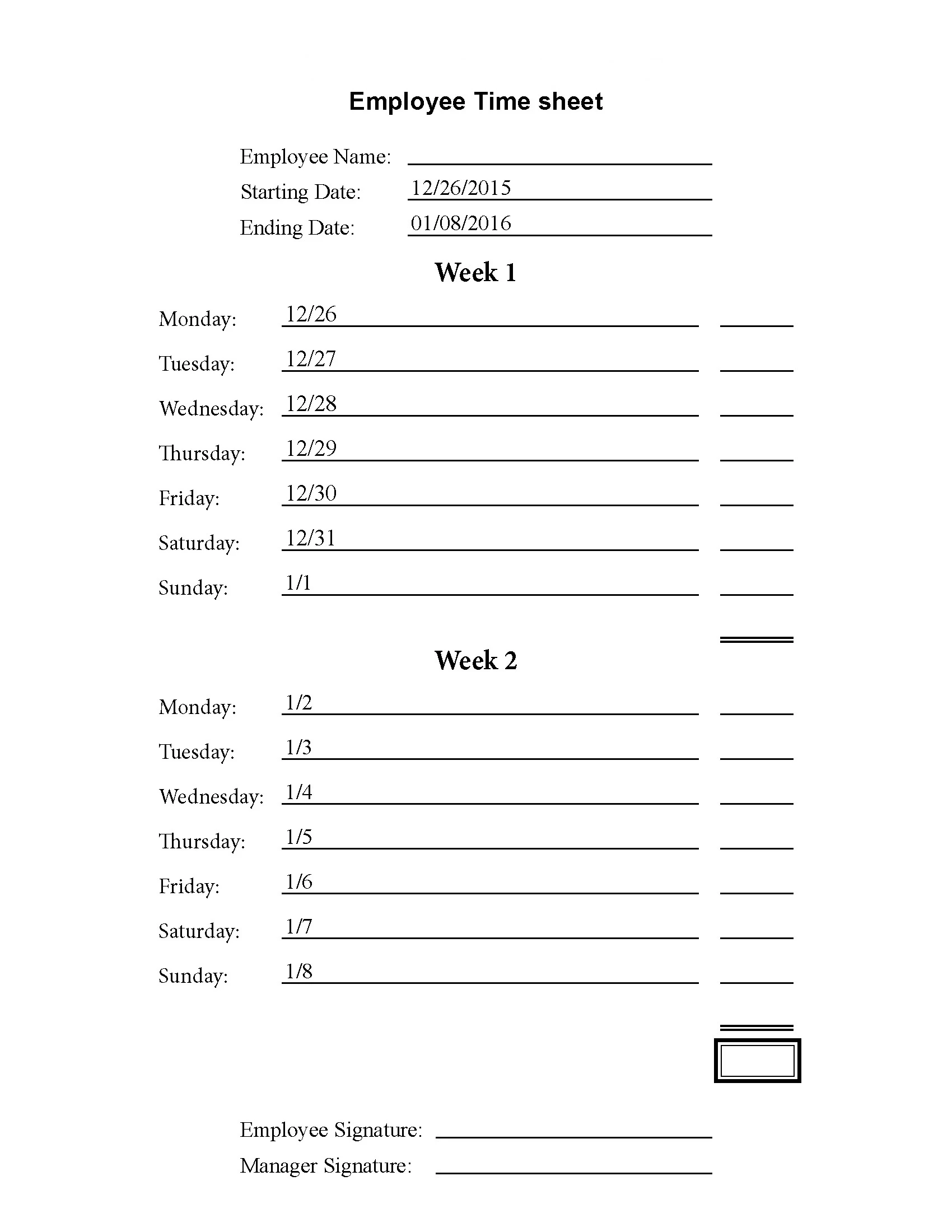

This topic has been closed for replies.
Correct answer try67

You had the right idea, but your code was not quite correct. This version should work better:

var arr = ['Name1', 'Name2']; //etc.

var range = [];

for (var i in arr) {

    var f = this.getField(arr);

    if (f.valueAsString!="") {

        range.push([f.page, f.page]);

    }

}

if (range.length>0) {

    var pp = this.getPrintParams();

    pp.printRange = range;

    this.print(pp);

}

1 reply

try67
Community Expert
Community Expert
October 7, 2016

Yes, it can be done using a custom-made script, but it can only be used if the file is printed from a button that you add to it. It will not work if the user uses the built-in Print command of the application.

adga201222
Participant
October 7, 2016

Thank you for answering so quickly! Since it can be done, the only thing I can't find is how to do "not print."  I'm somewhat new to JavaScript, but my plan is to do something like this...

var name1 = this.getField('Name1').valueAsString;

var name2 = this.getField('Name2').valueAsString; //etc.

var arr = [name1, name2,] //etc.

var pp = this.getPrintParams();

pp.interactive = pp.constants.interactionLevel.silent;

pp.printRange = function() {

     for(var i = 0; i < arr.length; i++) {

          if arr == "" {

               //don't print

          } else {

               this.print

};}

Or would this be better?

pp.printRange = function() {

     for(var i = 0; i < arr.length; i++) {

          if arr != "" {

               this.print

};}

I don't think the second would work without an else statement, but I'm unsure; I've never tried and it sounds like including an else is usually better. If the first would be better, I still need to figure out what the 'don't print' would be.

Also, if anyone has any suggestions on how to make my code better, that would also be appreciated. I'm still learning, so I would appreciate some pointers.

Bernd Alheit
Community Expert
Community Expert
October 8, 2016

Both codes will not work.