
pugnest
Participating Frequently
May 14, 2016
Answered

Comments disappear

  • May 14, 2016
  • 3 replies
  • 8061 views

Hi guys

I've been experiencing this issue since i upgraded acrobat pro to the latest version. what happened was all of the comments on the PDF were not visible.

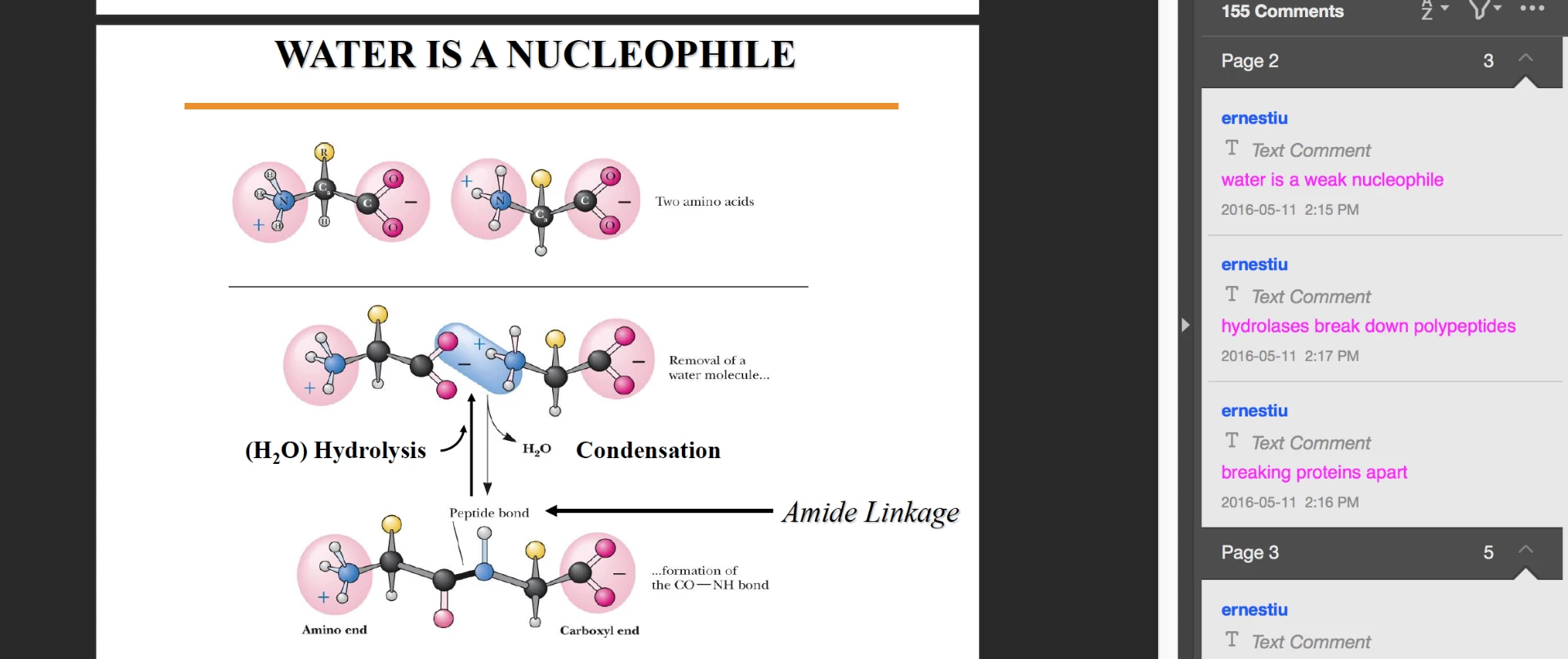
As you can see from this screenshot, on the right hand side, there are a bunch of comment written on page 2 but they are not visible on page like what it used to be in older version.

Does anyone experience such issue? Is there any way to fix this problem?

Thanks in advance.
This topic has been closed for replies.
Correct answer AshuMittal9644438

i think the latest update has fixed part of my problem that i can at least view all the comments properly now. however, when i use pinch zoom, they will be all gone for some bizarre reason. this is quite annoying...


Hi all,

We have released a patch today that fixes the issue about Comments disappearing on zoom-in/zoom-out. If you are not already updated to the latest patch, simply open Acrobat and visit Help > Check for updates to apply this patch.

More details about this release and bug fixes is available here: https://helpx.adobe.com/acrobat/release-note/acrobat-dc-june-02-2016.html

Please give it a try and let us know.

Thanks,

-ashu

3 replies

pugnest
pugnestAuthor
Participating Frequently
May 21, 2016

Can anyone please help me? This issue is bothering me...

Inspiring
May 21, 2016

Can you provide a link to a PDF with the problem (second request)?

pugnest
pugnestAuthor
Participating Frequently
May 21, 2016
Adobe Employee
May 18, 2016

Could you please let me know if you are using Mac and 10.11.x (El-Capitan)? What happens if you Zoom-In or Zoom-out?

pugnest
pugnestAuthor
Participating Frequently
May 18, 2016

Hi thanks for your reply. When i zoom in or zoom out, i'll be directed to the first page of my pdf. that's another issue

Adobe Employee
May 18, 2016

Sorry for the inconvenience and so many questions but this will help us to understand the problem.

  1. How you are changing the Zoom? using Touch Pad pinch and zoom or you are using Zoom button in Acrobat toolbar?
  2. Do you see comment back on changing zoom or you still don't see?
  3. What you see if you add a new sticky note to the PDF?
pugnest
pugnestAuthor
Participating Frequently
May 14, 2016

i've also reinstalled the app, but the problem remains unresolved

Inspiring
May 15, 2016

Reinstallation would not be my first choice to repair the problem. I would first try to use "Repair Installation" under the menu item "Help".

Have you looked at the properties for the comments to see if the font color has been changed to white or transparent?

For other comment types I would check the "Opacity" property of the comment.

Use the text object properties on the comment tool bar. The "Aa" at the far right of the comment tool bar.

If I have to reinstall Acrobat or Reader, I use the Acrobat Removal Tool so there is nothing left behind from the install. Sometimes registry entries, DLL's or other pieces of the program do not get properly removed.

pugnest
pugnestAuthor
Participating Frequently
May 15, 2016

Hi, thanks for your reply. I've looked at the properties for the comments and found no problem in fonts nor opacity properties. Do you think it can be a defect in this acrobat version?