
COMPLETELY Uninstall Reader DC
Hello,
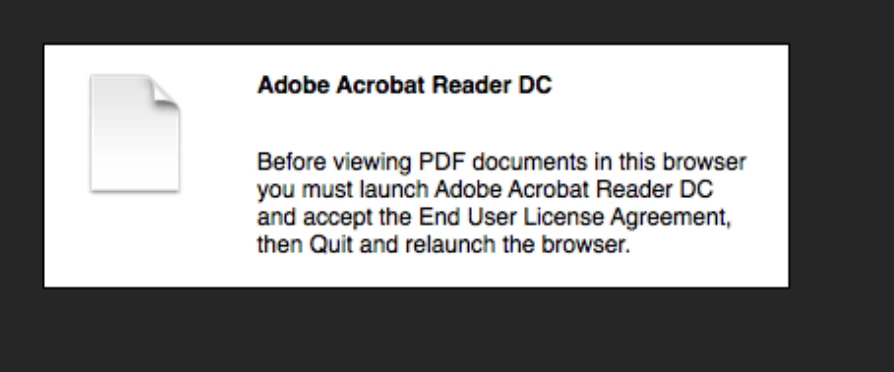
I desperately want to get rid of DC, but even when I use programs such as "AppCleaner" I cannot get rid of Adobe DC within Safari. When I open a pdf in safari, it should default to Preview (so much faster than DC). Even though I tried my best to get rid of DC, I get the message below (see screenshot).
I just want to be able to use Preview in safari again.
I have had he same problem with an earlier edition of Reader, and I fixed the problem by going to Library-Internet Plugins and deleting the Adobe plugins. This time, however, they are not there and I can't delete them for DC.
I'm pretty dissatisfied with how cluttered and disorganized Adobe has made the uninstall process for Reader.
Thanks,
Patrick
Mac OS X
10.9.4
2.5 GHz Intel Core i5
Safari 7.0.5


 AdChoices