


CADTech
Participant
September 27, 2016
Question

Copying Files during Publish (AutoCAD Mechanical 2016)

  • September 27, 2016
  • 2 replies
  • 576 views

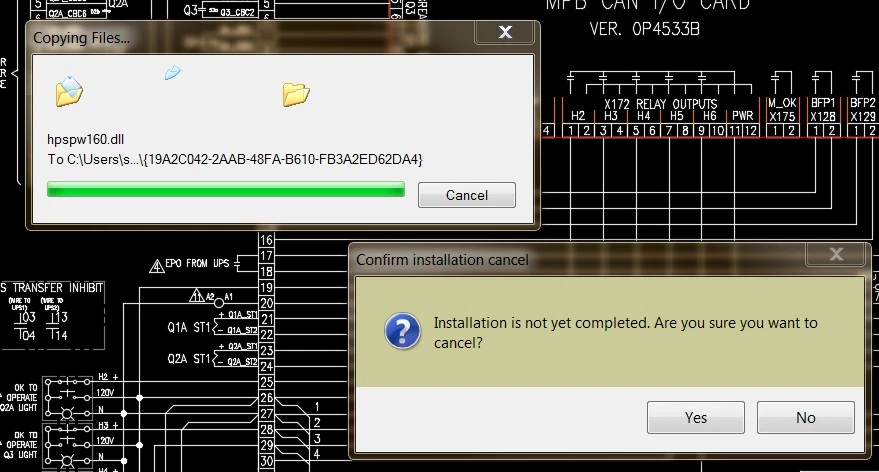
When publishing a bunch of drawing tabs in AutoCAD Mechanical 2016 to create a multi-page PDF, a window pops-up showing files being copied before the actual publish window pops up.

This happens every time I publish drawings.  How do I stop these files from being copied (or downloaded) ?
This topic has been closed for replies.

2 replies

Legend
October 7, 2016

Does AutoCAD use Acrobat to make the PDF file, or not? This may not be obvious to answer. I guess the best thing is to ask: does AutoCAD *require* that you install Acrobat Pro.

Another thing to do is open a PDF and use File > Properties. Look under the General tab at the "Application" and "PDF Producer" fields - let us know what both of them say and we can say if Acrobat is making the file.

CADTech
CADTechAuthor
Participant
October 7, 2016

No, AutoCAD does not need Acrobat to make PDF's.  It can use PDF Creator.  But I need Acrobat Pro DC for the editing features.

These are the properties of a recently created PDF through AutoCAD;

Application: PScript5.dll Version 5.2.2

PDF Producer: Acrobat Distiller 15.0 (Windows)

Known Participant
October 6, 2016

Can you plot to a single PDF with the driver ?

It appears that the PDF driver you are using is not installed on the computer.

You should speak to your IT to make sure it is available for you to use on your computer before attempting to run Publish.

CADTech
CADTechAuthor
Participant
October 7, 2016

I asked my local I.T. guys about this issue and we found that every time I published (print/plot) a drawing(s), either AutoCAD or Adobe was looking for a specific printer.  Which is odd since I am working on a brand new laptop & new installation of AutoCAD Mechanical 2016, how does it even know that this old printer ever existed ?

Anyway, the I.T. guy loaded the driver for this old printer and the issue of copying files went away.

Legend
October 7, 2016

Adobe could mean many things. Exactly what Adobe software is installed? Acrobat Pro, Acrobat Reader, Acrobat Standard, Adobe Reader? And exactly what version?  Does AutoCAD use Acrobat to make the PDF file, or not?