
Data leak security issue if compare files is used on adobe secured file
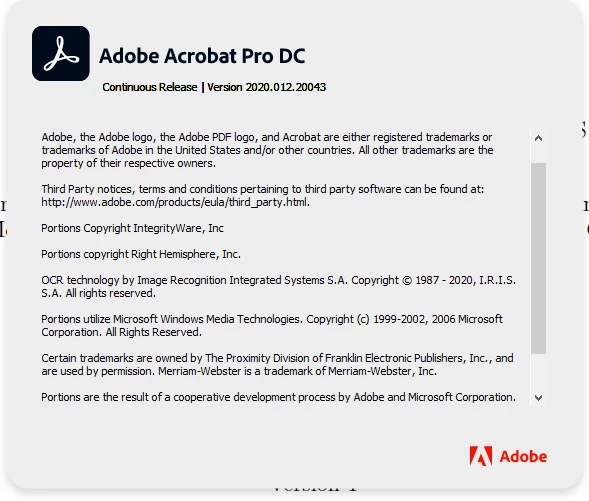
The adobe version which I am using
Steps to replicate:
Create a pdf, secure it password protection:
1. Provide a password to open the file and (User password)
2. Restrict editing and select changes allowed to any except extracting pages
3. Enter change permissions password (author password)
4. Save the document and close it
5. Open the secured pdf, provide the user password below should be the security settings.
The permissions on the document
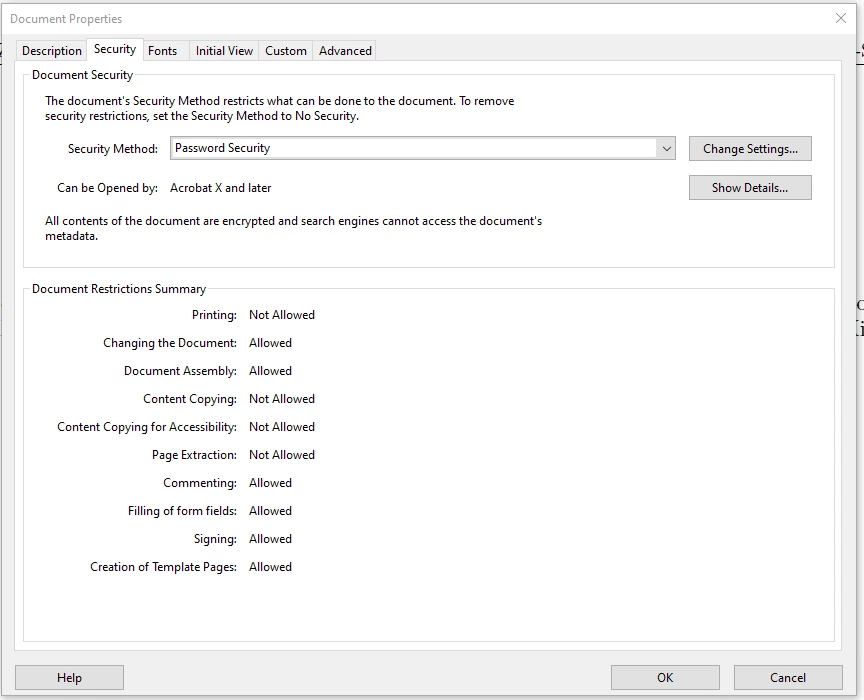
6. Select the compare tool, select this file. Select any other random pdf file (Note: No password prompts are shown here)
7. Select compare
8. the compare tool will generate a list of differences and opens the difference in a new tab.
9. Close the tab and go back to the orignal file tab.
10. Now the file is comletely unlocked.
Permissions post the usage of the compare files tool in the below image.
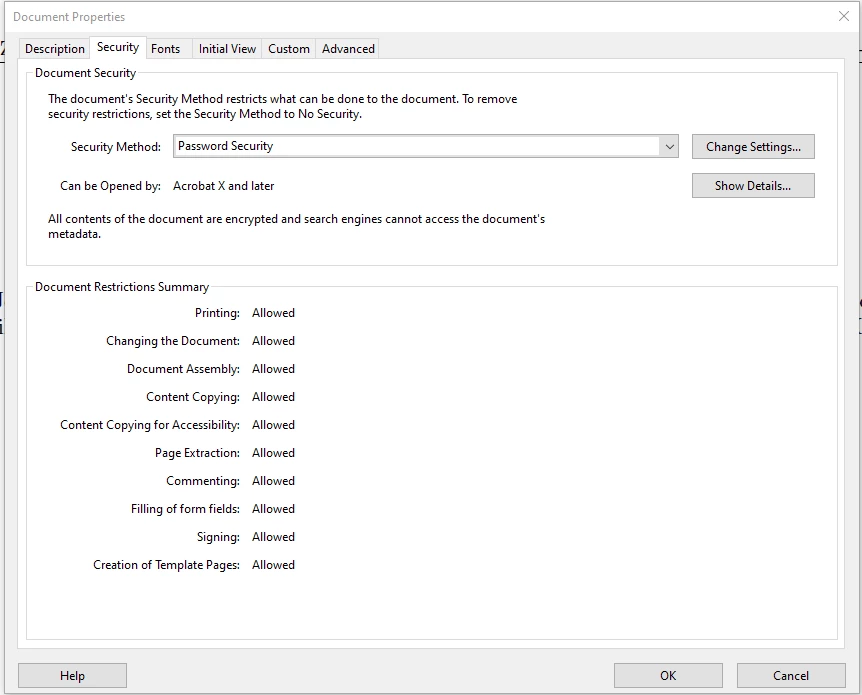
When compare file tool is used for this document, this doesn't prompt for the author password and directly compares the content of the file inspite of content copying and page extraction being not allowed. Also, once the compare tool is used then automatically the permissions of the file is being listed as everything is allowed.
Automatically the user has has become the author of the file by using the compare tool. And the user can even remove the password if he wishes. All these without even knowing the author password.
A serious security issue in Acrobat Pro DC


 AdChoices