Known Participant
May 18, 2018
Answered

Dropdown selection based on fields?

  • May 18, 2018
  • 1 reply
  • 2629 views

I'm not 100% percent sure how to word this, but I need a dropdown menu to show only a certain selection based on a field.

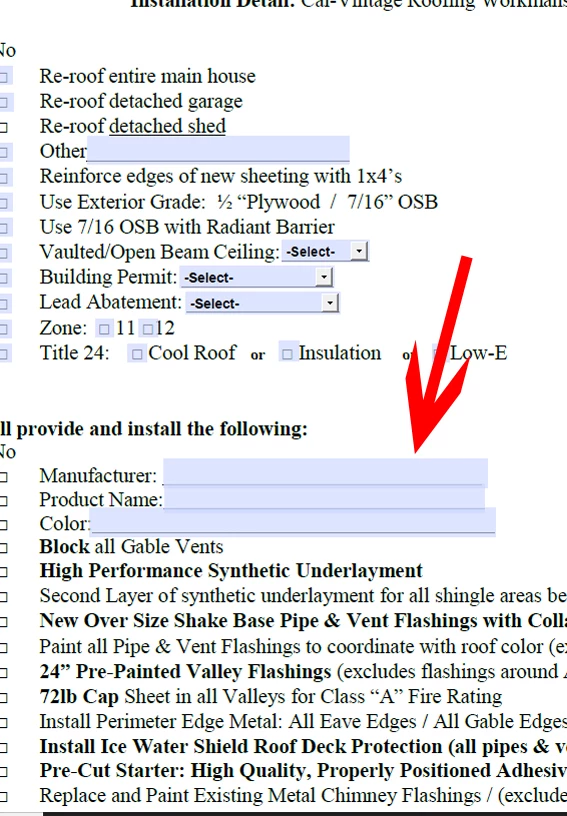
I will explain what i'm doing. I have a form with three fields. One is Manufacturer, One is Product, and the third is Product color. The Manufacturer and Product field automatically are populated based on a checkbox selection I have of products. So based on what they click on the checkbox, I want the drop-down to only display product colors based on the Product that was chosen.

Is there a way to do this? Maybe some sort of script? I am open to all ideas or better alternative on how to approach this.

I inserted screen shots of the form I have to give you a better idea.
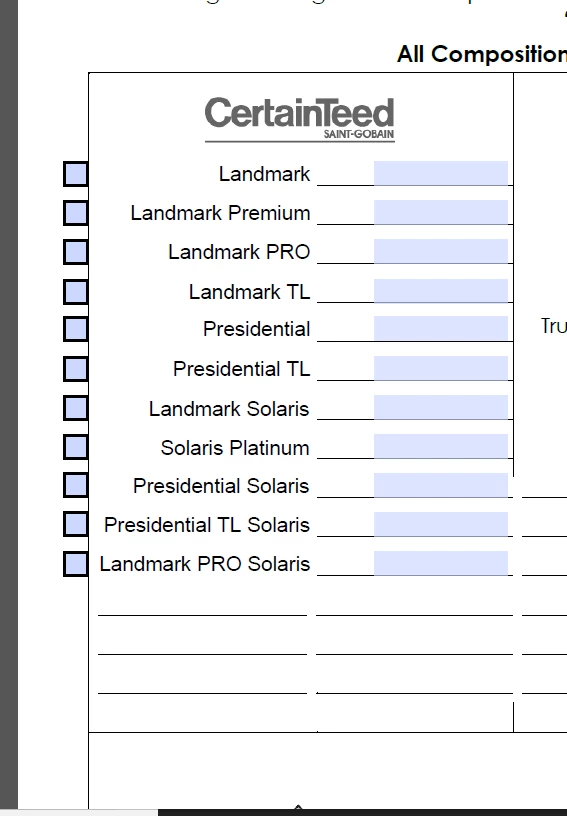
This topic has been closed for replies.
Correct answer MatLac10492407

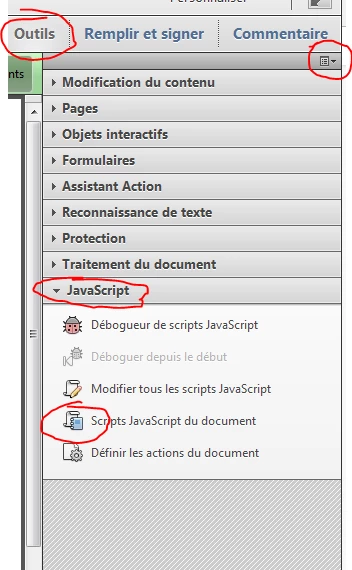
First of all, how do I get to document-level function? And does all of this goes on their? Or just the first part, then the rest on the radio buttons?


On the right pane: tools/javascript

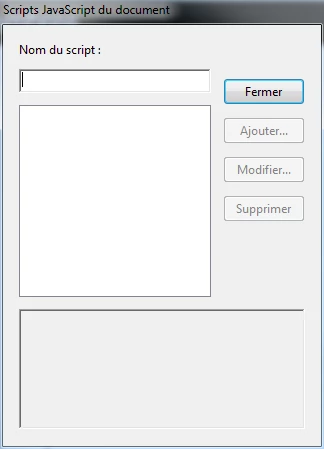
Create a name for your script (use the name of the function you are about to create) and click "add"

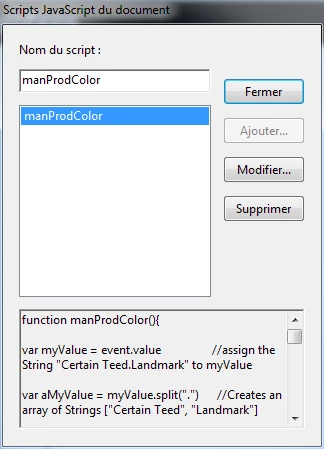
then it shows like this:

you created a document level function

you call that function whenever you need the code to "run" simply with this line:

manProdColor()

You can call the function from the validate or the calculate event, from another function, etc.  So instead of having to copy the same script to a bunch of fields, you create a function and call that function from those fields.  If you need to change something inside the function, you make the change only once instead of having to go into each individual fields.

here is a simple example:

function hello(){

     app.alert("hello world")

}

hello()  //Calling the function hello() from a button will launch the alert.

If you have a tousand buttons of such and want to change the string to "hello universe", you better wish you used a function instead of hardcoding the same thing 1000x.

You can also pass values as arguments to a function and return a value from a function:

function doubleMe(x){

     return x * 2

}

var a = 10

var b = doubleMe(a)  //b = 20

1 reply

Inspiring
May 18, 2018

Yes, that's certainly possible using JavaScript. It might be easiest to set up a hidden text field who's sole purpose it to provide a convenient location to place the script, a calculation script in particular. A field's calculate event is triggered whenever the value of any field changes, so whenever either the manufacturer or product field values change, the calculate script of the hidden text field would get triggered.

The script would be programmed to look at the value of each input field, and determine the list items for the dropdown, and then populate the dropdown with this updated list. If you provide more information, including some examples of different inputs, I bet someone here will help get you started on the script.

Known Participant
May 22, 2018

Could you show me an example of what that would look like? I am really new to javascript. A lot of what I have learned has been through copying other peoples script and tweaking it to work for me.

Inspiring
May 22, 2018

you need to use the setItems() method.  It will set the items of your dropdown lists based on the value choosen in another dropdown list.

Supposed you have manufacturer A and B, product 1 and 2 for the first and 3 and 4 for the second

if (this.getField("manufacturer").value == "A") this.getField("product").setItems([" ", "1", "2"])

else if (this.getField("manufacturer").value == "B") this.getField("product").setItems([" ", "3", "4"])

repeat the same process for colors, according to product and be sure to put such a script as a custom validate script, not calculate or it will constantly change the values of your fields