
Error exporting PDF to Excel and HTML on Win7
I just downloaded a trial version of Acrobat Pro DC on Windows 7 and I'm trying to export a fillable form to Excel and HTML. Both come out terribly wrong.
I'd like to create a form as an email attachment to capture input data that I can export to my Excel Workbook to update my Contact List. The fields on my form are obviously the columns on my spreadsheet. But when I export the form as a spreadsheet, this happens:
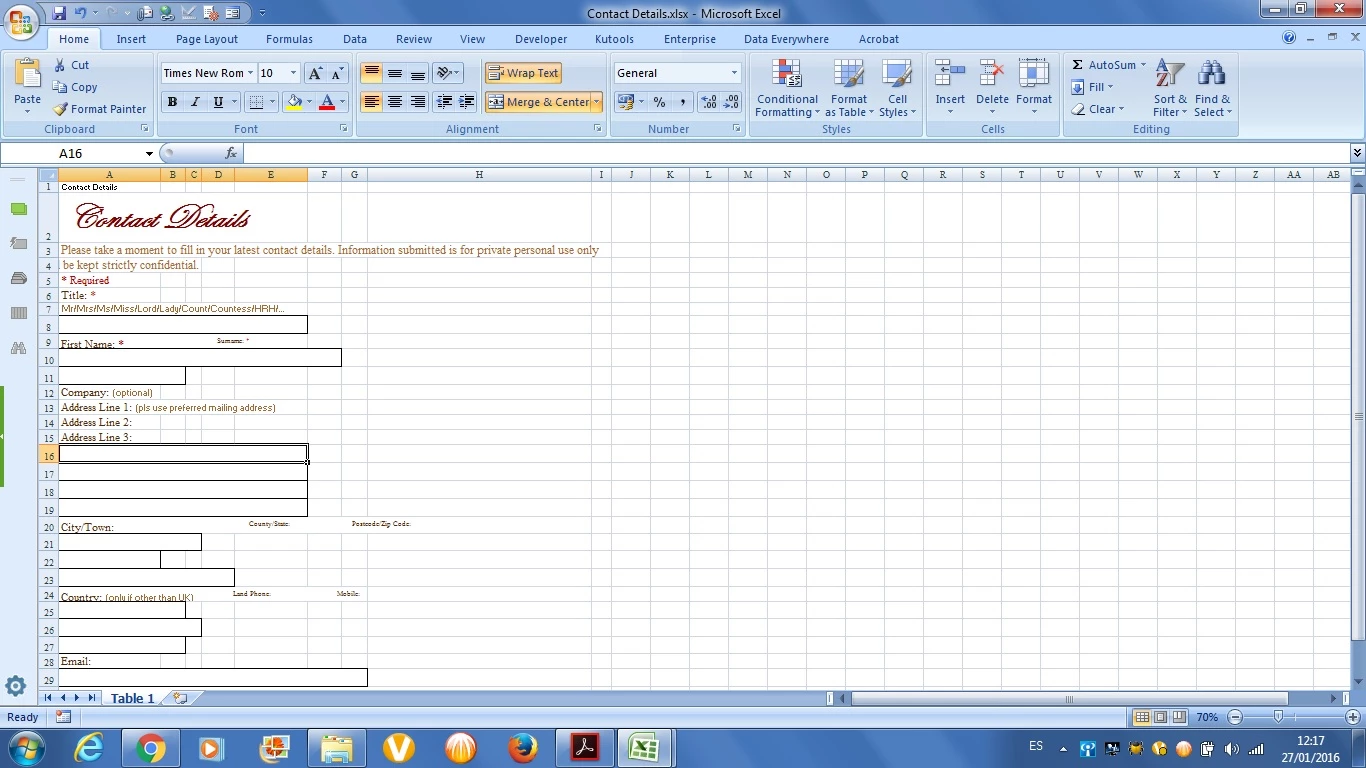
As you can see, the field labels and text boxes are all out of whack.
It doesn't get better when I export the form as an HTML page. Here's the image:
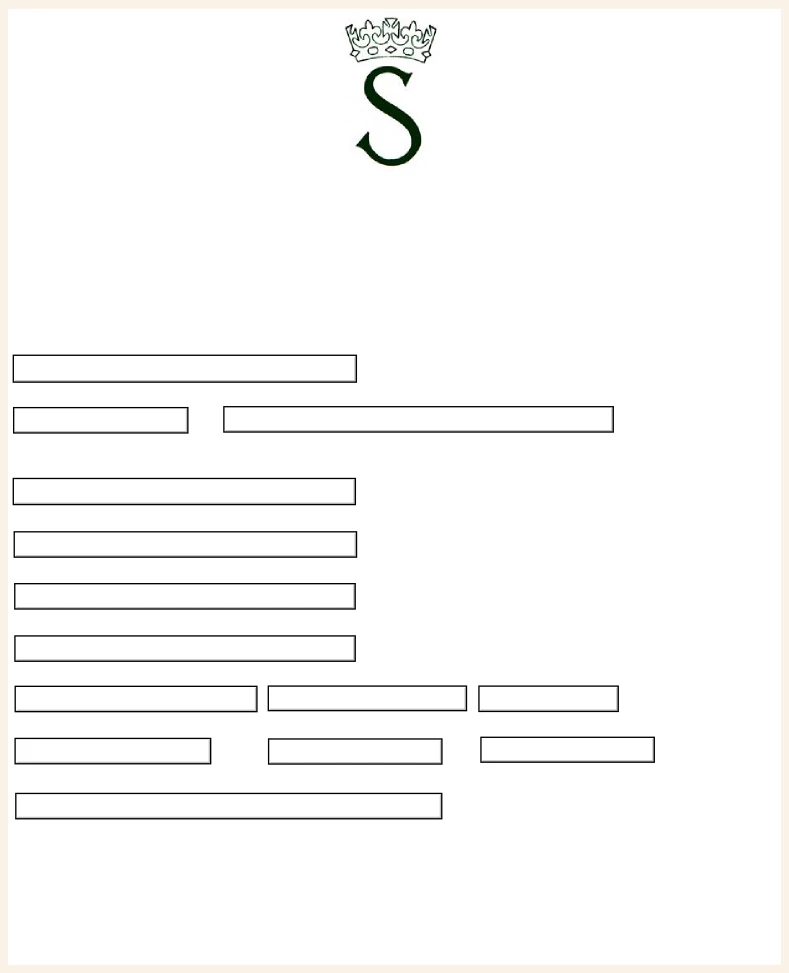
All I get are text boxes! The labels are on a separate page! Here's the image of my Acrobat form:
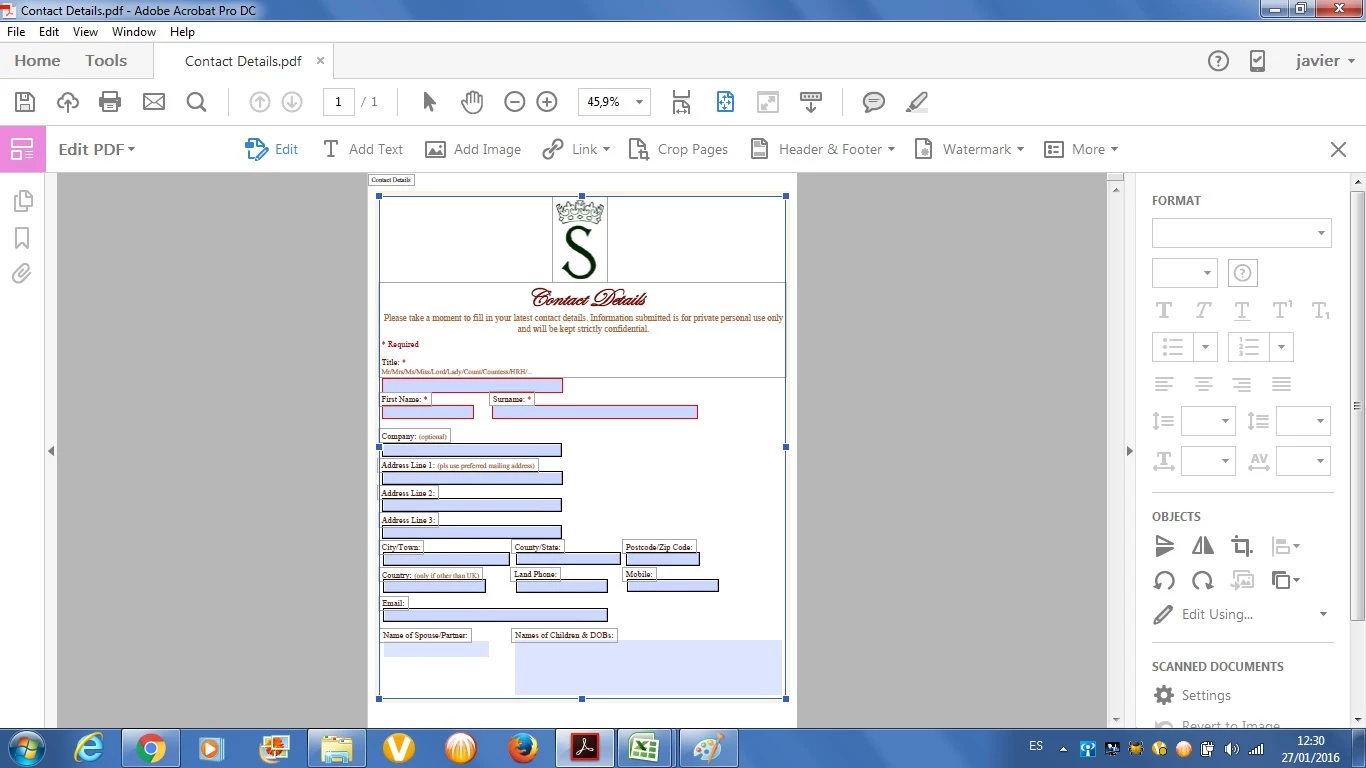
As you can see, my reality is more like a work of science fiction.
Also, how do I insert a submit button?
Thanks.


 AdChoices