Question
Form fields not displayed after initially opening the file
A couple of forms that I created are occasionally not displaying correctly when opened.
When I first open them, a random selection of fields (sometimes all) do not appear unless I scroll, zoom in/out, alt+tab or click anywhere on the PDF, after which all of the fields appear.
When initially opened many fields are invisible:
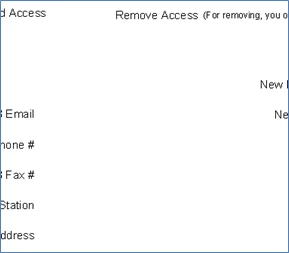
Mousing over invisible fields causes the black border to appear:

After scrolling, zooming, alt+tabbing or clicking they all appear like normal:
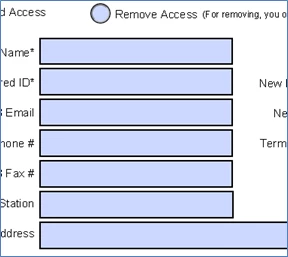
I'm on Windows 7 with Acrobat Pro DC and I've tried repairing the installation with no change.
 AdChoices