Formatting using SFN
I'm trying to do this lesson i have from a book but it doesn't work.
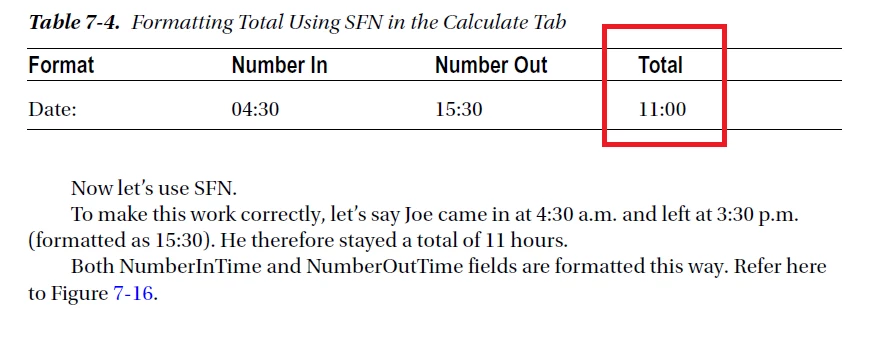
I do everything as described in lesson but my result is 11.00 and not 11:00.
Can someone help?

I'm trying to do this lesson i have from a book but it doesn't work.

I do everything as described in lesson but my result is 11.00 and not 11:00.
Can someone help?
Here is the 2 pages with that lesson.
Surprisingly, it does work... I guess it picks up the Time format setting and converts the values to Date objects. The result is just a number, though. If you want to convert it to a "time" notation use this as the field's custom validation script:
event.value = Number(event.value).toFixed(2).replace(".", ":");
I added the call to the toFixed method because without it if you enter start time 11:30 and end time 14:45, for example, the result is 3.149999999 instead of 3.15. Also, if you only fill in one field it will show a result, which might not be desired.
Already have an account? Login
Enter your E-mail address. We'll send you an e-mail with instructions to reset your password.
