



Question
function to change the color of a text field
Hi,
I am trying to create in an interactive form (via Acrobat DC).
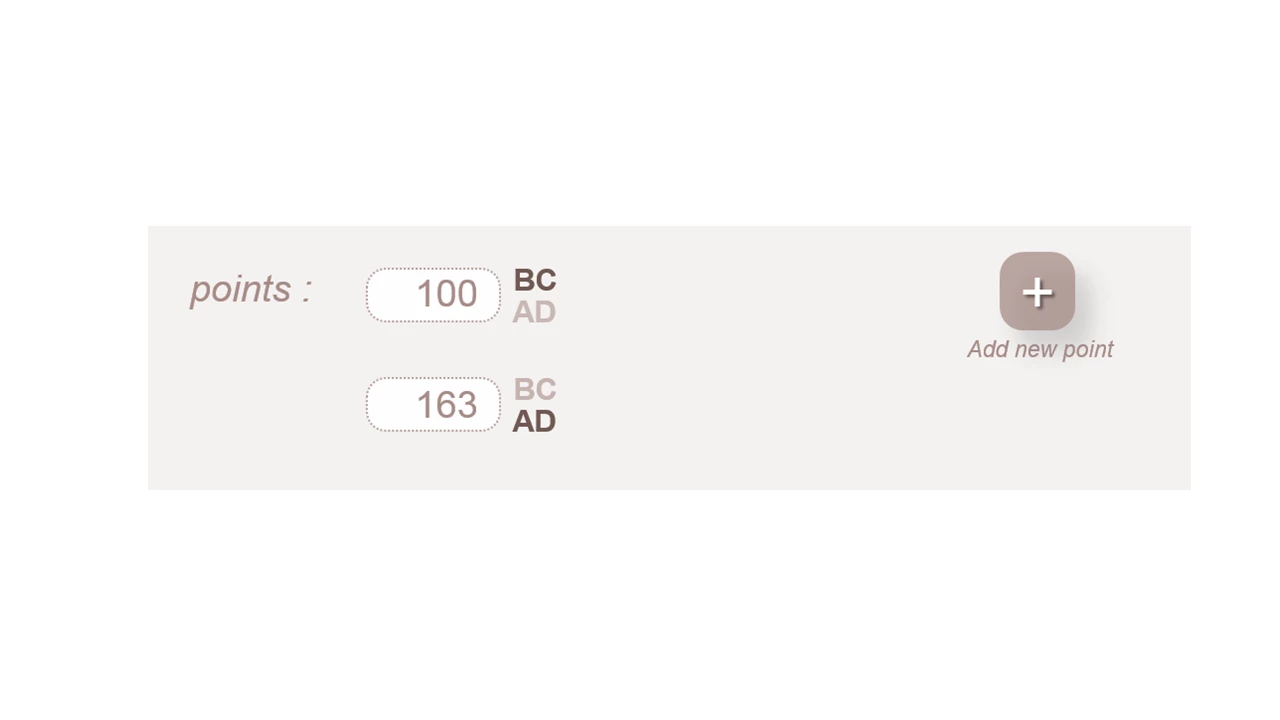
I would like to employ a mouse on click event to some text (simply to select "AD" and "BC" for a date), on which I intend if user clicks on, then the text will be bold for instance.
Is there a way to do it without using check box? (ps., I used basic toggle button for instance to test, visually it's okay. BUT when I export "form data" the selection of the button is not exported).
Please see the image I intend to create:
 AdChoices