


Answered
How do I auto populate text fields using one source text field?
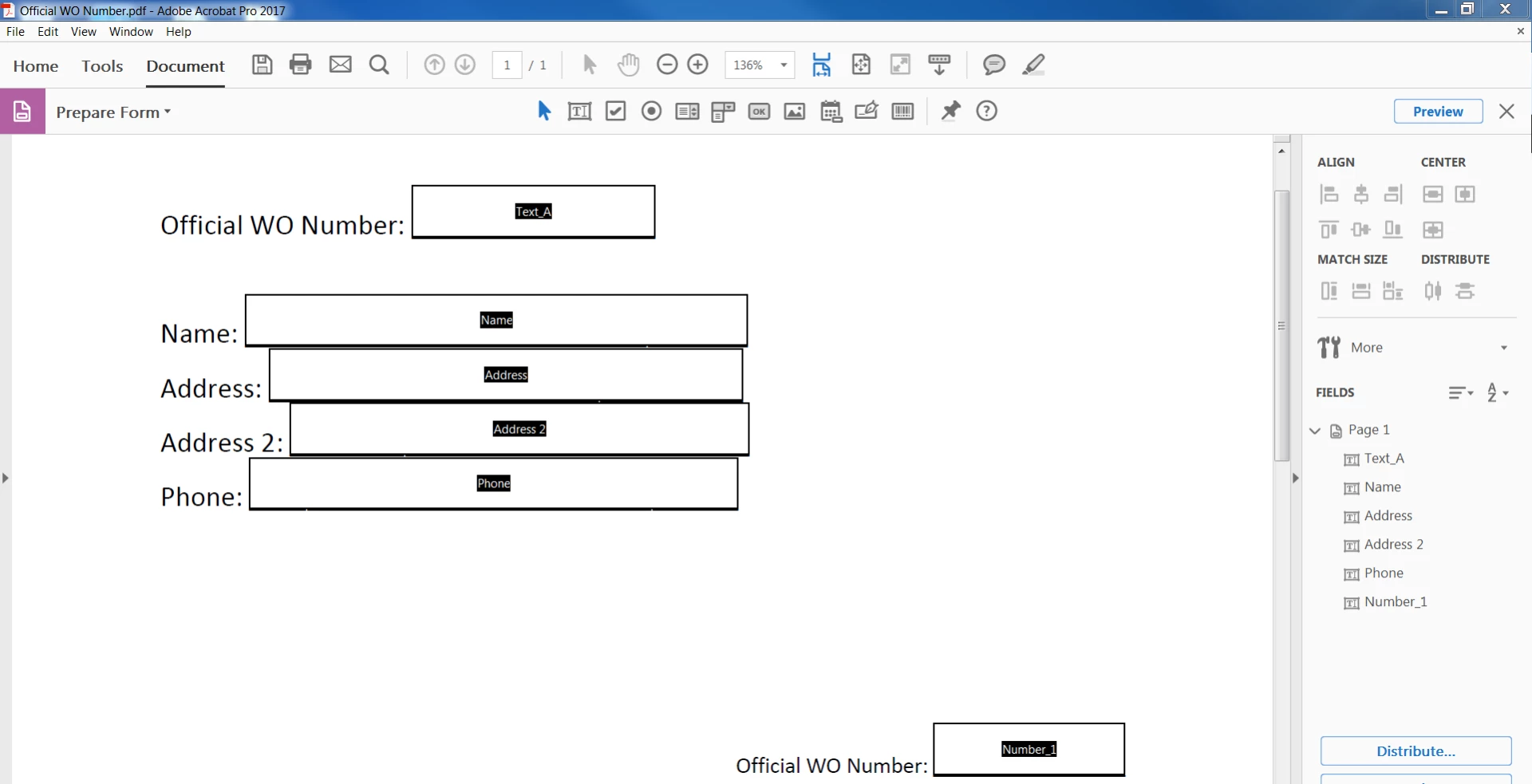
When creating a form using Adobe Acrobat Pro 2017, how can I format a text field ('Text_A' at top of page) to auto populate other text fields ('Number_1', 'Number_2', etc. at bottom of page) within the form? I want to minimize the number of times the form user has to type in the same information within a 10 page form. I included a mock up form below.
From my research, it appears I'll need to add JavaScript to the Action tab within the Properties box. I am a novice at JavaScript. If you can help me, please include the code and necessary steps to complete the task.
Thank you in advance as this formatting request is the final step needed to meet my deadline.

 AdChoices