
Answered
how to change page orientation from portrait to landscape in an existing PDF ?
how to change page orientation from portrait to landscape in an existing PDF ?

how to change page orientation from portrait to landscape in an existing PDF ?
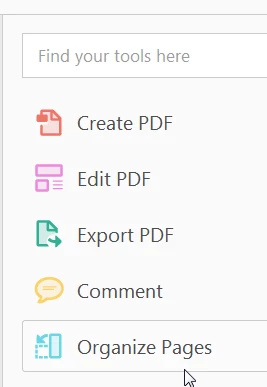
That depends on which version of Acrobat you are using. If using the current version, Acrobat DC, you can click on Organize pages on the right panel.
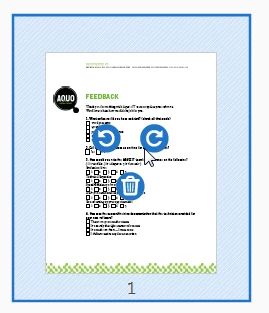
Hover your cursor over the page you want to rotate and click the rotation icon that appears.
If you're using Reader (not Acrobat), you cannot permanently rotate a page. However, you can temporarily rotate it by choosing the View menu and selecting View > Rotate View.

Already have an account? Login
Enter your E-mail address. We'll send you an e-mail with instructions to reset your password.


 AdChoices