


Participant
October 15, 2017
Answered

How to create a javascript "legal disclaimer" window that populates upon receiver opening up file?

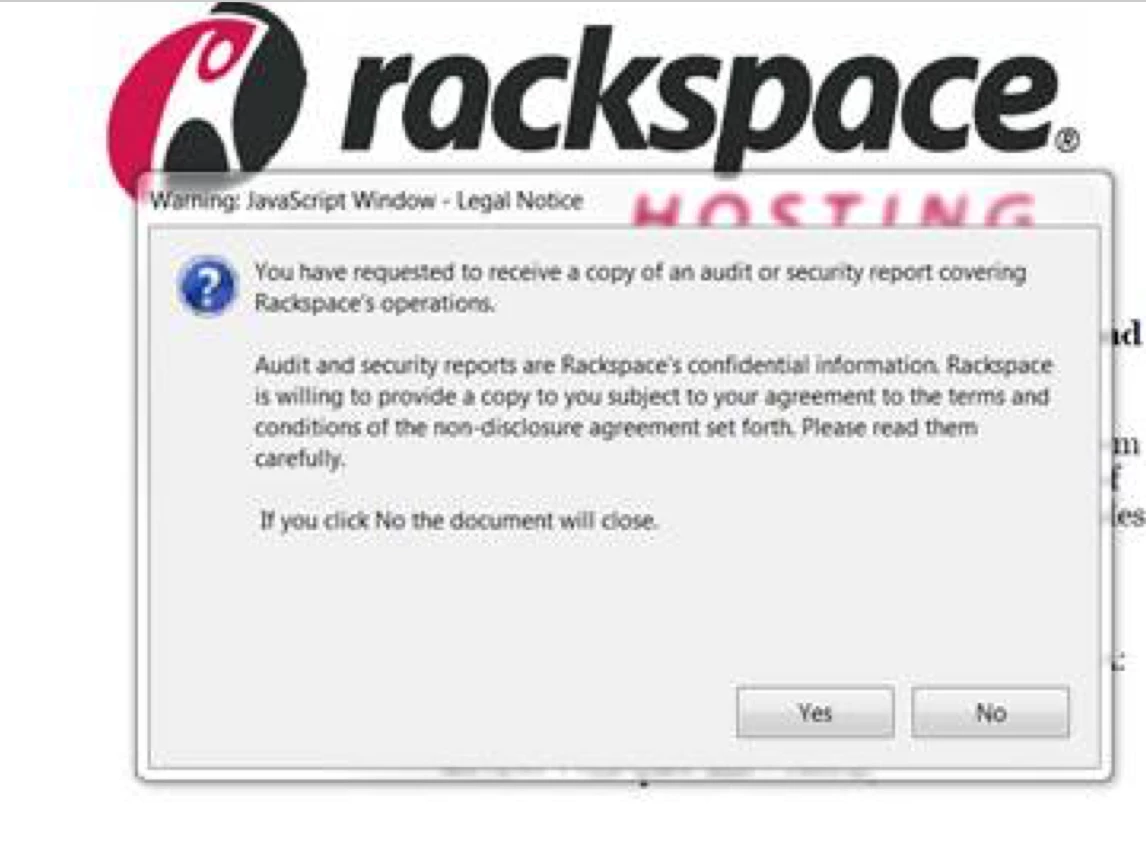
I am trying to format my pdf file so that when pdf is opened by the receiver, they have a popup window legal notice they need to click to accept prior to accessing file. It reads as a javascript window-- see image below. How do you create this?

This topic is closed to new replies. Start a new post to keep the conversation going.
JR Boulay
JR BoulayCorrect answer
Community Expert
October 15, 2017

You should find your happiness here: Basic Document Level (Document Open) Scripts

Acrobate du PDF, InDesigner et Photoshopographe

5 replies

Legend
October 15, 2017

Don't forget people can turn off JavaScript. This may be a useful reminder but cannot be a verifiable contract.

Translate
JR Boulay
Community Expert
JR BoulayCommunity ExpertCorrect answer
Community Expert
October 15, 2017

You should find your happiness here: Basic Document Level (Document Open) Scripts

Translate
Acrobate du PDF, InDesigner et Photoshopographe
Participant
October 15, 2017

You were all so helpful- -- but this was excellent resource-- thank you!

Translate
Inspiring
October 15, 2017

other alternatives could include using layers or form fields. But all approaches will require the use of JavaScript.

Translate
Bernd Alheit
Community Expert
Community Expert
October 15, 2017

You can use the alert method of the app object.

Translate