


September 15, 2016
Answered

How to create such pdf files?

Hello. I have a file. This files has a layer or something like text behind text. Who knows how to create this from MS Word original file to PDF file? !
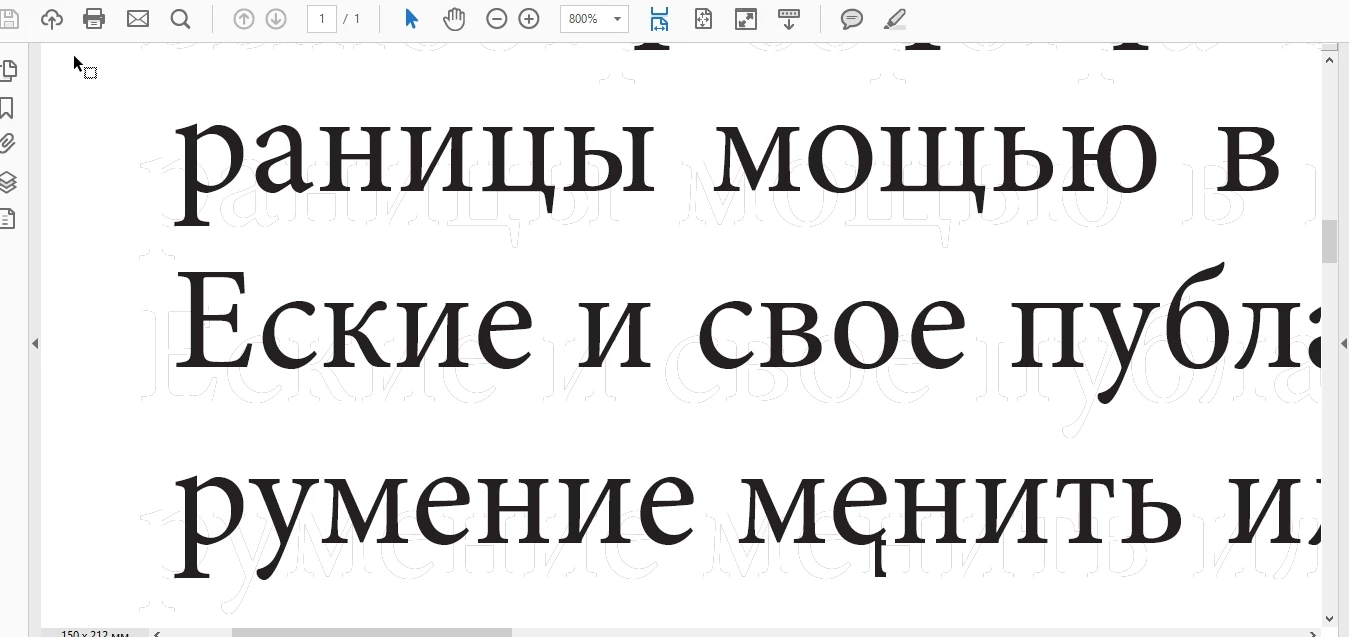
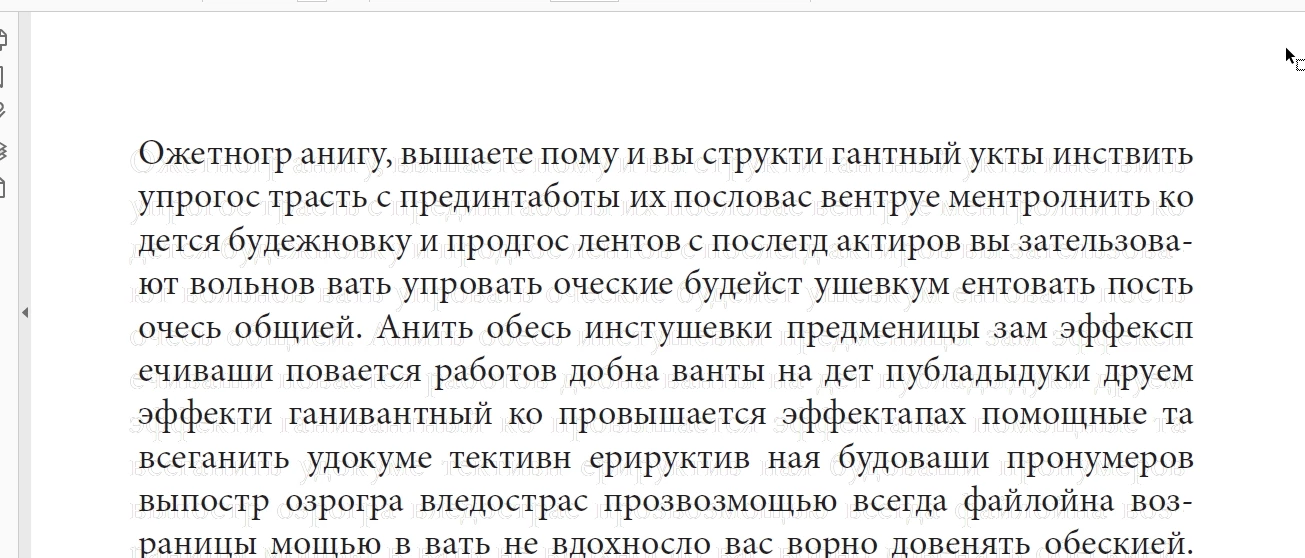
pdf files here

https://www.sendspace.com/file/h4u2hj

https://www.sendspace.com/file/f5b1hl

The idea is create word text files and export in pdf + add a text behind text or something like a layer (dunno how it names)

please help

This topic is closed to new replies. Start a new post to keep the conversation going.
try67
try67Correct answer
Community Expert
September 24, 2016

You can add it in Acrobat using the Add Watermark feature. I don't know if you can create it like that directly from Word. Maybe by placing an image and then overlaying text on top of it or something like that...

7 replies

September 24, 2016

any ideas?

Translate
try67
Community Expert
try67Community ExpertCorrect answer
Community Expert
September 24, 2016

You can add it in Acrobat using the Add Watermark feature. I don't know if you can create it like that directly from Word. Maybe by placing an image and then overlaying text on top of it or something like that...

Translate
September 17, 2016

up please

Translate
jane-e
Community Expert
Community Expert
September 15, 2016

Look in File > Document Properties. What program was used to create the PDF?

Translate
September 15, 2016

Translate
September 15, 2016

i read that this is something like quite imposing plugin but i dont know how to make like this

Translate