

How to get the text bold and aligned in the “add text field”?
I couldn’t figure out how to get the text bold and aligned in the “add text field” as we do in Word.
Thank you
Best
Jamal
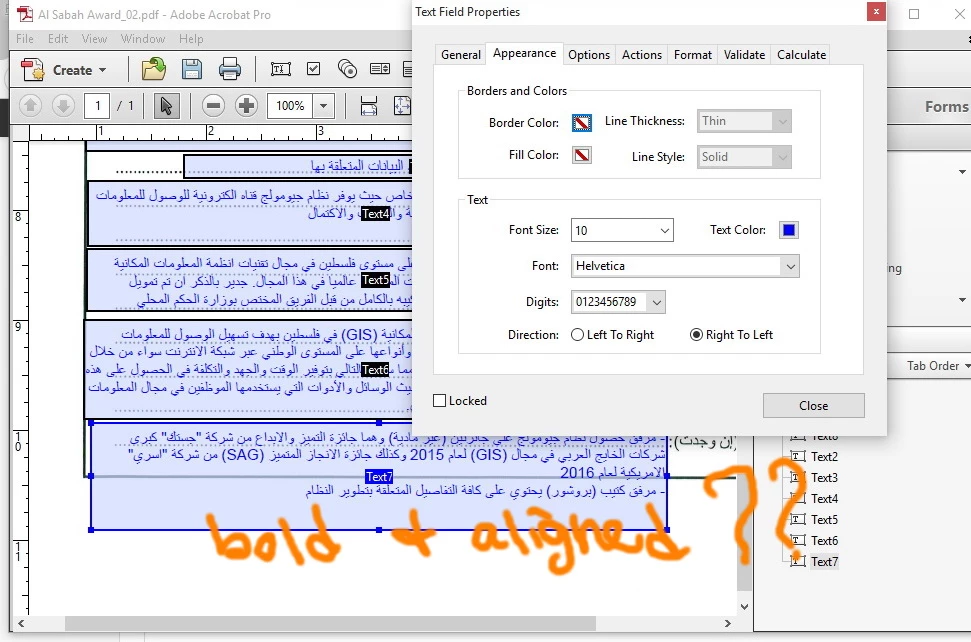
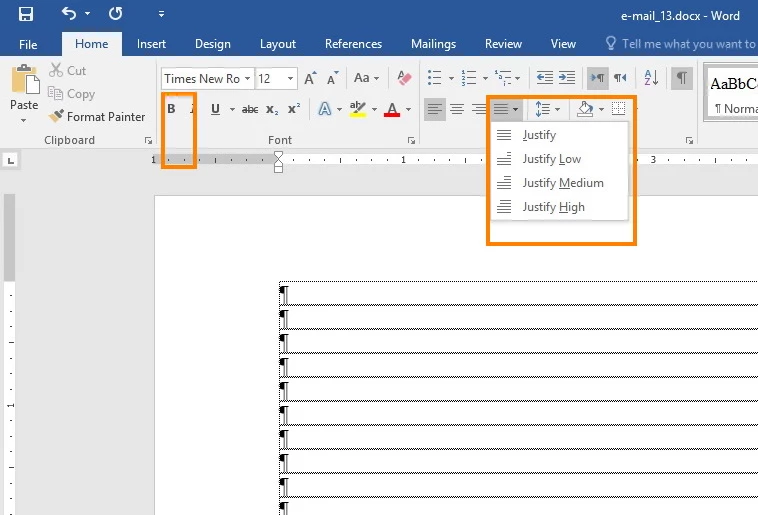
How to get the text bold and aligned in the “add text field”?
I couldn’t figure out how to get the text bold and aligned in the “add text field” as we do in Word.
Thank you
Best
Jamal


Hi.
In the text field Properties : Options.
Tick the "Allow RTF format" checkbox.
Then, using the hand tool enter and select text in the field, then select and hit CTRL-E (or CMD-E on Mac OS) to display text properties.
Edit: Oops, I should refresh the page before (duplicate) posting…
![]()
.
Already have an account? Login
Enter your E-mail address. We'll send you an e-mail with instructions to reset your password.