
Answered
How to OCR (scanned pages to editable text) without bounding boxes
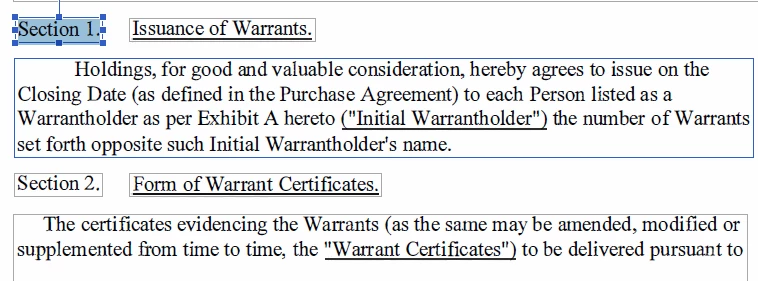
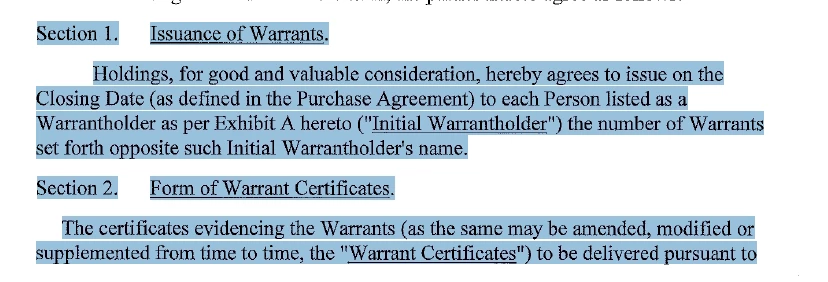
When a document is OCR'd, Acrobat DC places paragraphs -- or what appears to be paragraphs -- in each own bounding box. This "feature" prevents me from copying several paragraphs or pages to paste in another application (i.e., email message). This is not an issue in Acrobat X. Screenshots below.
Is there a way in Acrobat DC to convert scanned page to editable text without bounding boxes or remove the bounding boxes?
| Acrobat DC - unable to select beyond bounding box | Acrobat X - able to select multiple paragraphs |
|---|---|
 |  |


 AdChoices