Answered
I am having trouble with the Simplified Field Notation Calculations.
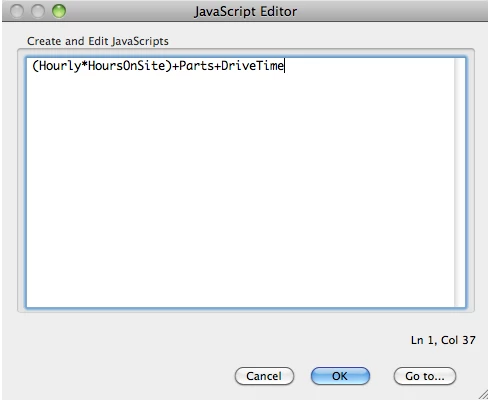
I've been trying to figure this out for a while now, but nothing seems to be working. The formula that I need is (Hourly*HoursOnSite)+Parts+DriveTime. That is exactly how all my fields are named. I double click the field that I want it to solve in, then press the calculations tab, press edit by the Simplified Field Notation area, enter that formula, then I dont know what to do. I only have 2 buttons, Cancel, and Go To.... When I press Go To, a window pops up and asks me what field line I want. No matter what I enter in there, nothing seems to happen? How do I create this calculation?
 AdChoices