


I can see highlights in every colour but yellow, green, and blue.
If if I try to highlight text with any of the following colours no colour is displayed: yellow, light yellow, green, light green, blue, and light blue.
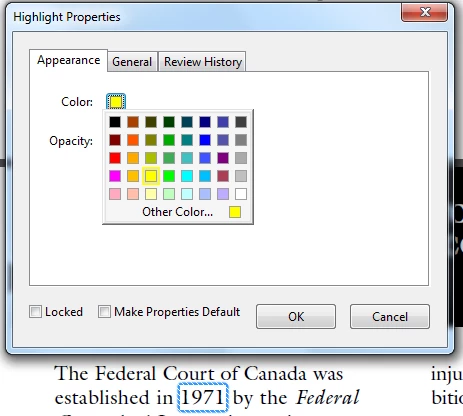
If I right-click the highlighted text and format the highlighting to another colour (e.g., a darker yellow), I will see the colour.
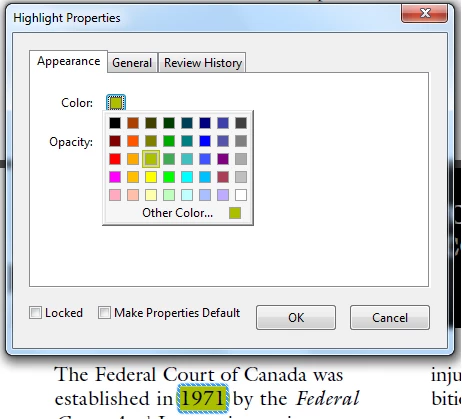
If I switch back to one of the 6 colours or any variation (by clicking "other colour" and adjusting the luminescence in the colour wheel to anything near a yellow or light yellow for example (<= 105 luminence)) the colour will disappear and I will only see the dotted outline of the highlighting when it is selected.
This makes the compare documents feature useless as I get a document marked up with "no colour" highlights.
Does anyone have any suggestions as to how I could resolve this?
 AdChoices