Answered
Impression avec Acrobat Pro XI
Pourquoi est ce que je n'arrive pas à réduire la taille du masque d'impression d'Abode Pro XI ?
Pourquoi est ce que je n'arrive pas à réduire la taille du masque d'impression d'Abode Pro XI ?
The problem is not the size of the papyer (your answer) but iI want operate the reduction in the size of the print screen
The arrow (see below) is not active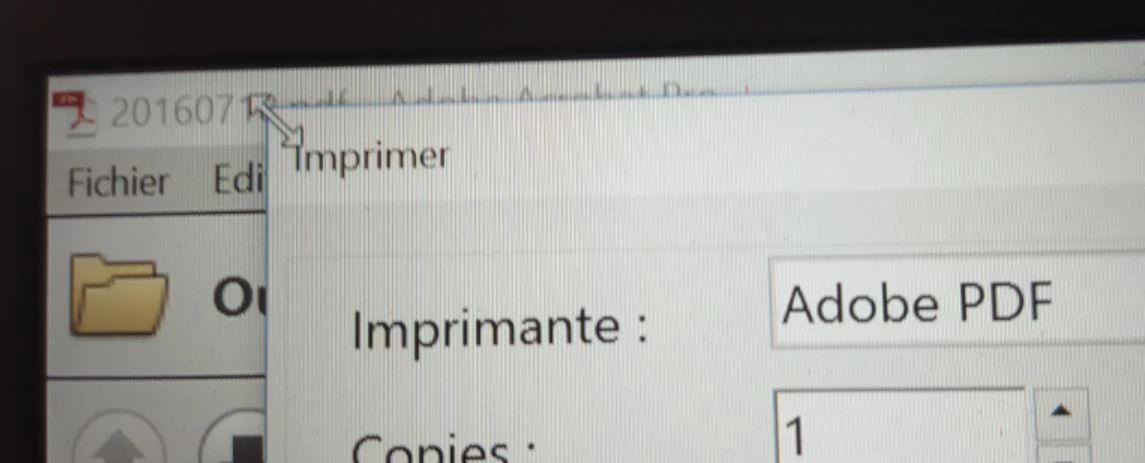
You can't change the size of this dialog, but you can simply scroll up and down it, like you did in the screenshots, so what's the problem?
Already have an account? Login
Enter your E-mail address. We'll send you an e-mail with instructions to reset your password.
 AdChoices