


Participant
Feb 6, 2025 10:31 AM UTC
Question

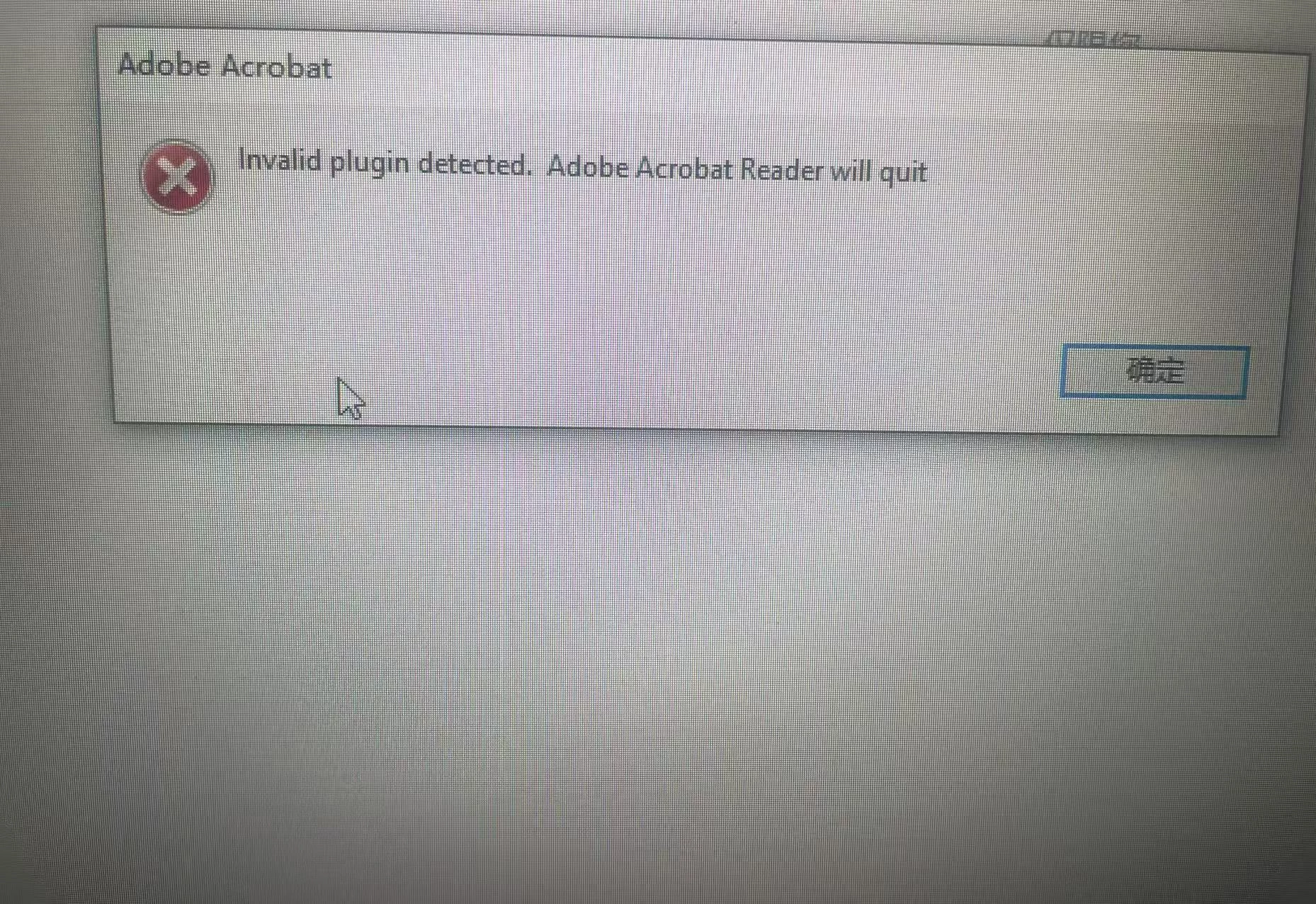
invalid plugin detected. Adobe Acrobat Reader will quit

Hi,

I am new to Adobe SDK and I am trying out the BasicPlugin.api in my Adobe Acrobat (24.005.20320) version. I have done the following:

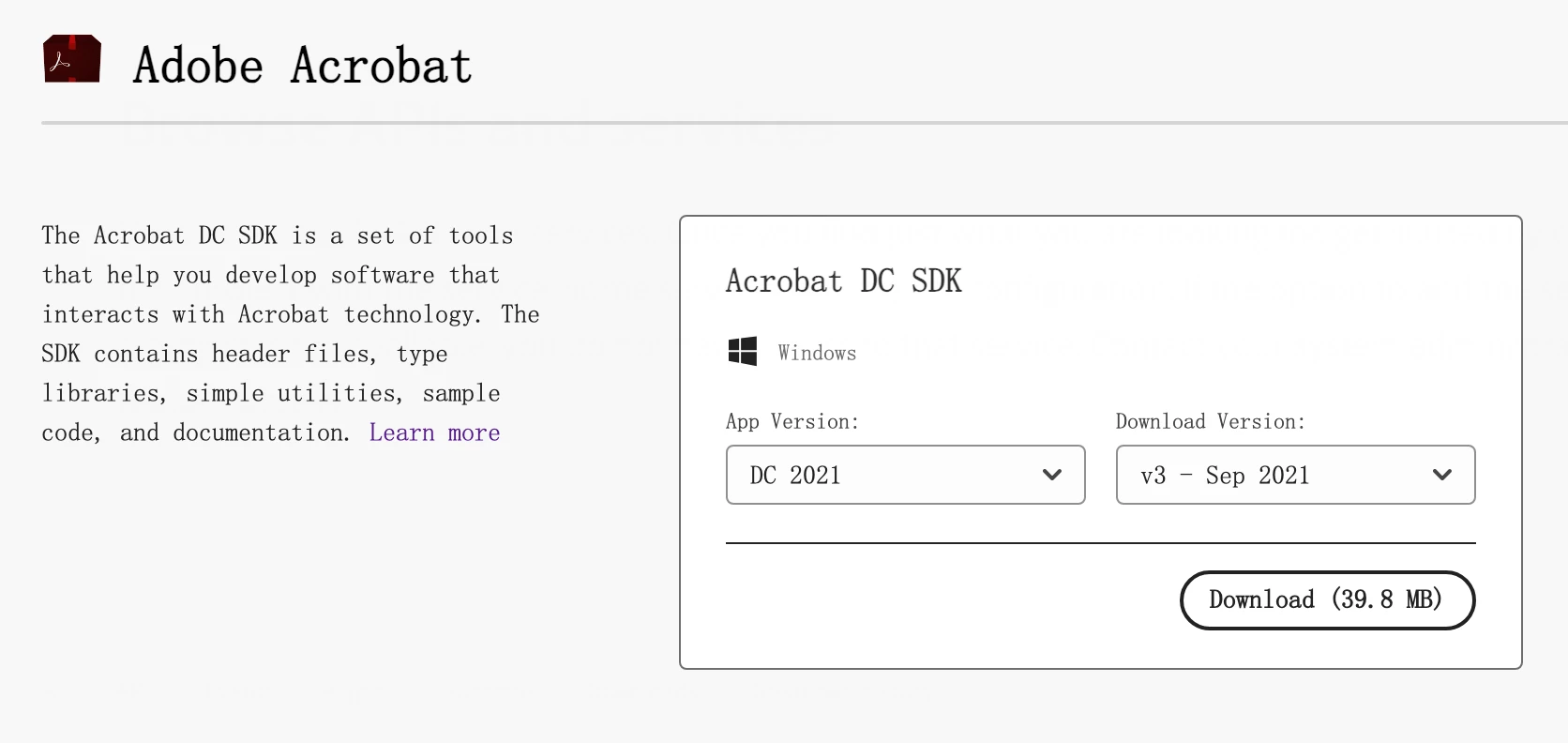
1) Download the  sample plugins code: https://opensource.adobe.com/dc-acrobat-sdk-docs/library/samples/Samples_Plug_in.html#basicplugin

2) build the solution using VS 2022.

3) Copied the BasicPlugin.api to C:\Program Files\Adobe\Acrobat DC\Acrobat\plug_ins

Now after I launched Adobe Acrobat, for the 1st time I saw an alert message indicating the basicplugin has loaded. Immediately I saw an error "Invalid plugin detected. Adobe Acrobat Reader will quit". 

Am I missing any steps to consume the plugin in my setup.

Thanks,
Rahul

3 replies

Thom Parker
Community Expert
Community Expert
Feb 6, 2025 7:46 PM UTC

The mostly likely possibility is that you are not signed in to your Adobe Account, or that you do not have a subscription to Acrobat. 


Translate
Thom Parker - Software Developer at PDFScriptingUse the Acrobat JavaScript Reference early and often
Thom Parker
Community Expert
Community Expert
Feb 6, 2025 5:09 PM UTC

Creating plug-ins for Reader takes some special sauce.  You can read about it in the SDK Reference.

https://opensource.adobe.com/dc-acrobat-sdk-docs/library/plugin/Plugins_ReaderPlug.html#50618405_11144


For your first plug-in you should start with Acrobat Professional. 


Translate
Thom Parker - Software Developer at PDFScriptingUse the Acrobat JavaScript Reference early and often
Bernd Alheit
Community Expert
Community Expert
Feb 6, 2025 12:03 PM UTC

Do you use Adobe Acrobat or Acrobat Reader?

Translate