


Participant
October 11, 2018
Answered

Is it possible to create a scrollable image or scrollable formatted text?

  • October 11, 2018
  • 1 reply
  • 915 views

I have no javascript experience at all, but a client has told me it was possible to have scrollable content within a PDF. It would look something like this, but on an interactive PDF. I can create interactive buttons and forms, but It seems that only javascript can create scrollable text/content like they are asking for. I just want to confirm if this is the case, and how difficult it would be for someone to accomplish this. Really appreciate any help from the community!
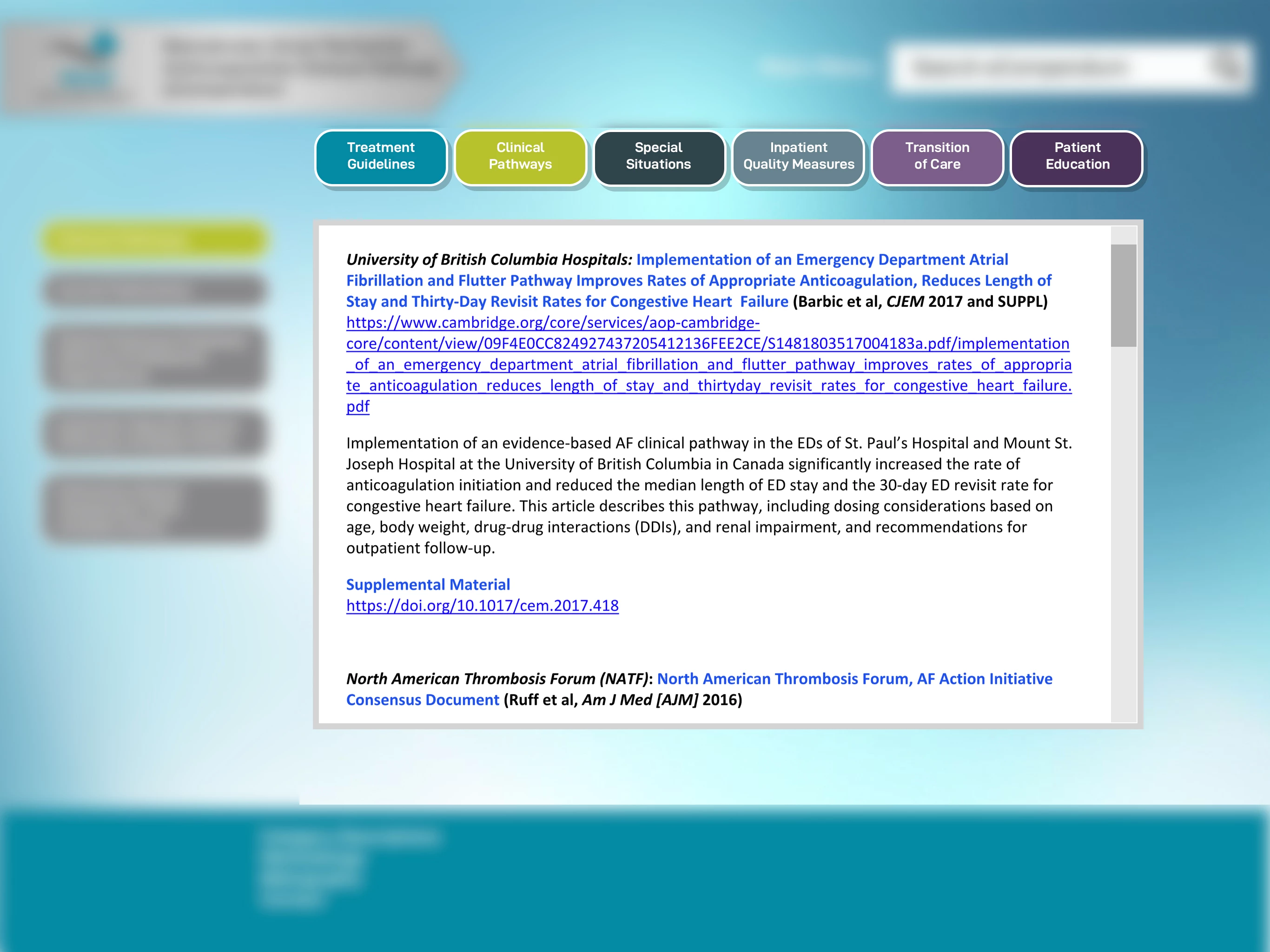
- John

This topic has been closed for replies.
Correct answer try67

Yes. You need to enable the field's Rich Text Formatting setting and then you'll be able to add formatting to the text using the Properties toolbar (Ctrl+E). Note that the user can delete or change the contents of your field, though...

1 reply

try67
Community Expert
Community Expert
October 11, 2018

Only with a text field, but formatting it will be very difficult...

jnhaswellAuthor
Participant
October 11, 2018

Thanks! I was able to make a very basic scroll using a text field set to "multi-line" and "scroll long text" and then put the content in the "Default Value" area, but doesn't allow for any advanced formatting. Is this what you were referring to?

try67
Community Expert
try67Community ExpertCorrect answer
Community Expert
October 11, 2018

Yes. You need to enable the field's Rich Text Formatting setting and then you'll be able to add formatting to the text using the Properties toolbar (Ctrl+E). Note that the user can delete or change the contents of your field, though...