


Is there a way to remove the thin border that Acrobat displays around PDFs?
Hey, everyone,
Just a super minor thing, really, but it's mildly annoying from time to time:
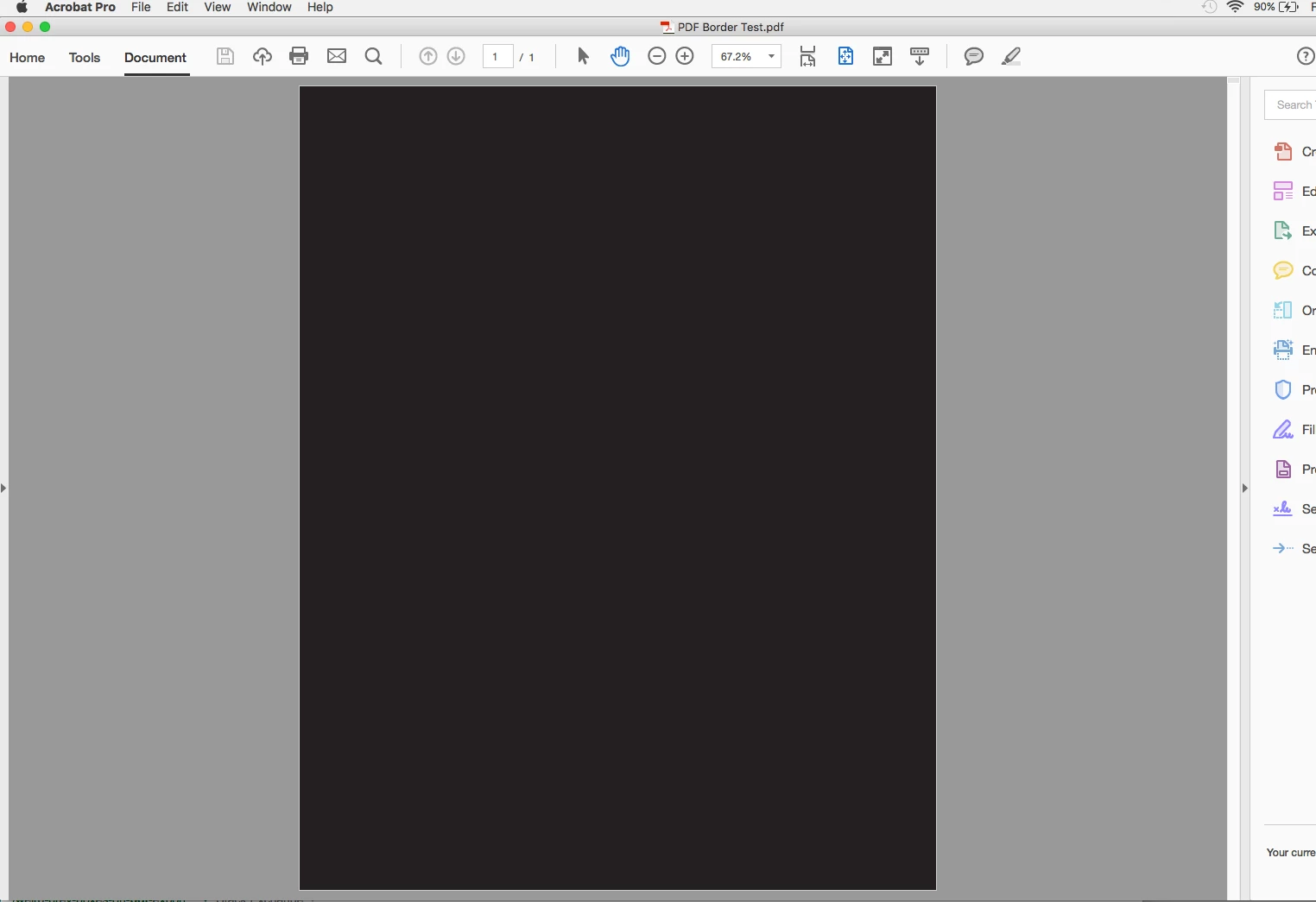
Every time I view a PDF in Acrobat (Pro DC), there is a thin white border around the edges of the document. (Note: This has nothing to do with transparency—I know about that, and I disabled all those "smoothing" settings in Acrobat's preferences, just to see if it would do anything, and it made no difference.)
Is there a way to disable that thin border or am I just stuck with it?
I imagine it may be just "an Acrobat thing" (I guess it helps identify the edges of the document if your PDF is also a gray like the pasteboard background), but it always looks like my images/colors/etc. are just a hair short of touching the edges of the page (even though said elements actually bleed off the page -- I just export most of my PDFs without bleeds when I send client comps, so that they see how the file would look in final, trimmed form) and it sometimes looks like a mistake to me.
Test image below: If you click on my image, what I'm referring to is the white hairline around all four sides of the black, just before the gray pasteboard. All I did was create a black-filled rectangle in InDesign up to the 0.125" bleeds and then export a Print Quality PDF (unchecking the bleed checkbox).
Thank you if anyone has any insight!
My system:
MacBook Pro (15-inch, late 2011)
2.5 GHz Intel Core i7
AMD Radeon HD 6770M
OS X El Capitan (10.11.15)
Adobe CC (up-to-date), including Acrobat Pro DC 2015 (2015.016.20045)
 AdChoices