
Inspiring
April 2, 2020
Question

Javascript - Make other fields required if a checkbox is checked

  • April 2, 2020
  • 1 reply
  • 1532 views

Editing this post as I solved my original two problems. But I've encountered a new one. 


I'd like a two fields to be required only if a checkbox has been checked. One field is a text box, the other is a signature field. I don't know how to edit the Mouse Up/Mouse Down/Etc. options of the checkbox so that the other fields are required ONLY if the checkbox is checked. 
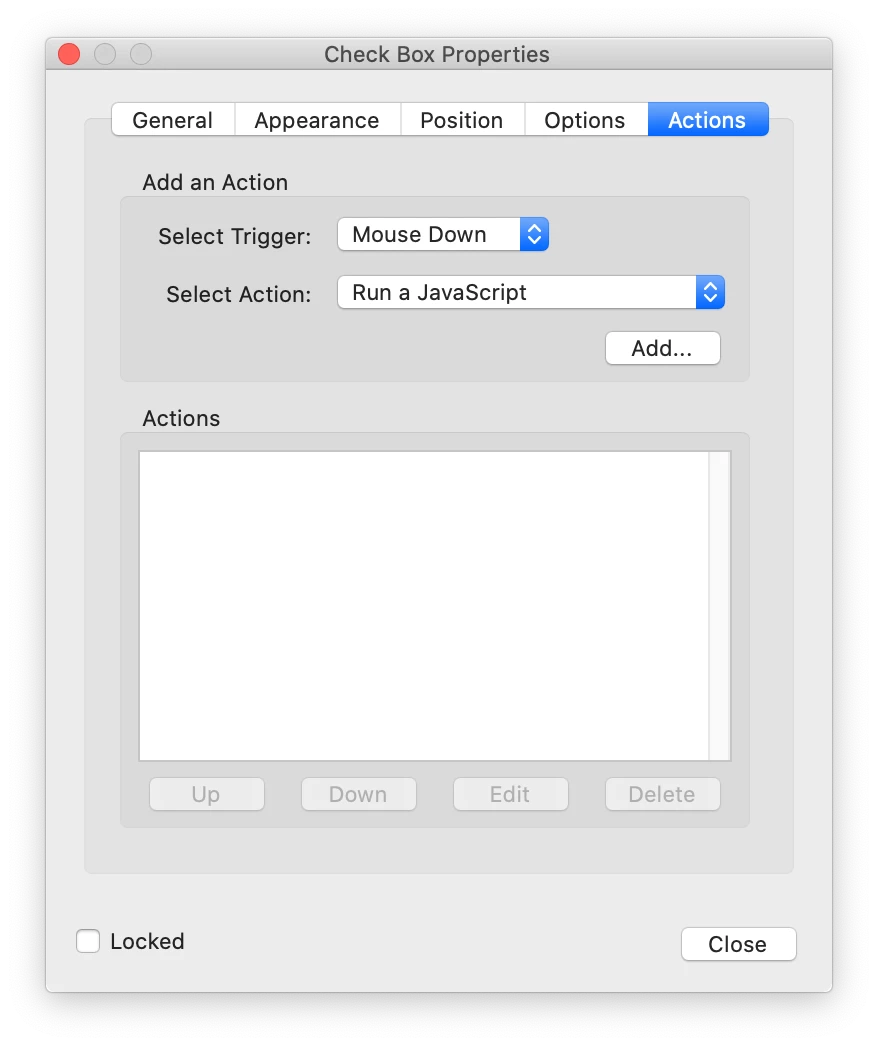
Thoughts?

This topic has been closed for replies.

1 reply

Inspiring
April 2, 2020

I've actually solved for the first scenario -- with text fields! I don't think the same validation can be applied to a signature field, though, am I right? 

Example script that would run after the first signature field has been signed: 

var bRequired = event.value != event.target.defaultValue;

this.getField("Signature2").required = bRequired;

Thom Parker
Community Expert
Community Expert
April 4, 2020

Please clearly explain the specific actions you want to take place. 


Thom Parker - Software Developer at PDFScriptingUse the Acrobat JavaScript Reference early and often