Participant
Jul 30, 2019 7:54 PM UTC
Answered

Need JavaScript to verify Social Security Number or Tax ID

Hello,


I need a JavaScript to verify that a Social Security Number (123-45-6789) or Tax ID (12-3456789) has been entered correctly in a form field. 


I'd like it to accept hyphens, and in case the user doesn't enter a hyphen, to automatically place them.  It should also not accept letters or any other special characters. 


If entered incorrectly, an alert message with pop-up.


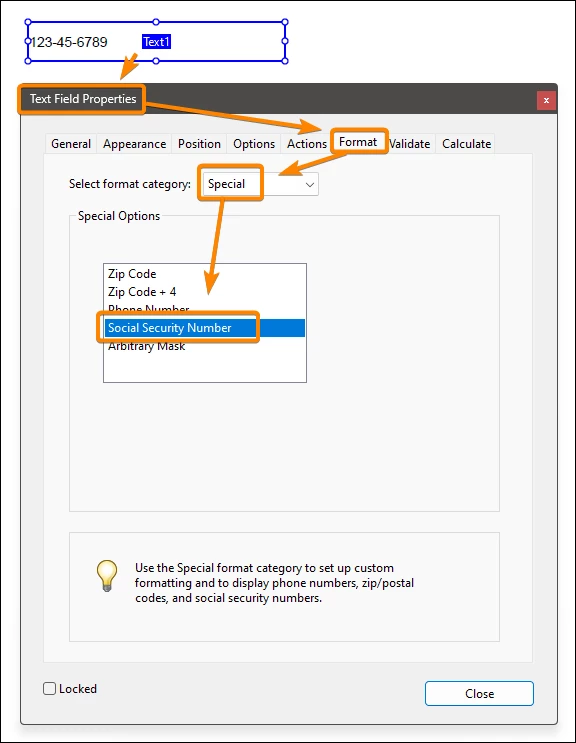
The reason why I cannot use the Special category inn the Format tab is because I need a custom message in the alert box, not the default one Acrobat provides.


Any help would be greatly appreciated!


Thanks.

JR Boulay
JR BoulayCorrect answer
Community Expert
May 12, 2024 9:34 PM UTC

Acrobate du PDF, InDesigner et Photoshopographe

7 replies

JR Boulay
Community Expert
JR BoulayCommunity ExpertCorrect answer
Community Expert
May 12, 2024 9:34 PM UTC

Translate
Acrobate du PDF, InDesigner et Photoshopographe
try67
Community Expert
Community Expert
Jul 30, 2019 8:41 PM UTC

You want one field to allow both values? If so, how will it know which one was entered if they are the same length?

Translate
Participant
Jul 30, 2019 9:25 PM UTC

I should've clarified: I need one for each.  So I need to verify a Social Security Number box, and also a separate Tax ID box.

Translate
try67
Community Expert
Community Expert
Jul 30, 2019 9:27 PM UTC

OK, and just to verify, you want to allow the user to only enter a 9-digit number and then format it with the hyphens in the specific locations for each field, and show a custom error message if they enter an incorrect value (and reject that value), right?

Translate