
July 3, 2016
Question

Not all text is converted to a vector

  • July 3, 2016
  • 2 replies
  • 449 views

Dear all,

I am currently trying to convert a word document to a pdf but am confronted with text that is not converted to a vector.

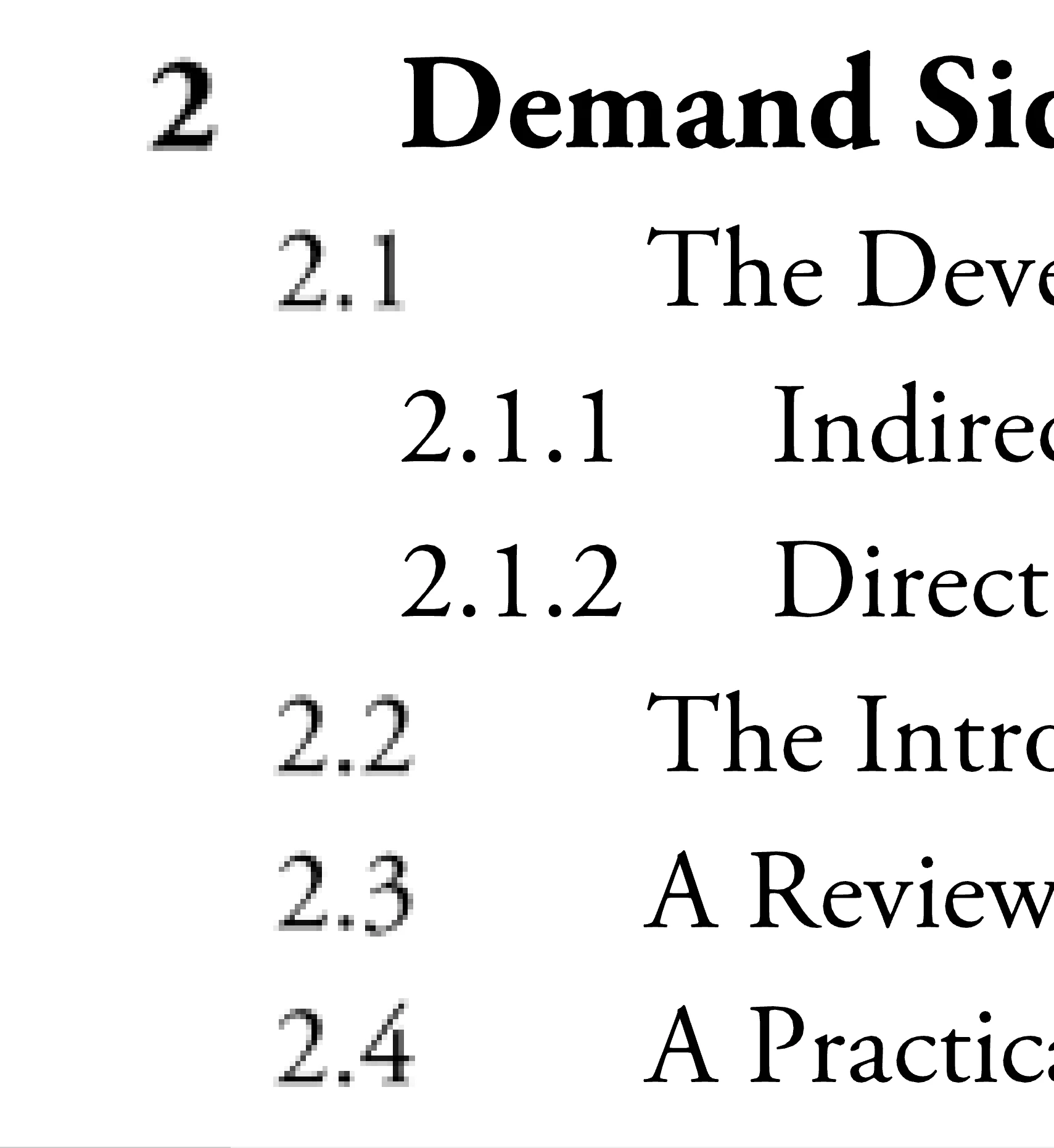
Instead the text is converted to an image and looks very pixelated when zoomed in (please see example attached)

The chapter 2, and 2,1 etc, are not converted, while 2.1.1 etc is converted.

Any insights or help would in order to ensure all text is converted properly would be highly appreciated.

Thanks in advance
This topic has been closed for replies.

2 replies

Dov Isaacs
Legend
July 4, 2016

Text is never supposed to be “converted to a vector” but rather, placed in the PDF file using fonts.

Acrobat's PDFMaker (i.e. Save as Adobe PDF) in Microsoft Word would never convert text to raster bitmaps with one exception. And that is if you have some transparent object interacting with the text (typically above the text).

However, if  you use Microsoft's built in Save as PDF in Microsoft Word (or Excel or PowerPoint) under Windows, this is indeed a symptom that occurs when using OpenType CFF fonts (as opposed to TrueType or OpenType TrueType fonts).

Provide more information and we can better diagnose exactly what your symptom. Better yet, post a sample Word document and resultant PDF file exhibiting this symptom.

          - Dov

- Dov Isaacs, former Adobe Principal Scientist (April 30, 1990 - May 30, 2021)
Participating Frequently
July 3, 2016

Hi steven%20jongerden ,

Please provide the information using which service you are trying to export the file & also the OS installed on  your system

is this happening with all the files or any certain file.

Please share your workflow as well .

Regards,

Yatharth