


Question
Overprint preview: objects move/resize on page
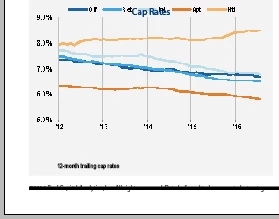
Overprint preview is changing the size/position of placed images and I can't work out why. Details:
-Using Mac
-InDesign 2015, Creative Cloud
-Images are copied and pasted from Microsoft Office
-Below: image on left is normal view, image on right is the same file in overprint preview.
-
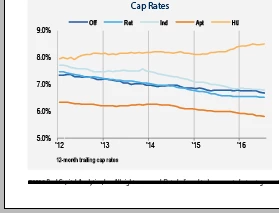
Why would a Mac 'read' these images differently in Overprint Preview?
On a PC, overprint preview does NOT move/resize the image. Normal view and overprint preview are the same (the image on the left).
I am a beginner/intermediate InDesign user and any help is much appreciated.
 AdChoices