


Print Icon in floating toolbar does not work
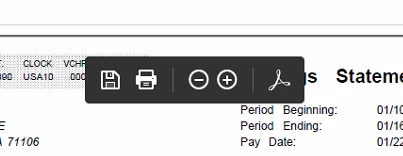
I have a user that we just installed Acrobat Pro DC and they are not able to print using the floating toolbar print icon. The issue is that they are on a website that has PDF documents in it, when they click the PDF document it opens and they are presented with the floating toolbar as normal. However, hitting the print button does nothing. I am able to save the document to the desktop, then print it from there, but that is not as efficient for them as printing directly from the opened document. Save works in the floating toolbar, zoom in and zoom out work, but not print. I have tried turning off enhanced security as well knowing that has fixed some issues in the past. I ensured the printers are mapped and working, and I have changed the default back and forth. Any ideas?
 AdChoices