


Questions about Interapplication Communication in Acrobat DC SDK for Acrobat Reader DC
I want to be able to view PDF documents from my Windows application with the help of Acrobat Reader DC.
I've read the Acrobat DC SDK Documentation and tried the samples, but I still have a couple of questions.
- Am I right that AcroPDF library is the only way to view PDF documents with the help of Acrobat Reader DC?
- Is there any way to display just PDF documents without additional UI elements when using AcroPDF library?
As when I try to follow AcrobatActiveXVB sample in my application and open the document from the sample (https://www.adobe.com/epaper/pdfs/elib_swedish_libraries.pdf ), I get the following: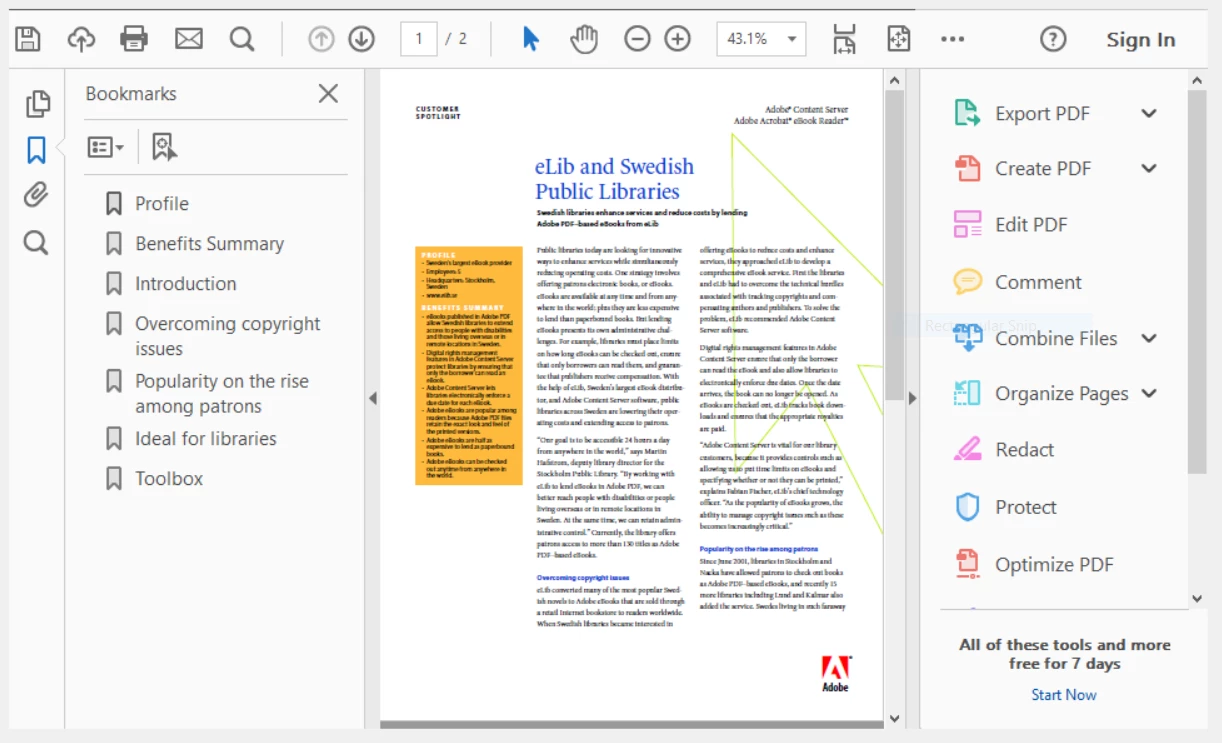
And this is already strange since SetPageMode states that "none" is the default mode (Acrobat DC SDK Documentation).
With the help of the following code I manage to make the look closer to what I want:axAcroPDF1.setShowScrollbars(false);
axAcroPDF1.setShowToolbar(false);
axAcroPDF1.setPageMode("none");
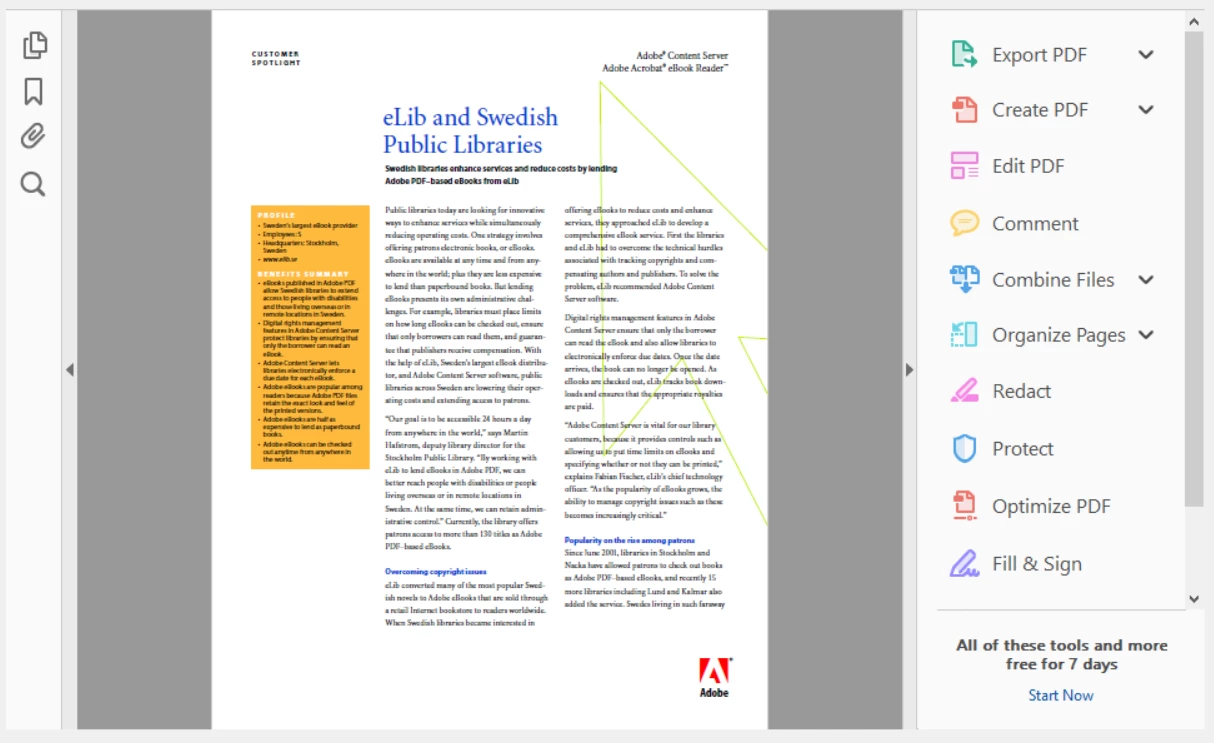
But in order to get a nearly ideal look I still need to click on the arrows to hide UI elements, so I can get the following look: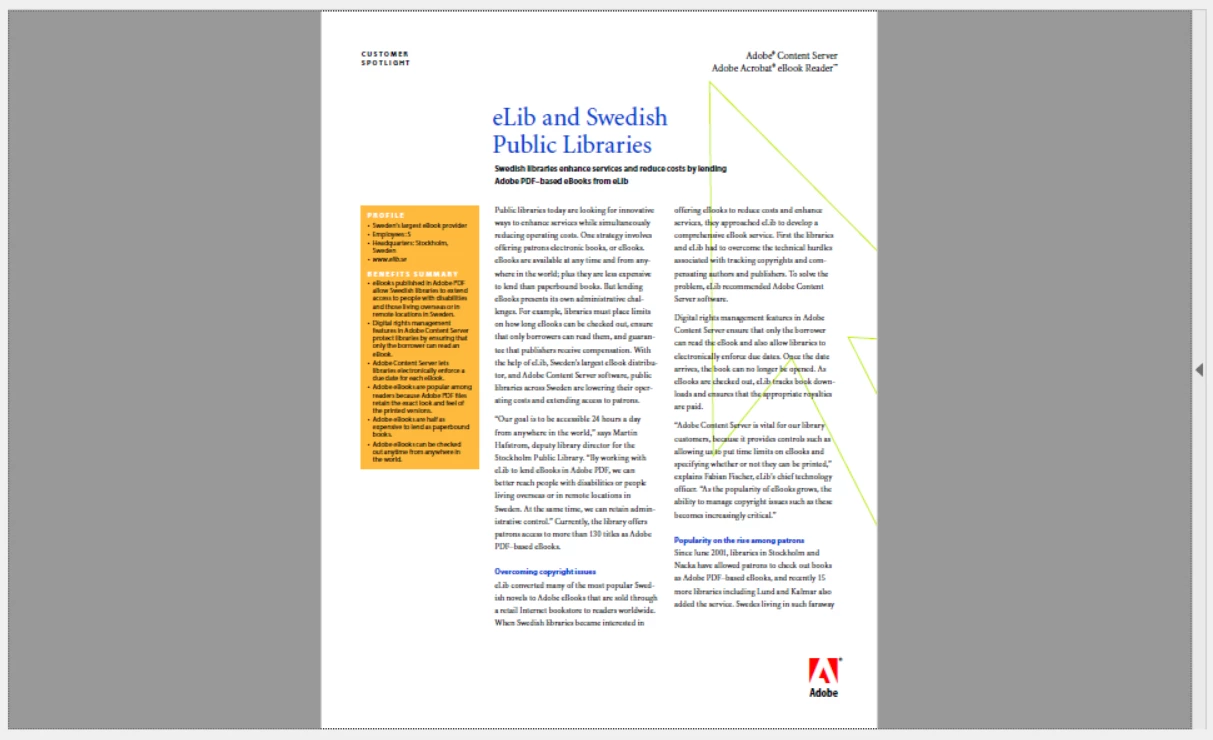
But there's still an arrow as UI element on the right side. Can I achieve something like this programmatically (ideally without that arrow on the right side)? - AxAcroPDFLib.AxAcroPDF is always reset when I load another document. Is there any way to remember the previous state? I mean not to call
for every document I open.axAcroPDF1.setShowScrollbars(false);
axAcroPDF1.setShowToolbar(false);
axAcroPDF1.setPageMode("none");
P.S. I am actually quite OK to open Acrobat Reader DC and send some keystrokes to it, but in the guide to command line parameters (https://wwwimages2.adobe.com/content/dam/acom/en/devnet/acrobat/pdfs/AcrobatDC_pdf_open_parameters.pdf ) I couldn't find a way to open Acrobat Reader DC full-screen. This was my best try using the following arguments:
"C:\Program Files (x86)\Adobe\Acrobat Reader DC\Reader\AcroRd32.exe" /A "pagemode=none&scrollbar=0&toolbar=0&statusbar=0&messages=0&navpanes=0" "elib_swedish_libraries.pdf"
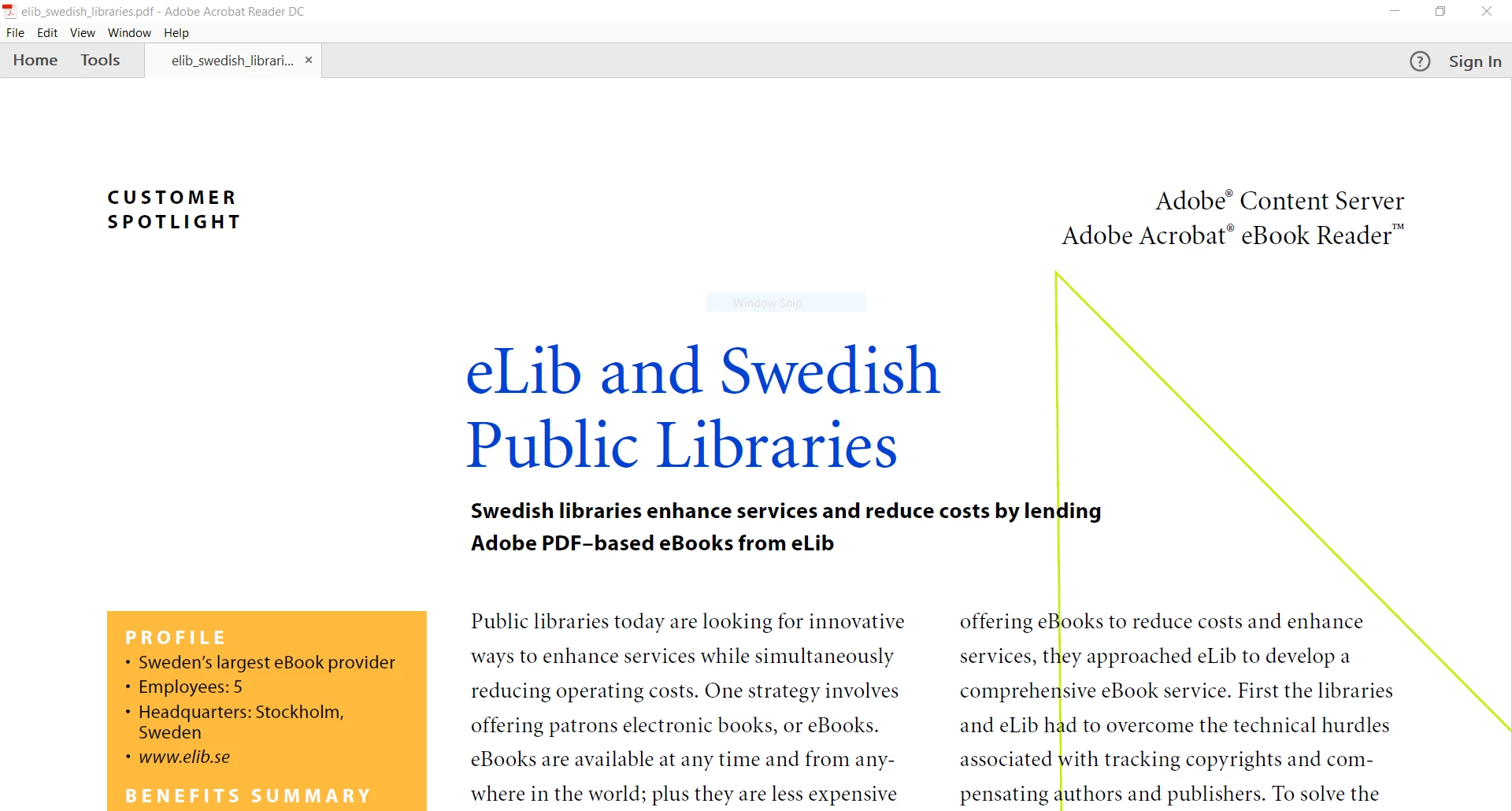
Is there such a possibility?
Thanks in advance.


 AdChoices