This topic has been closed for replies.

1 reply

kglad
Community Expert
Community Expert
April 28, 2016

hi ann,

you probably won't be able to use solution 1 (but do so if possible).  solution 2 usually works:

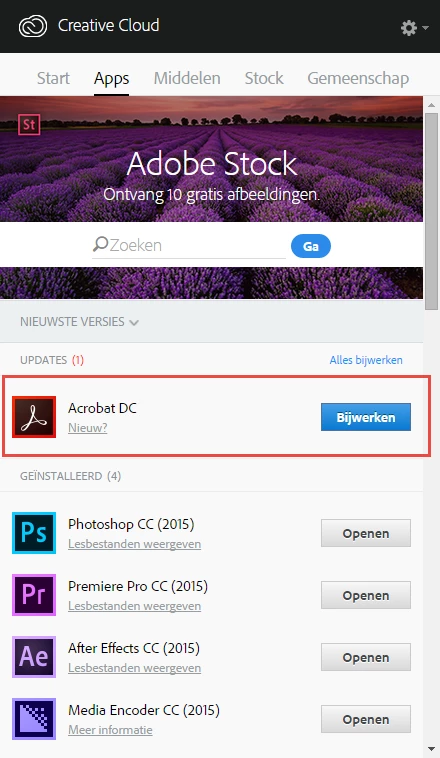
Adobe Creative Cloud desktop application lists uninstalled Adobe apps as up to date

Ann Bens
Community Expert
Ann BensCommunity ExpertAuthor
Community Expert
April 29, 2016

Hi,

alas did not work.

Cant even run the CC app uninstaller.

Keeps telling me apps are in use, even though I closed everything in the Control panel.

thanks

kglad
Community Expert
Community Expert
April 29, 2016

you've uninstalled all your cc programs via the control panel?

if so, uninstall the cc desktop app, Uninstall the Adobe Creative Cloud desktop application

clean per Use the Adobe Creative Cloud Cleaner Tool to solve installation problems

restart your computer

reinstall your cc desktop app, Download Adobe Creative Cloud apps | Free Adobe Creative Cloud trial

and use the app to install your cc programs.