



Answered
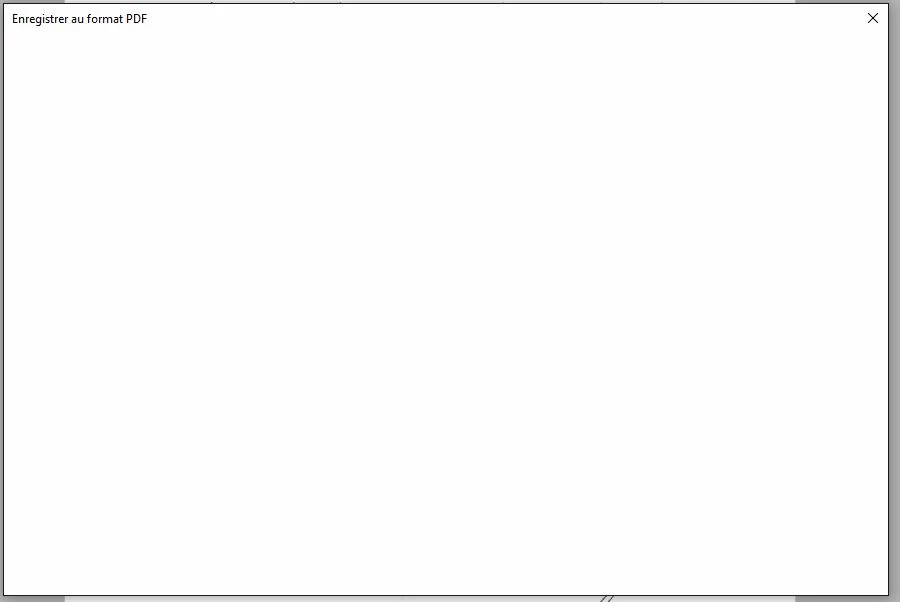
Save As PDF location is blank
Hello
since Acrobat DC update, the Save As PDF Location window is... totaly blank !
If I uninstall Acrobat DC, then at the very first start I have a list of folders, but after a while it stays definitely blank, and no options are provided else to close the window !
the only way I have is to : Save As differently / Reduced Size / First save it, and stop before a reduced size one to get my document saved ! Crazy !
Closing and reopening the software doesn't help.
Why can't we have a regular Windows 10 "Save As" window instead of yours. We don't care about the previous locations, we can find them ourselves!
Acrobat DC is definitely not a good update.
Thanks for your answer/help
 AdChoices