
Question
Save PDF document in format that doesn't require Adobe Flash
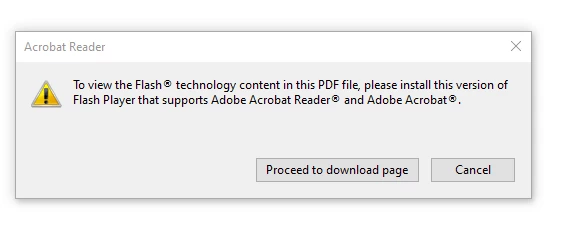
While opening an Adobe Acrobat invoice I receive the message "To view the Flash technology content in this PDE file, please install this version of Flash Player that supports Adobe Acrobat Reader and Adobe Acrobat."
I have installed the Flash Player on my computer and am able to open the invoice.
The problem is that I need to submit this invoice to get a warranty replacement and the company I am emailing the invoice to won't download Flash Player and therefore they can't open the Adobe Acrobat document.
Now that I have this document opened within Adobe Acrobat on my computer what steps can I take to save this document in a format that won't require Flash Player to open it?


 AdChoices