Known Participant
January 4, 2018
Answered

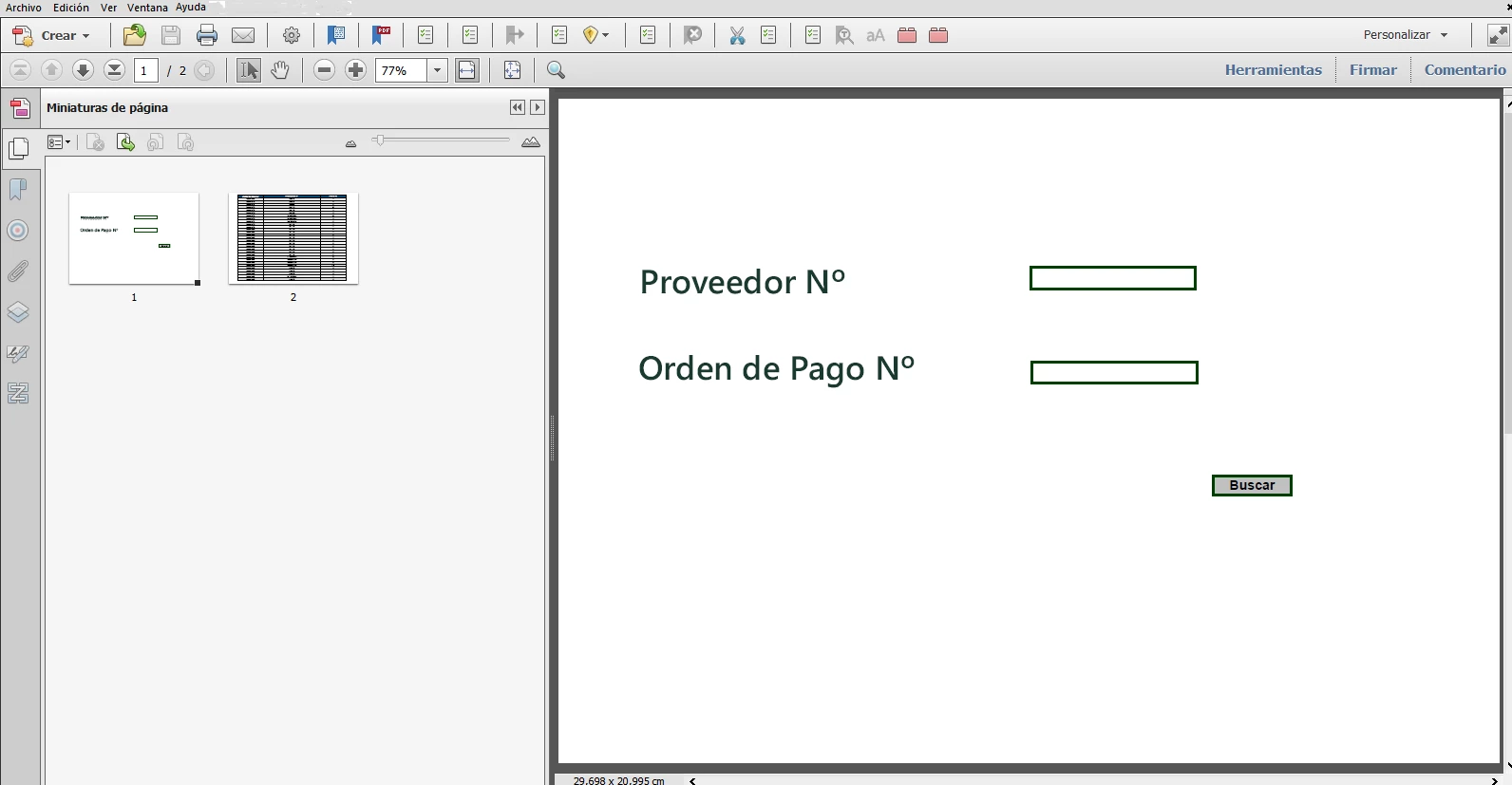
search form
  • January 4, 2018
  • 2 replies
  • 854 views

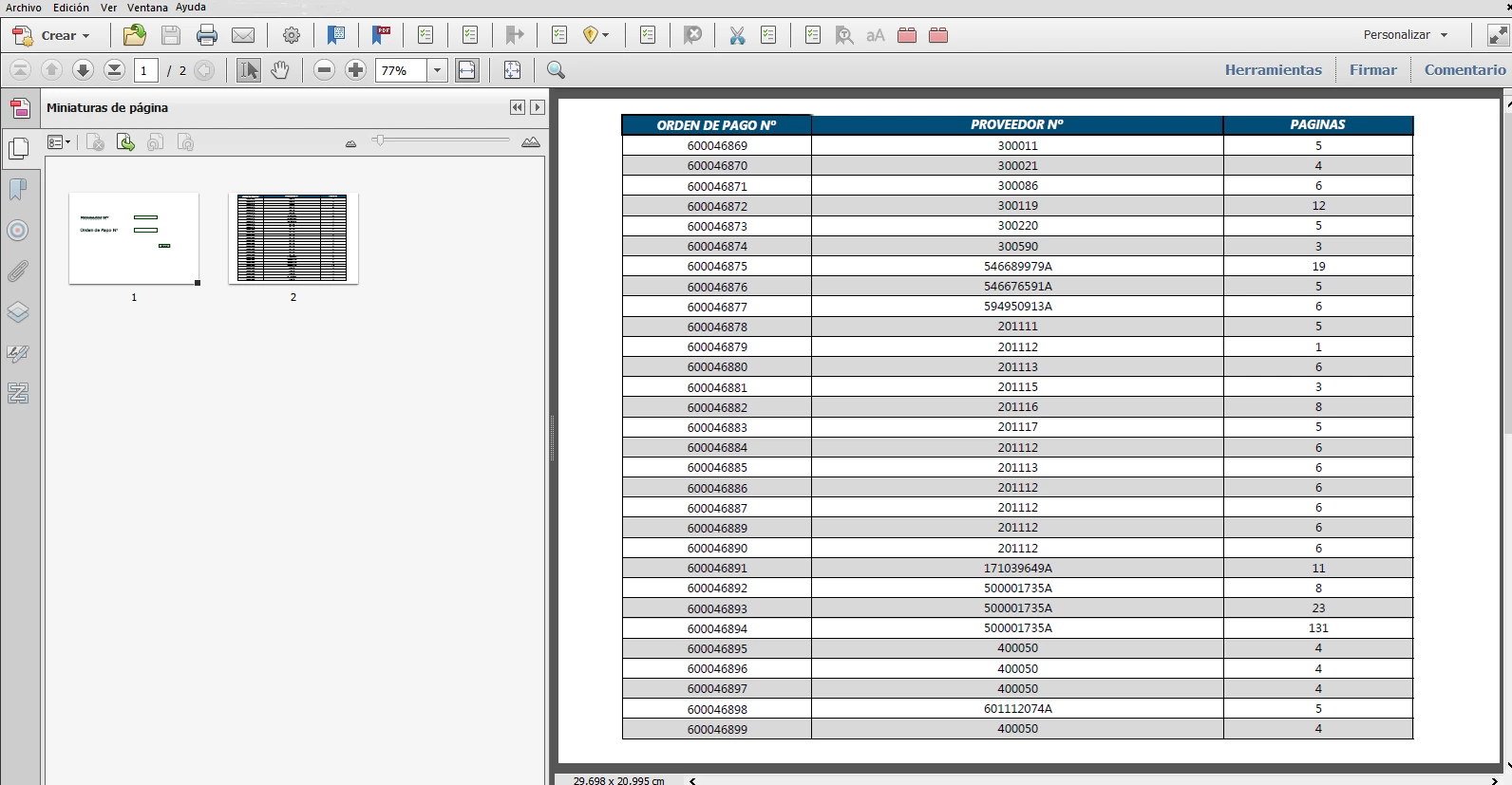
hello I have a pdf with more than 1000 pages which is a "table of contents" which has links to .pdf files ... on the first page I want to have a page that is a search page (image 1) ... ..ahi be able to search for any of the two options and when the search is done, show the result of all matches and click on any option take me to the page of the "table of contents" "where you are and from there to the .pdf file.

Could it be done?

This topic has been closed for replies.
Correct answer Thom Parker

There are a couple of ways you could implement this.

1. Search the text on all pages for matches. Very Slow to do this in real time.

2. Write a script that collects all the search data up front and places it somewhere such as a document script or form field. This will significantly speed up the search.

3. Write a script to create a bookmark for each of the entries in the TOC. This is similar to #2, but makes the navigation bit easier.

2 replies

DEMAuthor
Known Participant
January 5, 2018

hello, if I try it but when it shows me the results in the function "advanced search" is very confusing, that's why I wanted something clearer ... I'll search in google some javascript tutorial to be able to thank you very much for your help

Thom Parker
Community Expert
Thom ParkerCommunity ExpertCorrect answer
Community Expert
January 4, 2018

There are a couple of ways you could implement this.

1. Search the text on all pages for matches. Very Slow to do this in real time.

2. Write a script that collects all the search data up front and places it somewhere such as a document script or form field. This will significantly speed up the search.

3. Write a script to create a bookmark for each of the entries in the TOC. This is similar to #2, but makes the navigation bit easier.

Thom Parker - Software Developer at PDFScriptingUse the Acrobat JavaScript Reference early and often
DEMAuthor
Known Participant
January 4, 2018

thank you very much for your response, there is some link for some reference as it is not programming or anything from javascript thank you very much

Thom Parker
Community Expert
Community Expert
January 4, 2018

Here's the Acrobat JavaScript reference. This link is for the "doc.getPageNthWord()" function which is what you use to search content text on a PDF page. 

Acrobat DC SDK Documentation

However, the complete script you'll need is complicated and will require some effort.

On the other hand, Acrobat, and just about every other PDF viewer, has a pretty good built-in search feature.  Have you tried it out as a possible solution?

Thom Parker - Software Developer at PDFScriptingUse the Acrobat JavaScript Reference early and often