lomingt4692139
Participant
October 6, 2016
Answered

"Sign" multiple pdf documents on Acrobat DC Reader

  • October 6, 2016
  • 1 reply
  • 2621 views

Dear all,

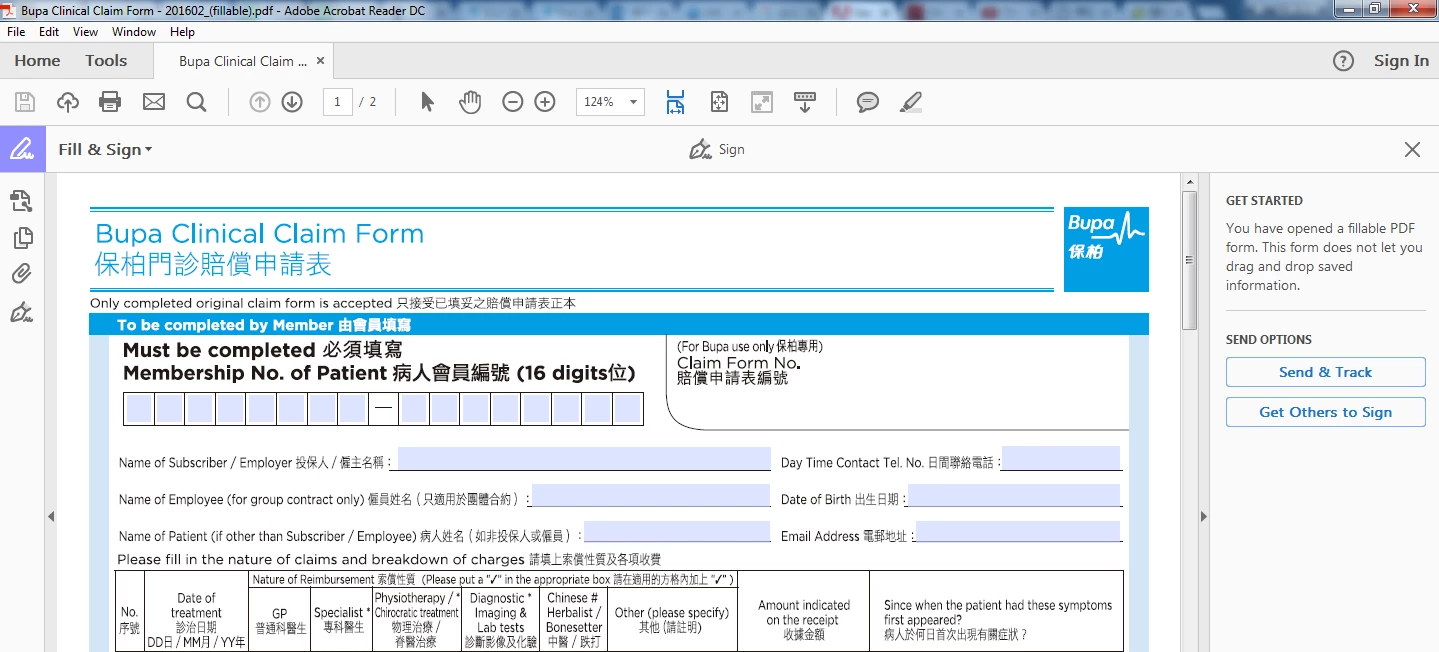
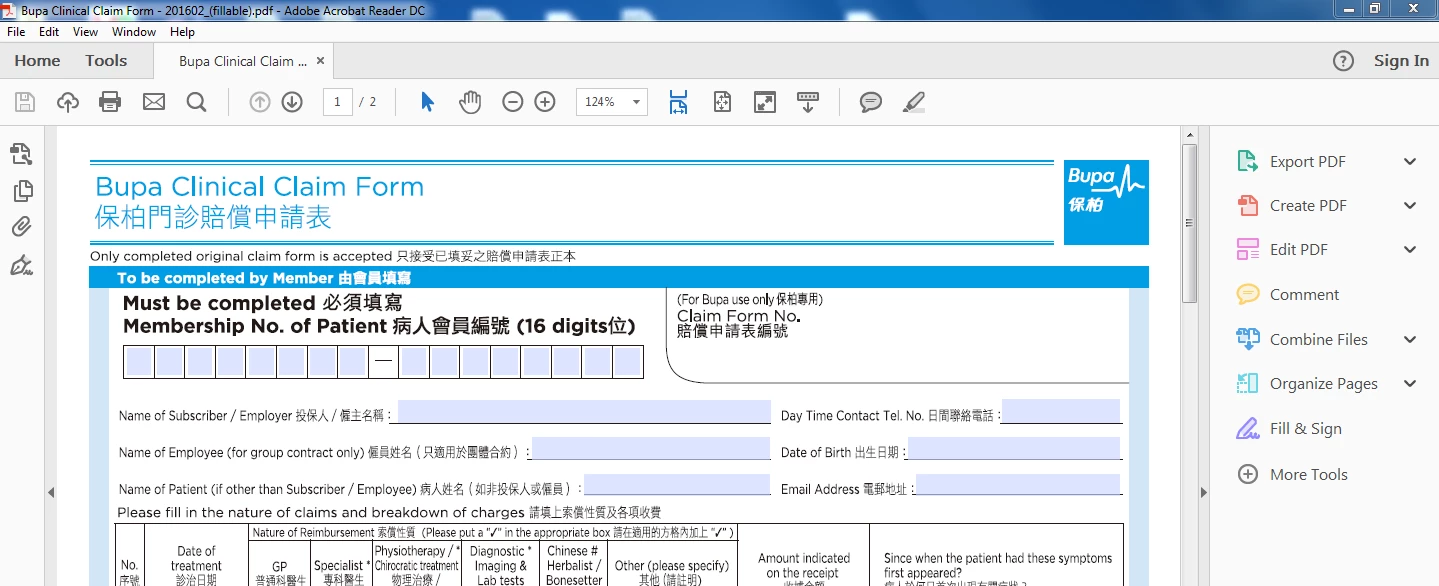
I am using Acrobat DC reader to do "sign" in a pdf. When i open a pdf, i need to firstly press "Fill & Sign" to turn on the "Fill & Sign" mode, then then do "Sign" on one pdf files each time.

May I ask if there is a faster way sign multiple pdf documents? I need to do "sign" about 50 times a day and when I open the file, click "Fill & Sign" mode and then pick a signature to sign on each document, it's really consume me a lot of time and make me tired.

May i ask is there any faster way to do this? thank you very much if you would provide any solution on this~! thanks~!

LoMing
This topic has been closed for replies.
Correct answer try67

Not with Reader, no. With Adobe Acrobat Pro you can use an Action to process multiple files in a single process.

1 reply

try67
Community Expert
try67Community ExpertCorrect answer
Community Expert
October 6, 2016

Not with Reader, no. With Adobe Acrobat Pro you can use an Action to process multiple files in a single process.

lomingt4692139
Participant
October 6, 2016

Hi try67,

So do you mean that Adobe Acrobat reader cannot do so but Adobe Acrobat Pro can do so?

LoMing

try67
Community Expert
Community Expert
October 6, 2016

Correct.