


Answered
Signature certificate password help
I'm trying to set up a topaz T-S460-HSB-R electronic signature pad. I successfully installed and signed documents on one computer I clicked the sign field and a signature field came up you sign and boom your done. But upon trying the same process with the same document on another computer I get this:
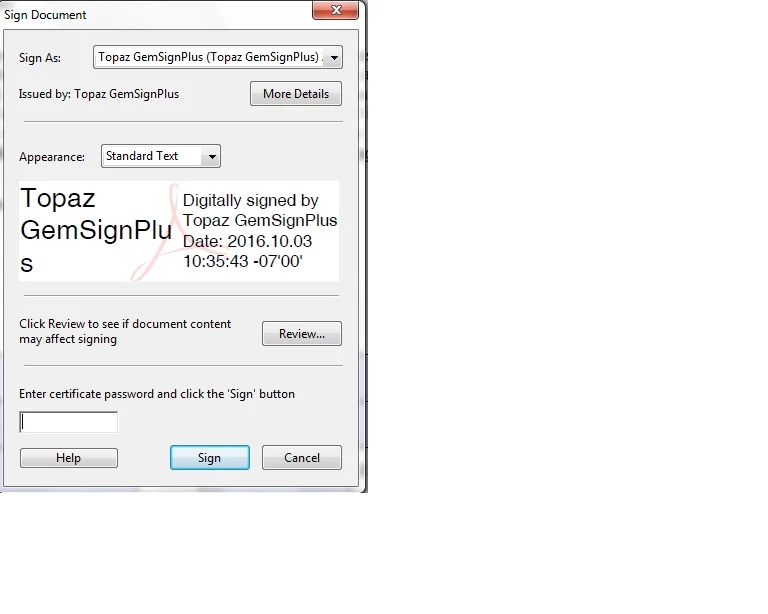
First, I don't even have any type of password although acrobat begs to differ, second I'm trying to set up this computer so that people who come in can sign the documents they fill out so it will be signed by many people and I cant have this popping up every time. I know it has something to do with the Digital ID but Im not sure how to remove it or set up a public version. Any help would be appreciated.
 AdChoices