Inspiring
Jun 12, 2023 10:47 AM UTC
Question

Submit Button Issues


Hello,

I posted on Acrobat forum. But it may be better here.


I created a PDF form using InDesign with a submit button. 

The button doesn't work when uploaded onto the website. Link is below.

 https://madinaacademy.org.uk/images/downloads/document1.pdf


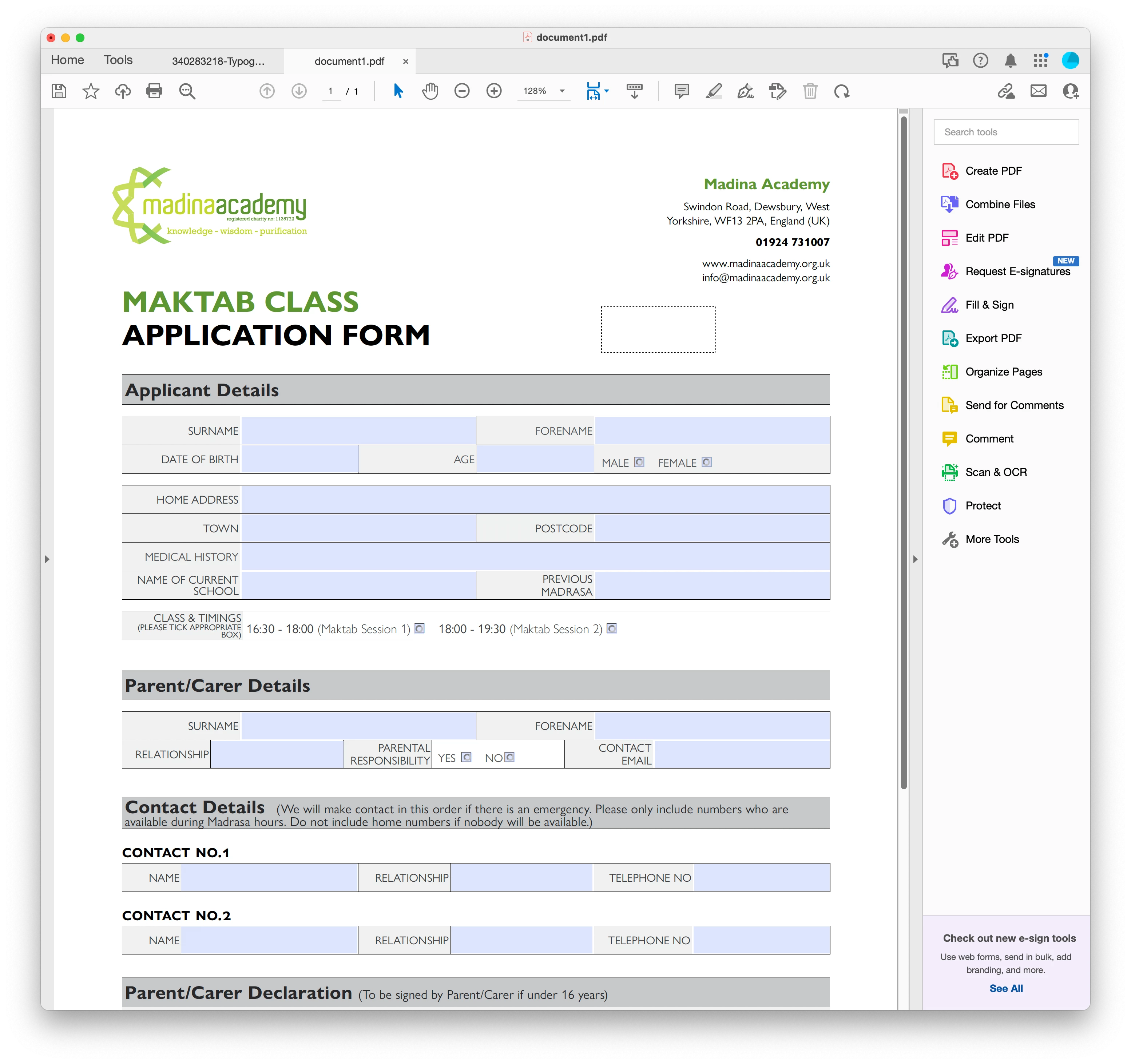
Also, when the form is downloaded, the submit button disappears. If you hover over the area where the button is, the pointer changes to a hand but still the button doesn't work. 


See image below.
This topic is closed to new replies. Start a new post to keep the conversation going.

8 replies

try67
Community Expert
Community Expert
Jun 13, 2023 12:39 PM UTC

Works fine for me, too. How did you download it, exactly? Did you open it in the browser and then selected Save As? If so, you probably used the browser's internal PDF plugin, which are usually sub-par, especially when it comes to form fields. Instead, you should download the file directly to your computer, and then open it in Acrobat or Reader.

Translate
Inspiring
Jun 13, 2023 2:26 PM UTC

If i type in a field, click submit button  - all done in the safari browser. The submit button doesn't work.


Then i decide to download the pdf. If i now open in Acrobat, the buttons disappear.

Translate
try67
Community Expert
Community Expert
Jun 13, 2023 2:46 PM UTC

Don't open the file in Safari.

Translate
Bernd Alheit
Community Expert
Community Expert
Jun 12, 2023 11:01 AM UTC

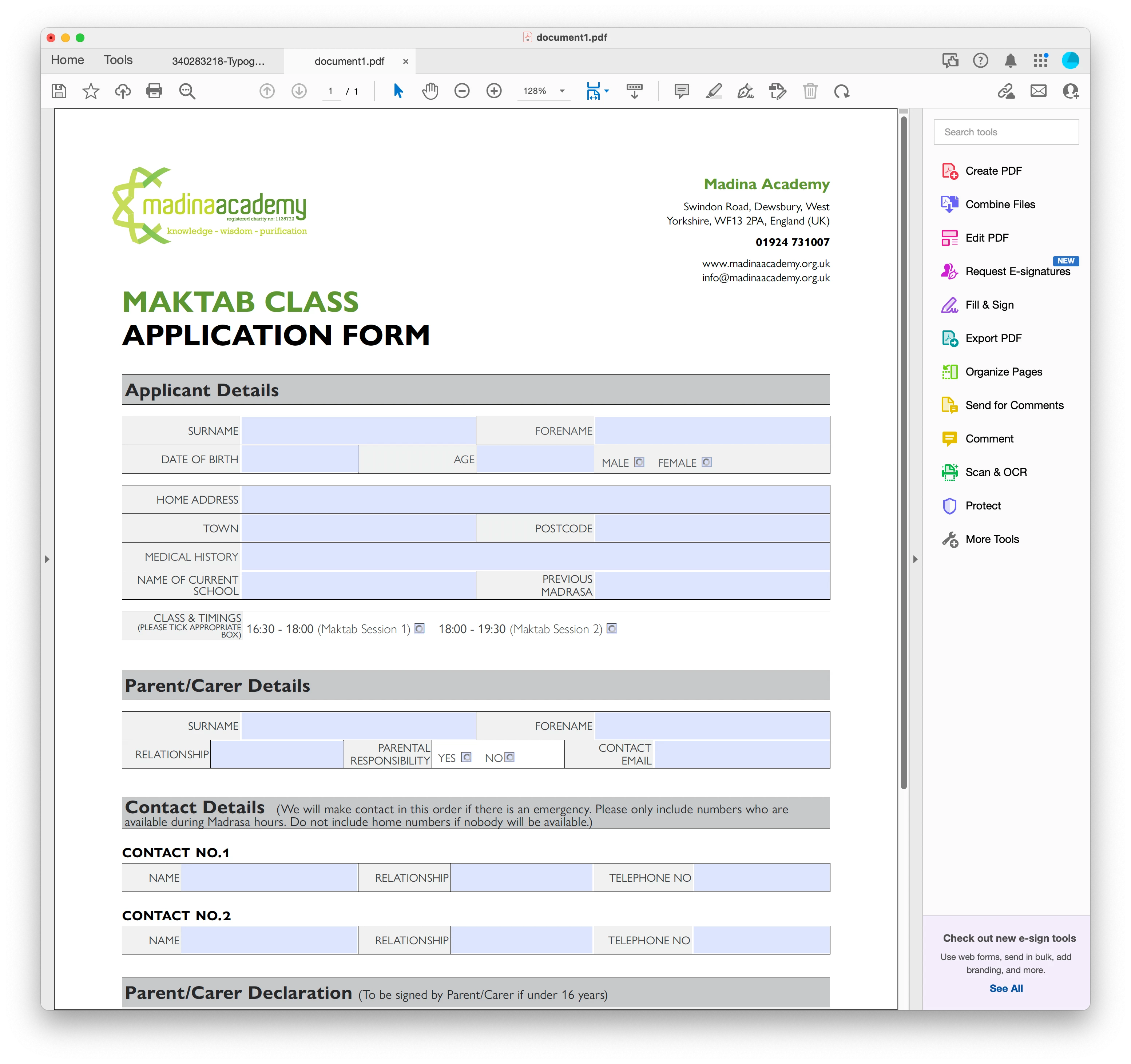
The button is visible in Adobe Acrobat:

Translate
Inspiring
Jun 12, 2023 6:22 PM UTC

ok. so you downloaded the pdf?

Translate
Bernd Alheit
Community Expert
Community Expert
Jun 12, 2023 7:40 PM UTC

Yes 

Translate