
Participating Frequently
March 24, 2016
Answered

Submit button missing in prepare form

  • March 24, 2016
  • 1 reply
  • 5664 views

Hello,

I am evaluating product to create pdf form that will email the file to us. I downloaded 2015 Release of Acrobat Pro DC but I can't seem to find the "Submit" button that several online documents refer to. There are options such as "Add text fields", "Add check boxes", "add radio button" etc.

Thank You
This topic has been closed for replies.
Correct answer George_Johnson

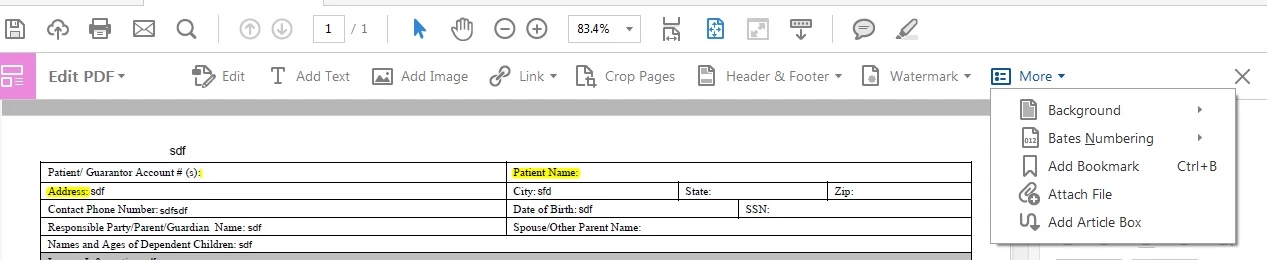
Thanks George. On the Edit PDF mode, there is more but the Revert to pdf isn't there.

On the Prepare Form mode, there is not more option.

Please see the attached images.


The screen shots you're showing are of the toolbar on the top. The More button should be in the panel on the right when in form editing mode (Prepare Form).

1 reply

try67
Community Expert
Community Expert
March 24, 2016

You add a regular button field and then to it you add a Mouse Up action

that submits the form.

raidipAuthor
Participating Frequently
March 24, 2016

Thank You try67. How do you add a regular button. I don't see the option for a button.

try67
Community Expert
Community Expert
March 24, 2016

It should be there, alongside "Add Text Field", "Add Check Boxes", etc.
