Text garbled by preflight digital press (BW) mode
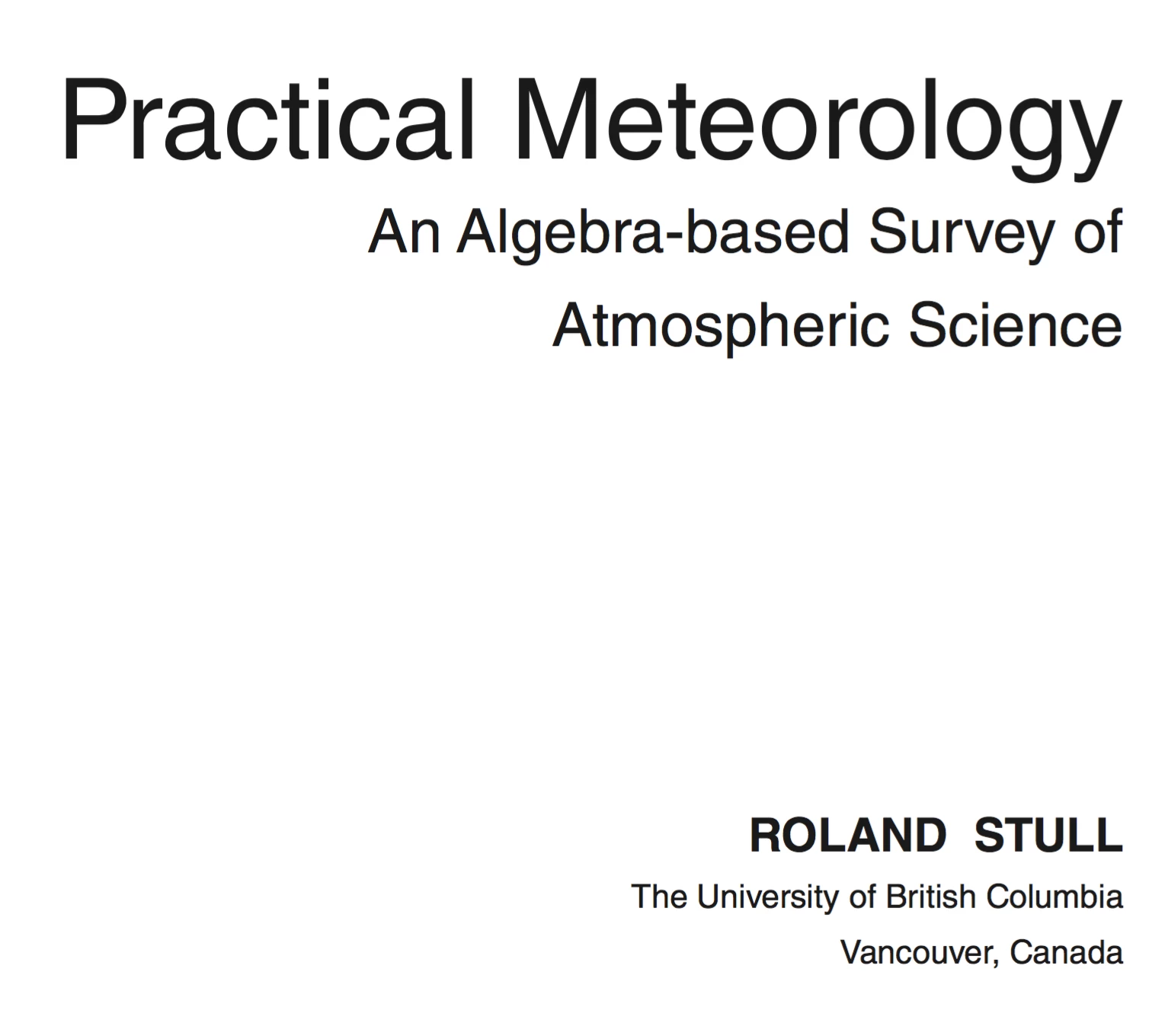
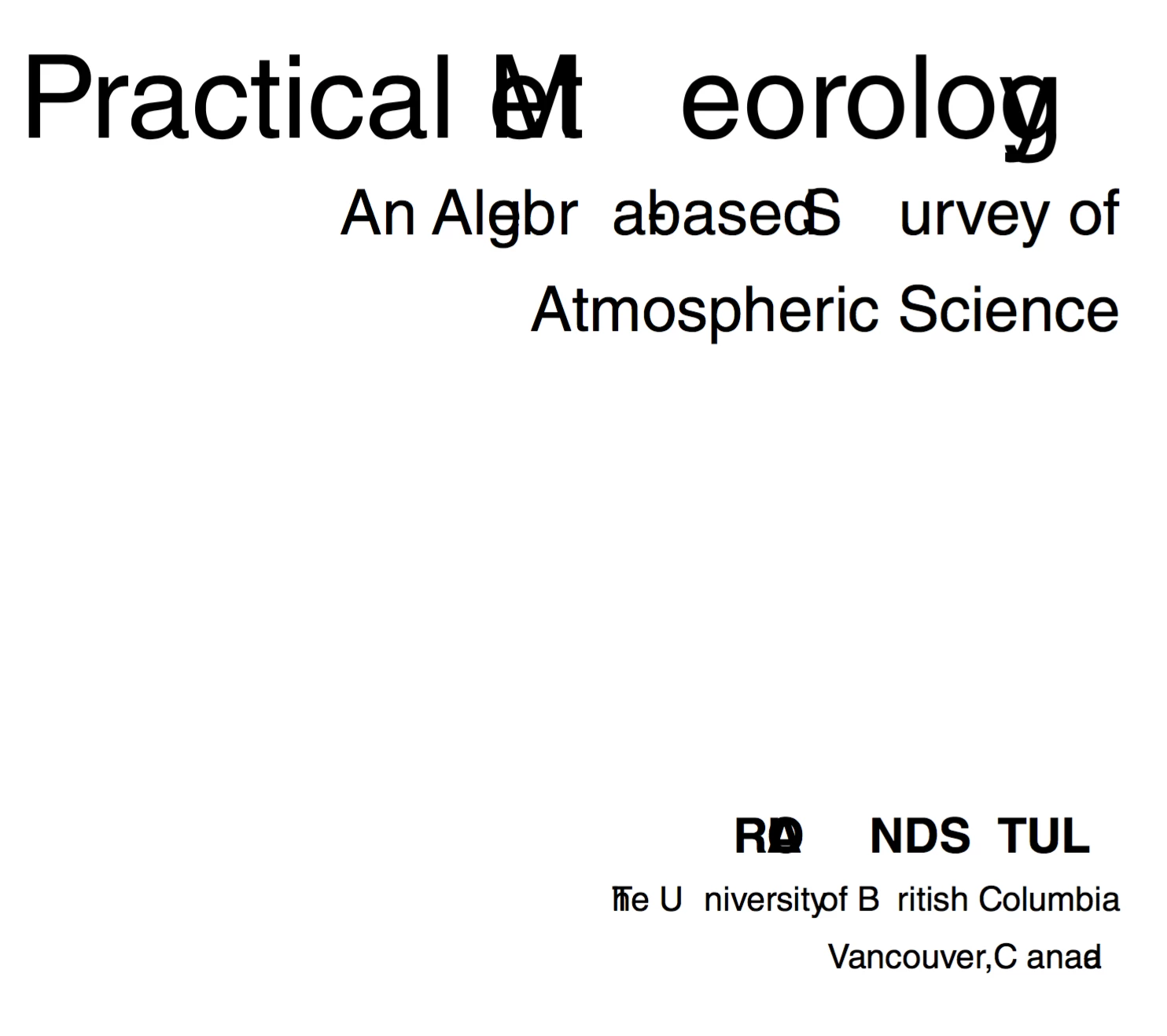
I received a PDF file from a client that needs to be digitally printed in black and white. When I use the Preflight Digital Press (BW) mode, it garbles the text on the title page -- i.e., some of the characters get moved to different locations in the line. Interestingly, when I isolate just that page as a standalone doc and run the same function, nothing happens; it only gets garbled if there are additional pages in the document. It may be connected with the "flatten transparency" function that is part of that particular preflight mode, as that's what is displayed in the status window when the garbling occurs.
I would be happy to attached actual shortened PDFs illustrating the before and after, but I don't see how to attach files here, so instead I'll embed screen captures.
I'm using Acrobat 11.0.17 on Mac OS X 10.11.2.
Before:
After:
 AdChoices