



Question
Using Adobe Acrobat DC with EPSON workforce 7620. To create a scan it wants to create an image instead of a doucment. How can I return to getting a color document, not image?
I scan legal documents. On one of my last updates, something went awry and Enhanced scans started giving me weird options. I see this when I start out >
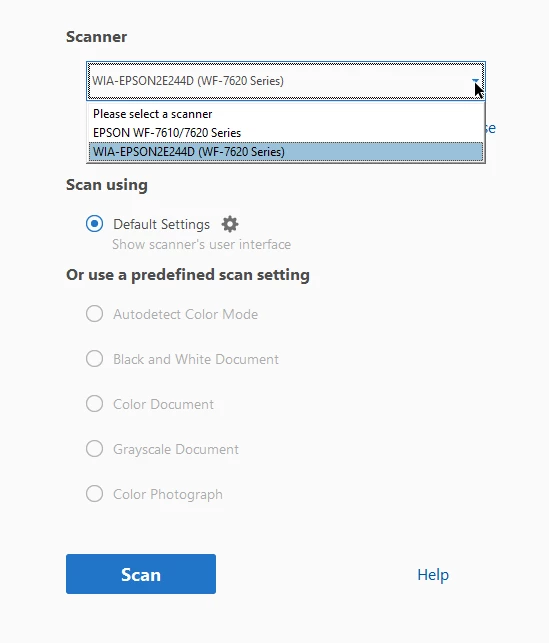
Then when I select the SCAN option this pops up and I can only get image scans instead a crisp document that I need to forward to attorney's etc.
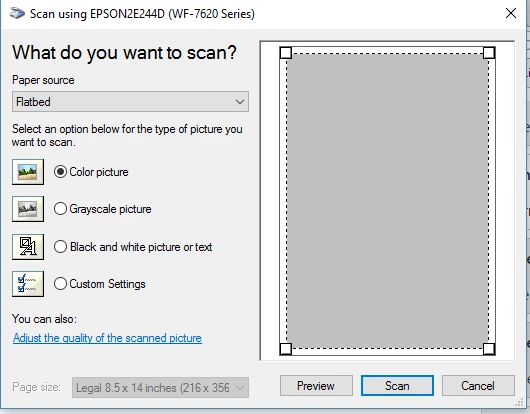
I tried uninstalling Acrobat and reinstalling it, but this is still happening. How do I get the option to scan a document, not a color picture?
Any and all help is appreciated. I called EPSON and they told me it was an ACROBAT issue.
 AdChoices