
using checkbox to fill out form field
I have a checkbox that if selected on the first PDF page it uses text from another hidden text form field and saves it as read only when checked.I still want the user to be able to unchecked the box and fill data in if needed.Everything is working fine on the first form field but the second field is not working. Below is the script and an what im trying to do.
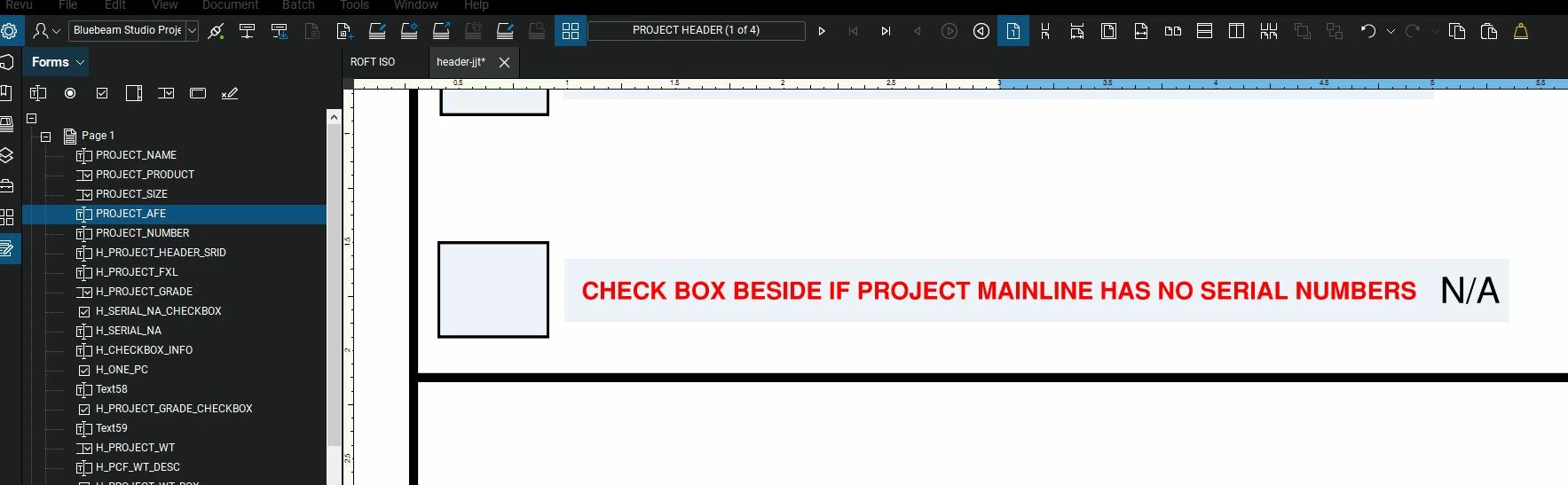
Check Box
H_SERIAL_NA_CHECKBOX
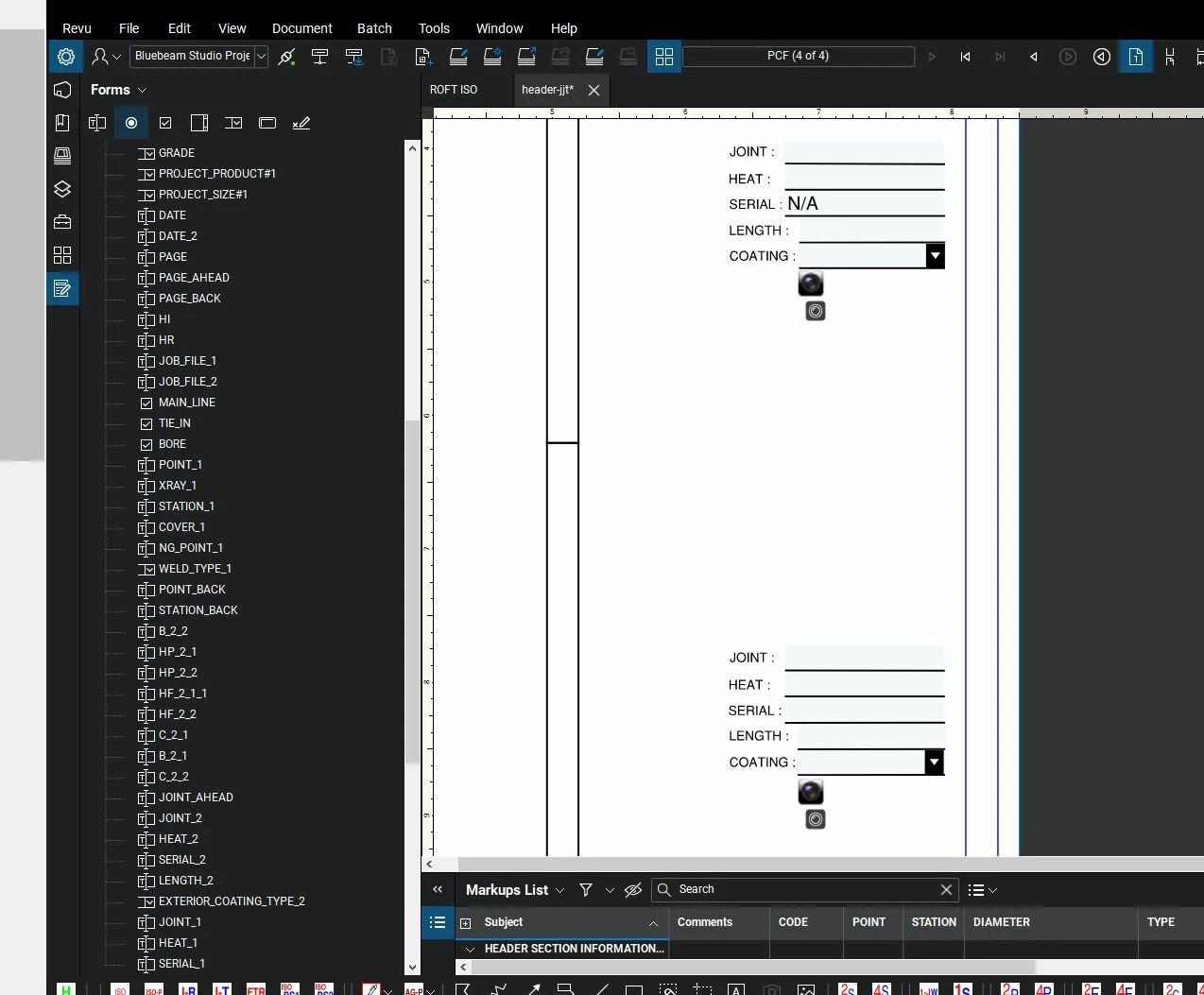
First text form field (When "H_SERIAL_NA_CHECKBOX" is selected the value "N/A" needs to be added to the field and set to read only, But when unchecked the user is able to change the value if needed)
SERIAL_2
Second text form field (When "H_SERIAL_NA_CHECKBOX" is selected the value "N/A" needs to be added to the field and set to read only, But when unchecked the user is able to change the value if needed)
SERIAL_1
Custom Calculation Field in "SERIAL_2" and "SERIAL_1"
event.value = this.getField("H_SERIAL_NA").value;
event.rc = this.getField("H_SERIAL_NA_CHECKBOX").isBoxChecked(0);
event.target.readonly = event.rc;
event.value = this.getField("H_SERIAL_NA").value;
event.rc = this.getField("H_SERIAL_NA_CHECKBOX").isBoxChecked(0);
event.target.readonly = event.rc;



 AdChoices