
chrisl95013937
Participant
January 14, 2016
Question

When I export an interactive form to HTML the format is wrong... help!

  • January 14, 2016
  • 2 replies
  • 1103 views

Hi. I'm on Creative Cloud and I'm using Acrobat to make an interactive form; I made a PDF into a form and now I want it to be on the web. I'm saving it as an HTML file. Whenever I do that it looks screwed up. This is the HTML file on Google Chrome; it also looks screwed up on Safari.
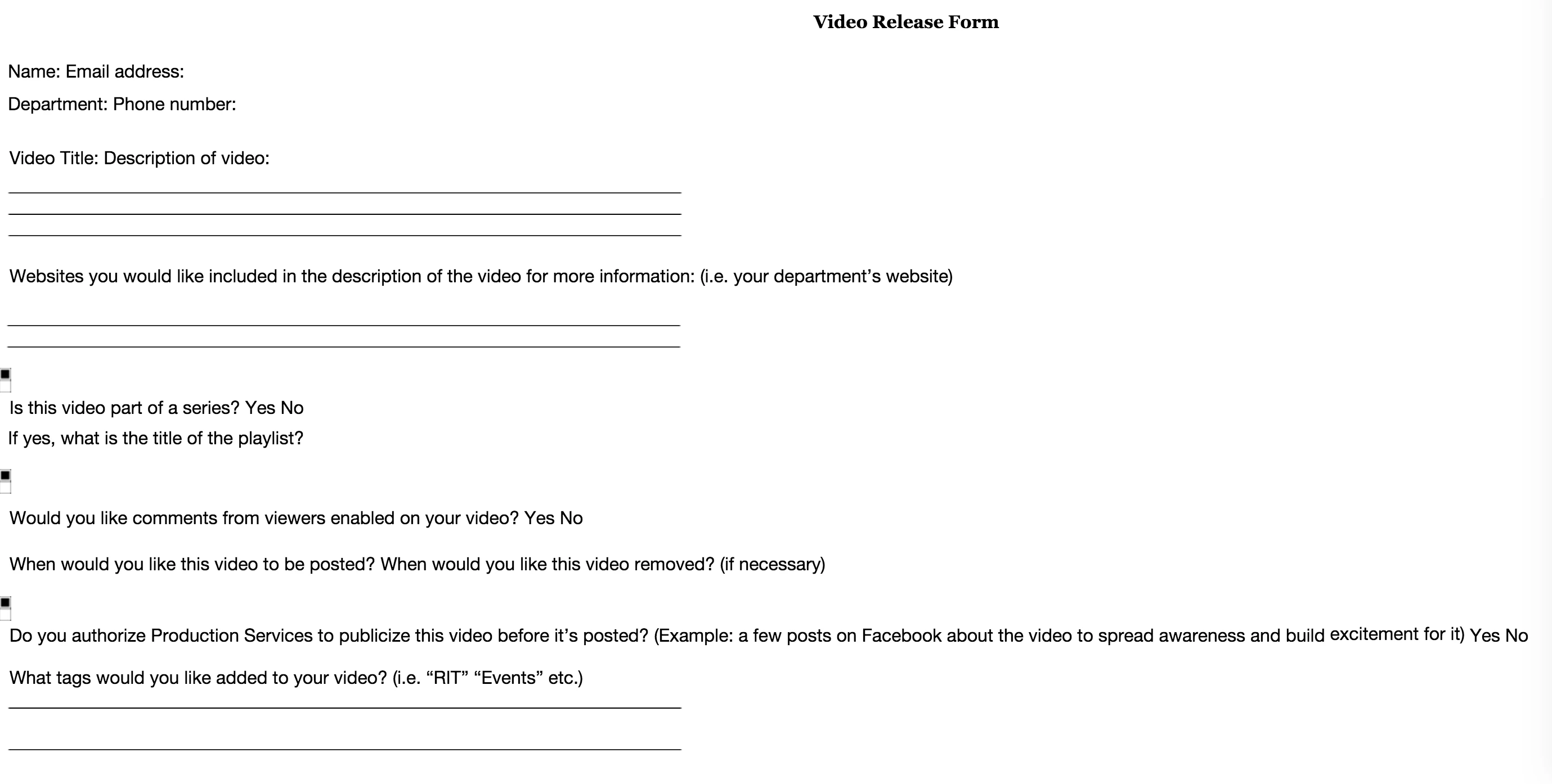
Can somebody please help? It looks like this as a PDF and I want it to look just like that and keep its interactivity.
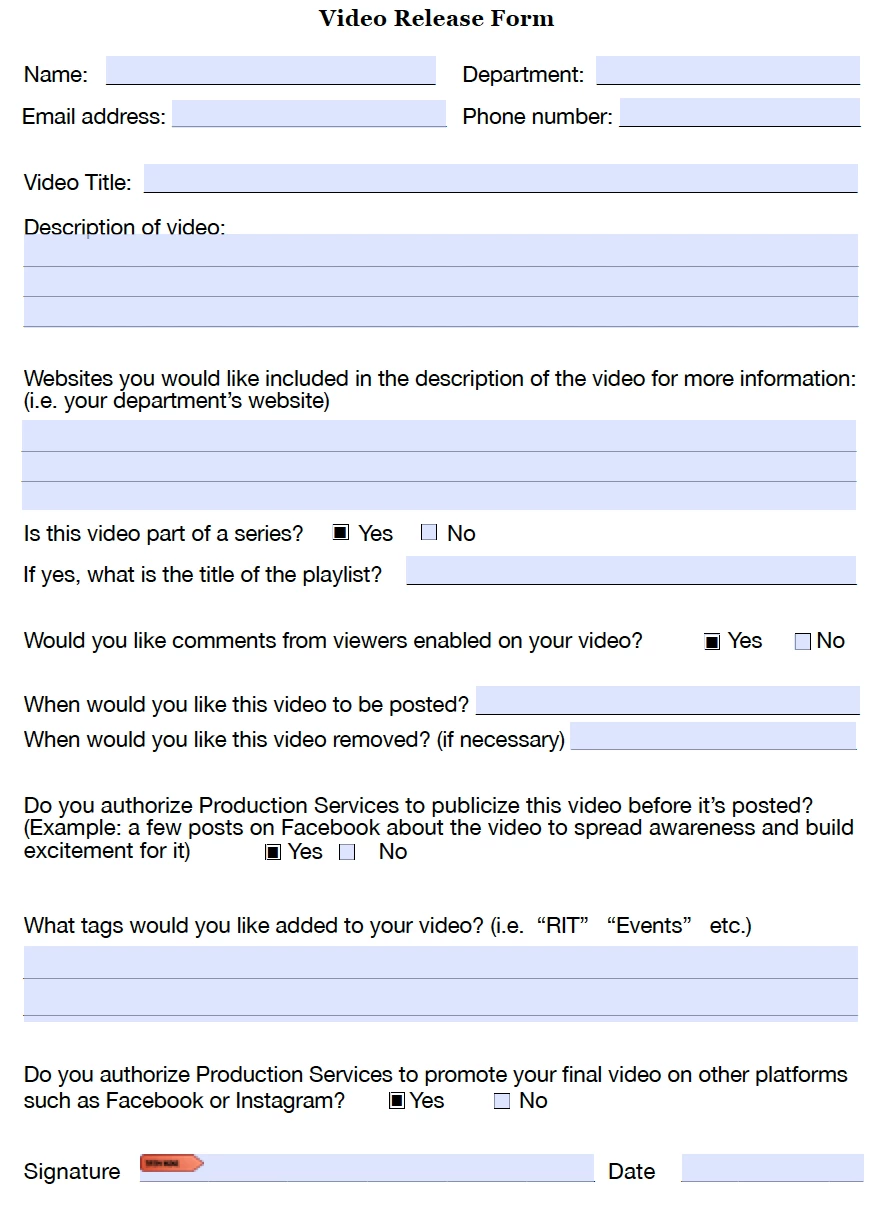
Thanks!

This topic has been closed for replies.

2 replies

Allta Media
Community Expert
Community Expert
January 14, 2016

I'm not able to get any of the form fields to come across, even if they're tagged as form fields in the structure. You might try a 3rd party PDF to HTML converter.

Legend
January 14, 2016

If you could convert PDF files to HTML with no loss of layout, there would be no need to invent PDF. HTML is a flexible, simple, self-adjusting layout. May need some manual editing now, but frankly it's pointless to design in PDF if you want HTML, it won't let you create better layouts or work more quickly. Design in HTML.

chrisl95013937
Participant
January 14, 2016

Should I just plug it into DreamWeaver for that?

Legend
January 14, 2016

I would definitely start again if it were me but it might be possible to recover it in DreamWeaver. I hand edit HTML if needed.