
Question
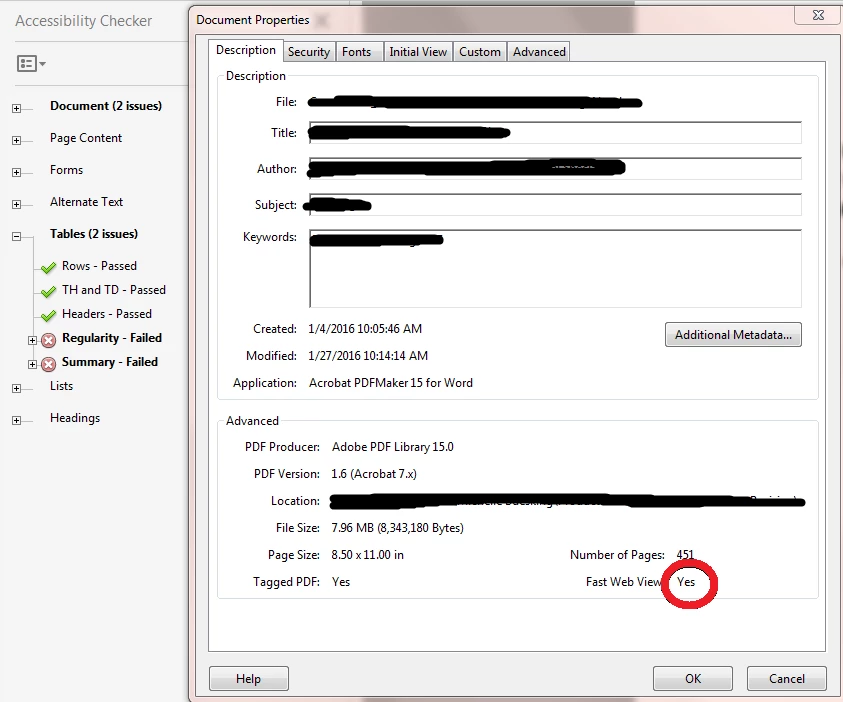
Why is my accessibility check failing after "save as" when everything passes before "save as"?
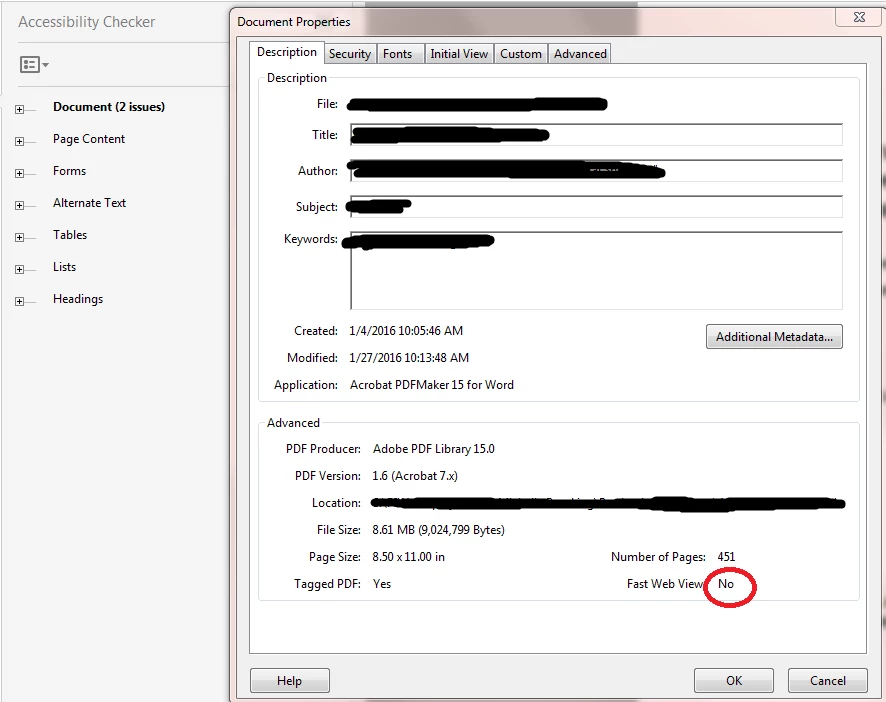
I'm working with Acrobat Pro DC. I have a document around ~450 pages long that has to pass the Acrobat accessibility check for my employer. The document passes the accessibility check in every category but it needs to be "Fast Web View" which means I need to do a "Save As" of the document. I've tried saving it with a new name and saving it with the same name and replacing the existing file but every time I re-open the document after I've done my "Save As", the accessibility check fails in several categories. Is there any explanation for this or a way to fix it?
Accessible but not "Fast Web View"
Inaccessible but "Fast Web View"


 AdChoices