

Participant
March 24, 2022
Question

Adobe Color Accessibility Tools Not Working

  • March 24, 2022
  • 1 reply
  • 256 views

Hi, 

I am currently on my Macbook Pro. Every time I try to click on the Accessibility Tools I get this error.
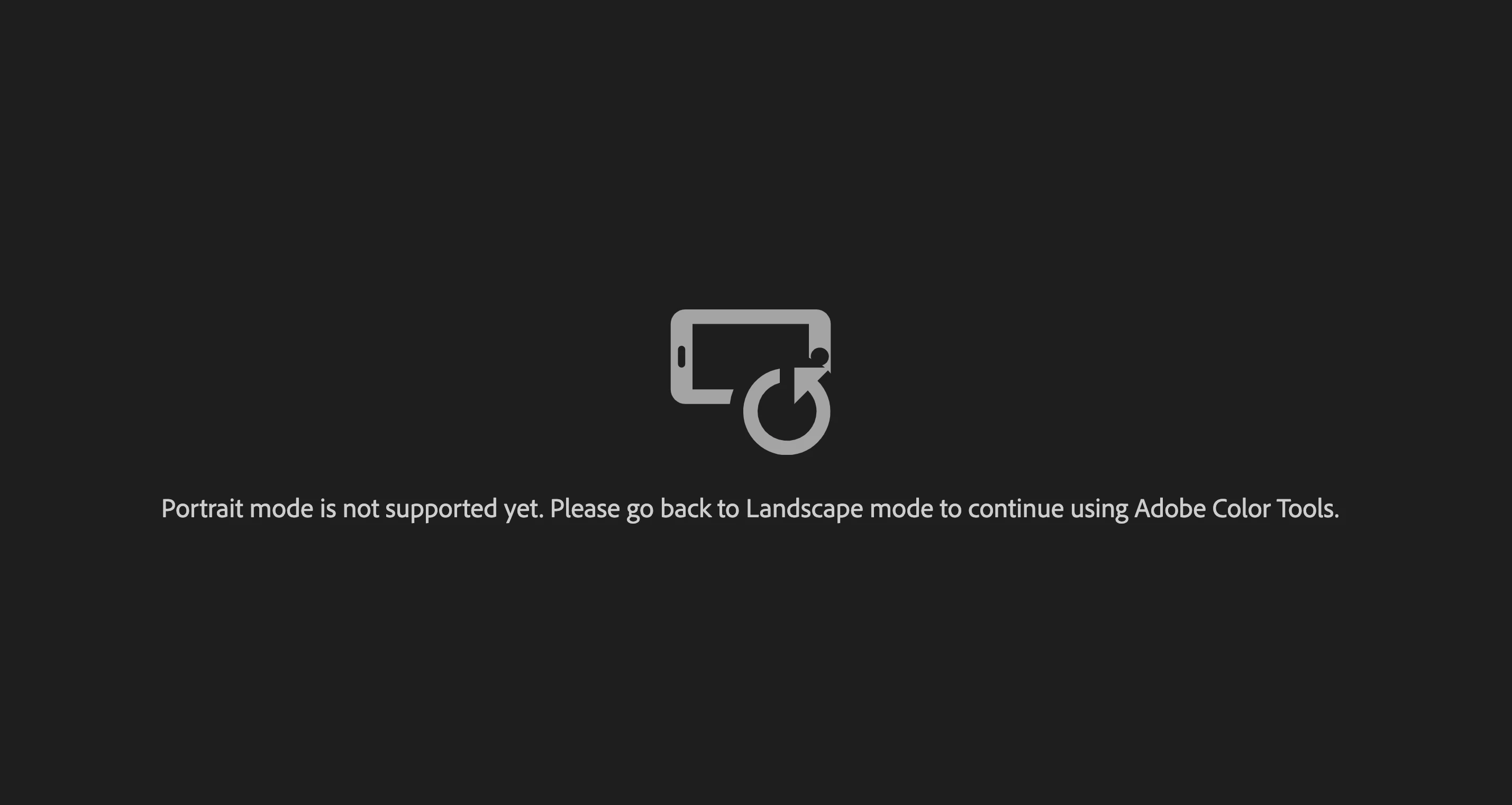

    This topic has been closed for replies.

    1 reply

    Adobe Employee
    March 24, 2022

    Thank you for reaching out to us. You are seeing this screen, as you might have your screen resolution set to smaller values (equivalent to tablet, where accessibility tools are not supported in portrait mode yet).

    To solve this issue, you can increase the display resolution of your mac.

    congoleseAuthor
    Participant
    March 26, 2022

    Hi, 

    I tried all four settings on my MBP but still received the same error. I am on a Macbook Pro with Built-In Retina display if that's of  any help

    Adobe Employee
    March 28, 2022

    will it be possible for you to have a short meeting with us, so that we can check on your issue. if you are available, please share some preference of time between 8-10 AM (or PM) PST and drop an email to "rohijai@adobe.com".