


Elim Media
Participant
October 8, 2025
Question

Anyone else not able to view libraries/themes in the web UI?

  • October 8, 2025
  • 3 replies
  • 136 views

I'm having an issue where my libraries aren't showing up on color.adobe.com most of the time. Sometimes I can refresh the page and get it to load, but usually I just get this error:
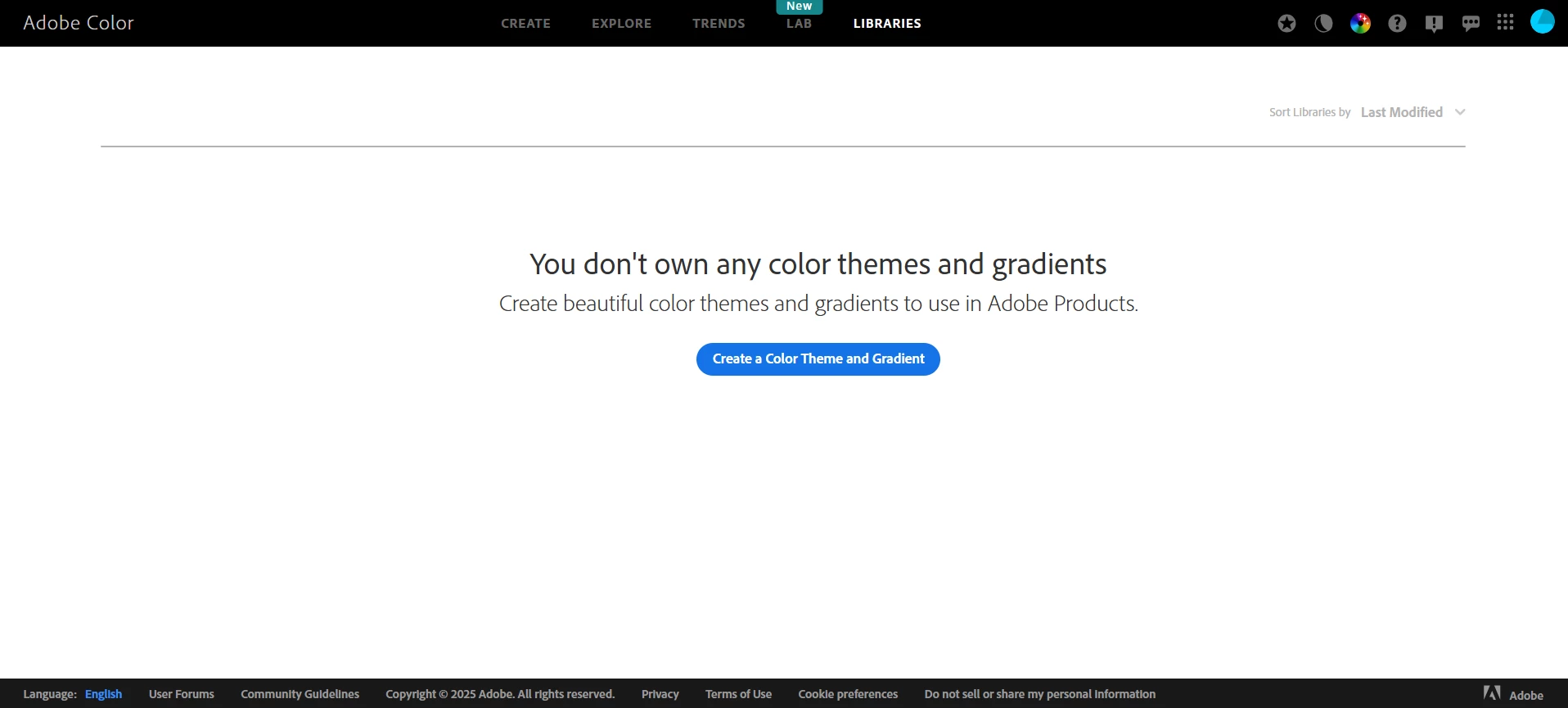
My themes and libraries definitely still exist, as I can access them in other apps, I just can't get them to load consistently on the web page. I've tried disabling extensions and logging in on an alternate browser and still get the same issue, so I don't think it's on my end. Anyone else run into this before?

3 replies

Elim Media
Participant
October 8, 2025

If there are any Adobe devs that see this, it looks like it's got something to do with mythemes.6f9482db391b39a5711b.js. There are a whole bunch of 400 server response errors that show up in the console no matter what, but from what I can tell the only unique error message related to this problem seems to be coming from that script:

I'm not fluent enough in Javascript to backtrack and actually figure out what's causing the error, but maybe this will point you all in the right direction?

October 14, 2025

Hey @Elim Media  and @Allison Kessler 

Totally understand when you put a lot of time and effort into organizing your libraries and they are not there.
I asked someone to look into the matter. Thanks for letting us know.

Cheers
Nate

Allison Kessler
Participating Frequently
October 8, 2025

They are all suddenly back. This actually makes me a bit scared because I've invested a lot into this color library and use it every day. When it's gone, I don't have any backup. Except I guess they're also stored as files in my account? 

Elim Media
Participant
October 8, 2025

So it's not just me then. Good to know! I can still access my themes without issue in the Libraries panel in my apps (at least in Illustrator, InDesign, and Photoshop, I haven't tested anything else), so maybe that's the best workaround for the time being? It'll load sometimes in the web UI for me but not all the time, which is weird.

Allison Kessler
Participating Frequently
October 8, 2025

Mine is doing this too. I loggout out, restarted my computer, cleared my cache and tried in 3 different browers. Doesn't work any more for me.