


curious_Songbird5CDC
Participant
June 2, 2017
Question

CC Library not syncing

  • June 2, 2017
  • 1 reply
  • 711 views

Hi,

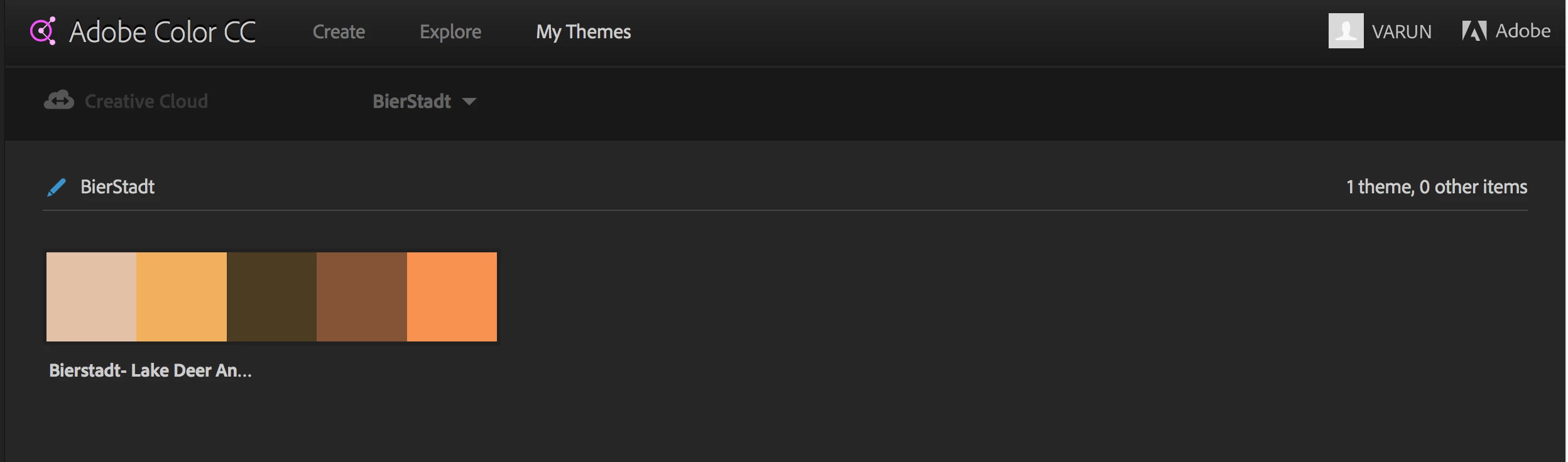
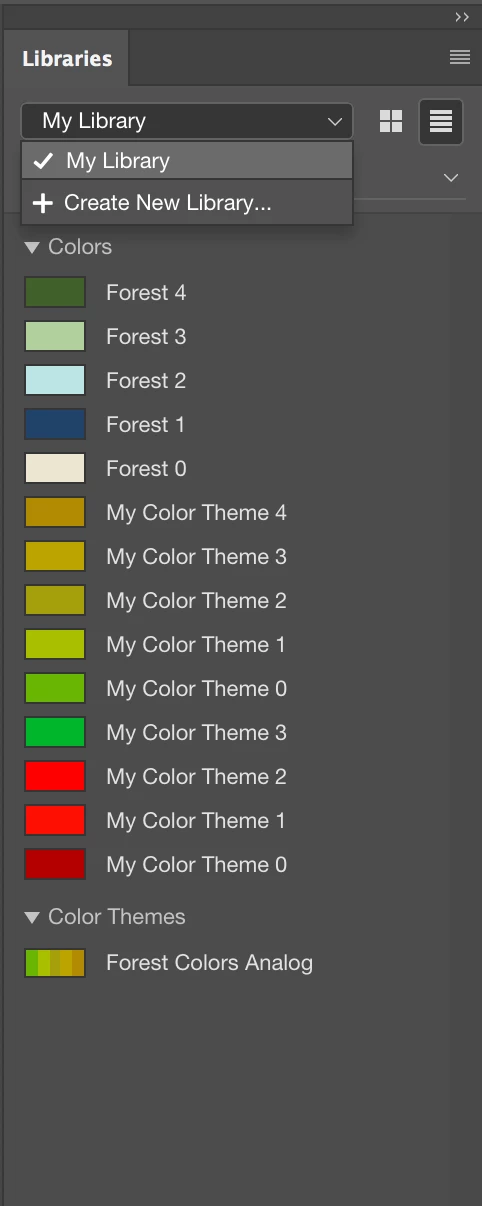
I have created some themes on Adobe color Library and saved it to Cloud, however i cannot view or access them when i log into photoshop CC.

Sync settings on Adobe Creative Cloud Desktop App is set to on.

Could someone please help me here. Screen print of Library on Adobe color attached.
Photoshop library screen print.
Thanks,

Varun.M

    This topic has been closed for replies.

    1 reply

    jain22rohit
    Adobe Employee
    Adobe Employee
    June 6, 2017

    Hi Varun, let me through which browser you accessed Adobe Color.

    Also make sure your Adobe Creative Cloud Desktop app and Photoshop are up to date.

    curious_Songbird5CDC
    Participant
    June 8, 2017

    Hi Rohit,

    Yes they are up to date and browser is google chrome! Thanks